

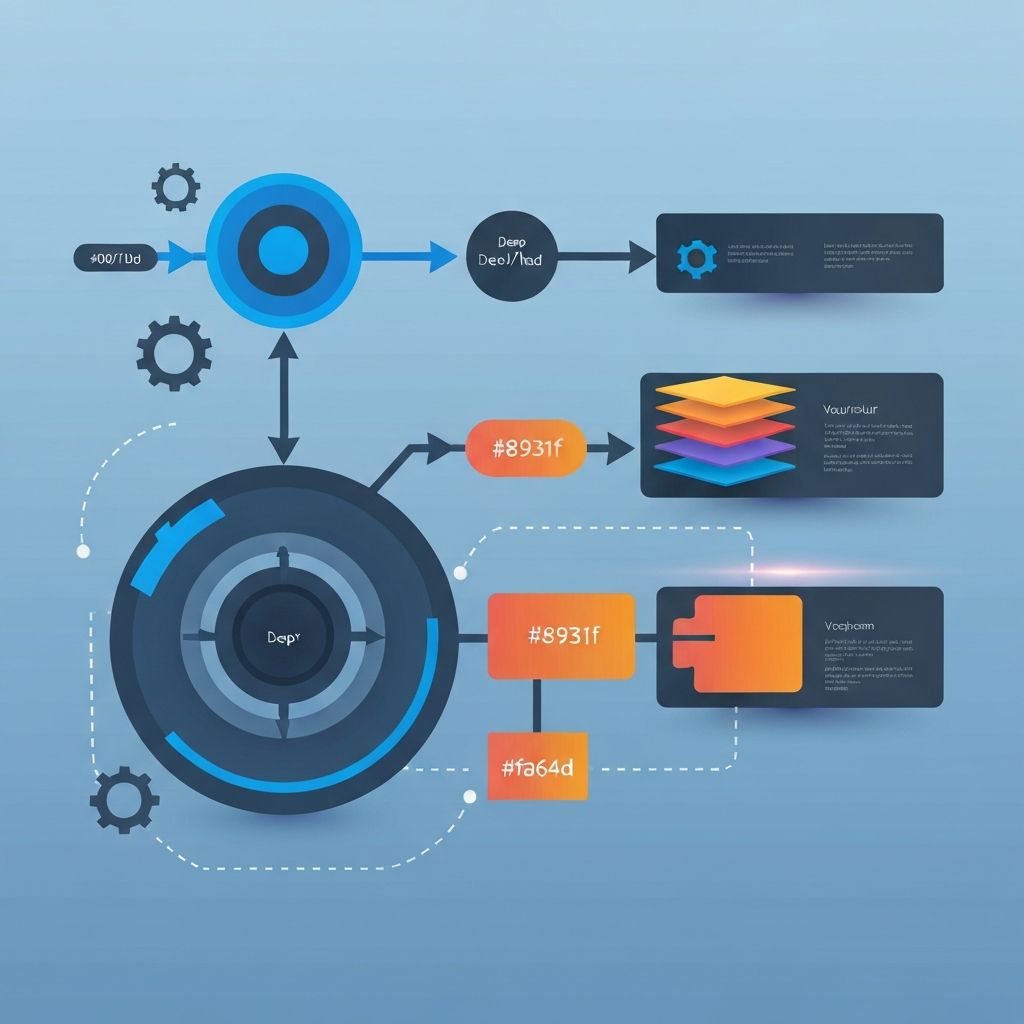
Web Development Workflow
What Is a Web Development Workflow?
A web development workflow is the structured sequence of steps a team follows to take a website or application from idea to production and ongoing maintenance. It encompasses planning, design, development, testing, deployment, and iteration. A good workflow is not bureaucracy, it is a shared language that helps designers, developers, project managers, and clients align expectations and reduce surprises. Over years of delivering hundreds of projects at AAMAX.CO, we have refined a workflow that consistently produces high-quality results while remaining flexible enough to adapt to each client's needs.
Stage 1: Discovery and Requirements
Every successful project begins with deep listening. Discovery sessions surface business goals, audience profiles, competitive context, and technical constraints. Deliverables at this stage typically include a brief, user personas, sitemaps, and a feature backlog. Skipping discovery is the most common reason projects miss deadlines or budgets later. We treat this stage as a partnership, often pairing it with our Web Development Consulting service to align technical choices with long-term strategy.
Stage 2: Design and Prototyping
Once requirements are clear, designers translate them into wireframes, then high-fidelity mockups, and finally interactive prototypes in tools like Figma. Design systems are built or extended at this stage, defining typography, color tokens, components, and accessibility patterns. Prototypes allow stakeholders to test usability before code is written, which dramatically reduces rework. The design phase also produces motion specs, asset libraries, and detailed handoff documents.
Stage 3: Environment Setup and Architecture
While design progresses, engineers prepare the development environment. This includes selecting a tech stack, setting up repositories, configuring linters, formatters, and pre-commit hooks, and provisioning staging infrastructure. Architectural decisions about rendering strategy, state management, and database schema are made now. Modern teams often use Next.js for hybrid rendering, paired with services like Supabase or Neon for the backend. The architecture is documented in an ADR, or Architecture Decision Record, which protects future contributors from re-litigating the same choices.
Stage 4: Iterative Development
Development happens in short, focused sprints. Tasks are pulled from a backlog, broken into manageable tickets, and tracked through tools like Jira, Linear, or GitHub Projects. Feature branches are created for each ticket, and pull requests trigger automated tests, type checks, and preview deployments. Code reviews are mandatory, ensuring quality and knowledge sharing. Whether the project requires Front-end Web Development alone or full-stack capability, the cadence remains the same: build small, review, merge, deploy.
Stage 5: Continuous Integration and Continuous Delivery
CI/CD pipelines are the connective tissue of a modern workflow. Every commit triggers builds, runs unit and integration tests, performs accessibility scans, and deploys preview environments. Tools like GitHub Actions, Vercel, and Netlify make this nearly turnkey. The benefit is enormous: bugs are caught hours after introduction rather than weeks later, and stakeholders can review live previews without waiting for a release window.
Stage 6: Testing and Quality Assurance
Quality is not the QA team's job alone, it is everyone's responsibility. Developers write unit tests with Vitest or Jest, integration tests with Playwright or Cypress, and contract tests for APIs. Designers verify visual fidelity, often through Chromatic or Percy. Manual exploratory testing finds edge cases that automation misses. Performance budgets, Lighthouse audits, and security scans round out the QA stage. The earlier issues are caught, the cheaper they are to fix.
Stage 7: Launch and Post-Launch Monitoring
Launch day is exciting but should never be dramatic. Feature flags allow new functionality to roll out gradually. Observability platforms like Sentry, Datadog, and PostHog catch errors, performance regressions, and user friction in real time. Post-launch, the team holds a retrospective to capture lessons. Production never stops requiring care, which is why we offer Website Maintenance and Support to keep sites secure, fast, and current.
Tools That Power Modern Workflows
The toolbox evolves rapidly, but the categories remain stable. Version control: Git and GitHub. Communication: Slack and Loom. Project management: Linear or Jira. Design: Figma. Development: VS Code or JetBrains, with Copilot or similar AI assistants. Testing: Vitest, Playwright. Deployment: Vercel, AWS, or Cloudflare. Monitoring: Sentry, GA4, PostHog. Choosing tools is less important than using them consistently.
Common Workflow Pitfalls
We frequently audit teams whose workflows have decayed. Symptoms include long-lived feature branches, untested code reaching production, manual deployments, undocumented decisions, and meetings that replace written communication. The fix is rarely a new tool, it is renewed discipline around small batches, automated checks, and written knowledge.
Hire Us to Implement a World-Class Workflow
A great workflow turns development from a gamble into a repeatable system. We are a full service digital marketing company that combines engineering rigor with strategic insight, delivering everything from Website Development to Web Application Development with predictable timelines and transparent reporting. If your team needs help establishing or refining a workflow that scales, hire us and we will help you ship better software, faster, with fewer surprises.
Want to publish a guest post on aamax.co?
Place an order for a guest post or link insertion today.
Place an Order