

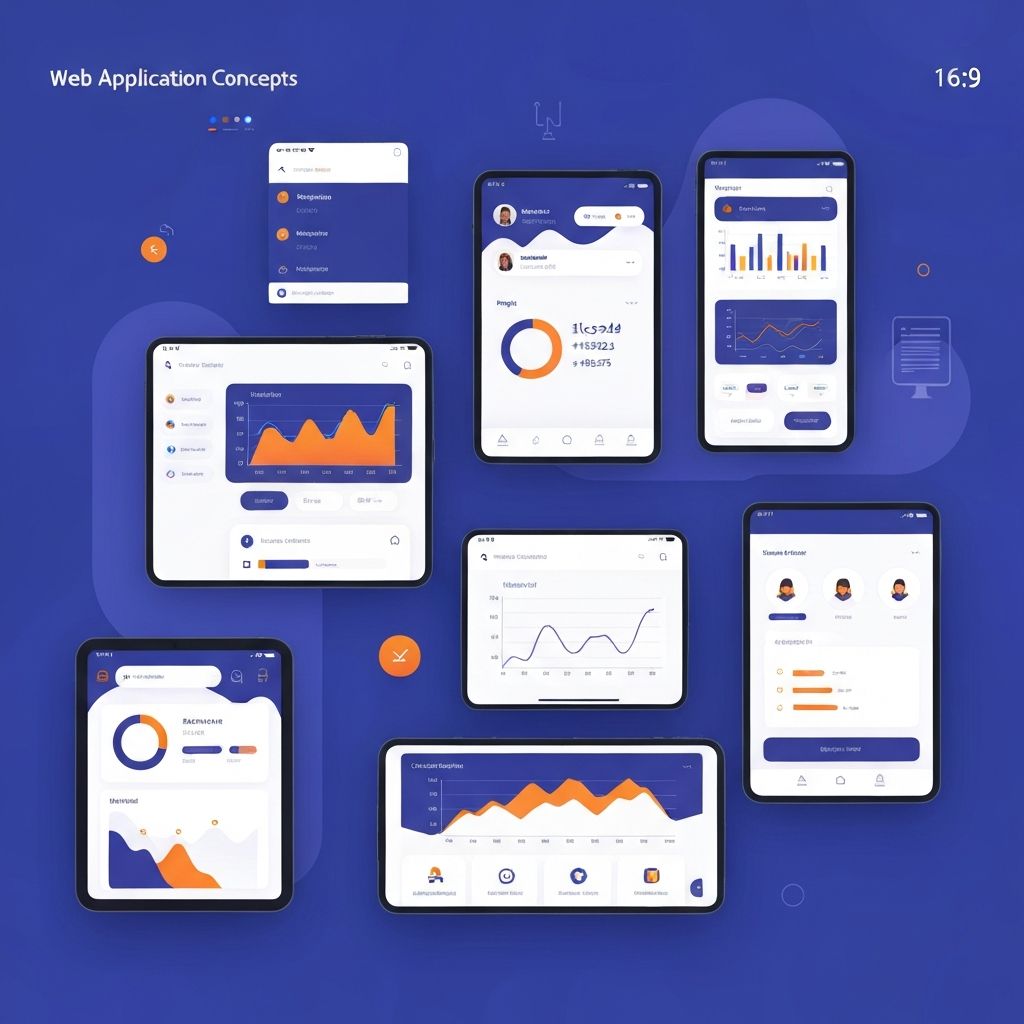
Web App Interface Design
Introduction to Web App Interface Design
Web application interface design differs significantly from traditional website design. While marketing websites prioritize first impressions and persuasion, web applications must support repeated use, complex workflows, and productivity over extended periods. Users don't visit web apps—they work in them, often for hours at a time. This fundamental difference demands a distinct approach to interface design. At AAMAX.CO, we bring specialized expertise to web application development, understanding the unique requirements of interfaces designed for daily productivity.
The stakes in web app interface design are high. A confusing interface doesn't just cost a single conversion—it creates daily friction that compounds over time, leading to user frustration, reduced productivity, and eventually, abandonment for competitor products. Conversely, a well-designed interface becomes a competitive advantage, enabling users to accomplish more with less effort and creating the kind of user satisfaction that drives retention and referrals.
Understanding Web App User Needs
Web app users have fundamentally different needs than casual website visitors. They're typically motivated by specific tasks they need to accomplish, often repeatedly. They develop expertise over time and expect the interface to accommodate both novice exploration and expert efficiency. Understanding these needs through user research is essential for creating interfaces that truly serve users.
Task analysis breaks down user workflows into discrete steps, revealing opportunities to streamline processes and eliminate unnecessary friction. Observing users perform real tasks in their actual work environments provides insights that surveys and interviews cannot capture. This research reveals not just what users do, but how they think about their work and what frustrates them.
User workflows often span multiple sessions and devices. A user might begin a task on their desktop, continue on their phone, and complete it later from a different location. Interfaces must support these interrupted, cross-device workflows gracefully, maintaining state and enabling seamless continuation. Our design process accounts for these real-world usage patterns.
Navigation and Information Architecture for Apps
Web app navigation must balance comprehensive access to features with simplicity that doesn't overwhelm users. Unlike websites where users might visit a few pages per session, app users navigate extensively within the application, making navigation efficiency crucial. Poor navigation creates cumulative friction that significantly impacts productivity.
Primary navigation typically provides access to major functional areas, while secondary navigation enables movement within those areas. Contextual navigation surfaces relevant actions and related content based on the current task. Breadcrumbs, back buttons, and history features help users maintain orientation and recover from navigation mistakes.
Feature-rich applications require thoughtful progressive disclosure, revealing advanced features as users need them rather than presenting everything at once. Well-designed defaults handle common cases automatically, while power user options remain accessible without cluttering the interface for casual users. Our website design expertise extends to these complex navigational challenges.
Dashboard and Overview Design
Dashboards serve as command centers for web applications, providing at-a-glance visibility into important information and quick access to frequent actions. Effective dashboard design prioritizes the information and actions users need most, presenting them clearly without overwhelming users with data.
Data visualization choices significantly impact dashboard usability. Charts, graphs, and metrics should be immediately comprehensible, using familiar formats and clear labels. Color coding can highlight important states or trends, but must remain accessible to colorblind users. Interactive elements enable users to drill down for details without leaving the dashboard context.
Customization options let users configure dashboards to match their priorities and preferences. What matters most varies by user role, work style, and current focus. Drag-and-drop widget arrangement, saved views, and personalization options create interfaces that adapt to individual needs rather than forcing one-size-fits-all layouts.
Form Design for Data Entry
Web applications often involve substantial data entry, making form design a critical competency. Well-designed forms minimize user effort, prevent errors, and provide clear feedback. Poorly designed forms create friction that compounds across thousands of interactions, significantly impacting user productivity.
Input field design involves selecting appropriate controls for each data type. Dropdowns, radio buttons, checkboxes, date pickers, and text fields each have optimal use cases. Auto-complete, auto-format, and smart defaults reduce typing burden. Field validation should occur inline as users complete entries, preventing frustrating end-of-form error surprises.
Multi-step forms break complex data entry into manageable chunks, reducing cognitive load and enabling progress saving. Progress indicators show users how far they've come and how much remains. Logical grouping of related fields and clear section labels help users navigate lengthy forms efficiently. Our front-end web development team implements these form best practices across all our application projects.
Table and List Design
Tables and lists are workhorses of web application interfaces, presenting collections of data that users need to review, compare, and act upon. Effective table design balances information density with readability, providing the data users need without overwhelming them with detail.
Sortable columns enable users to organize data according to their current needs. Filtering and search features help users find specific items in large datasets. Pagination, infinite scroll, or virtualization handle large collections while maintaining interface responsiveness. Row actions provide quick access to common operations without requiring navigation to detail pages.
Responsive table design presents particular challenges, as complex tables may not fit on mobile screens. Solutions include horizontal scrolling, column priority systems that hide less important columns on small screens, or alternative card-based layouts for mobile views. The approach depends on how users access and interact with the data in real scenarios.
Feedback and System Status
Web applications must keep users informed about system status, especially for operations that take time or can fail. Loading indicators, progress bars, and status messages prevent users from wondering whether their actions registered. Clear feedback reduces anxiety and prevents duplicate submissions.
Error handling requires particular attention in application interfaces. Error messages should be specific, actionable, and written in plain language. Rather than cryptic codes or technical jargon, messages should explain what went wrong and how users can resolve the issue. Preserving user input when errors occur prevents frustrating re-entry of lost work.
Success feedback confirms that operations completed as expected. While not every action requires confirmation, important operations benefit from clear acknowledgment. Toast notifications, inline messages, and visual state changes all serve as success indicators. The feedback style should match the operation's significance—subtle confirmation for routine actions, more prominent acknowledgment for important completions.
Accessibility in Application Interfaces
Accessibility is especially important for web applications, as they often represent essential tools for users' work. Excluding users with disabilities from productivity applications has profound professional and economic implications. Accessible design ensures that everyone can participate fully.
Keyboard navigation must support all functionality without requiring a mouse. Logical focus order, visible focus indicators, and keyboard shortcuts enable efficient navigation. Complex widgets like date pickers, drag-and-drop interfaces, and modal dialogs require careful implementation to maintain keyboard accessibility.
Screen reader compatibility requires semantic HTML, proper ARIA labels, and dynamic content announcements. As application state changes, users relying on assistive technologies need to understand what changed without visual cues. Live regions, status messages, and focus management communicate dynamic updates effectively.
Performance and Perceived Speed
Application performance directly impacts user productivity and satisfaction. Slow interfaces frustrate users and reduce the amount of work they can accomplish. Performance optimization must consider both actual speed and perceived speed—the experience of how fast the interface feels.
Optimistic UI updates make interfaces feel faster by immediately reflecting user actions before server confirmation. When a user clicks a button, the interface responds instantly while the actual operation happens in the background. If the operation fails, the interface gracefully handles the rollback and informs the user.
Code splitting and lazy loading ensure that users don't wait for the entire application to load before they can begin working. Initial load delivers core functionality quickly, while additional features load on demand. Our ReactJS web development and Next.js web development services leverage modern frameworks to optimize application performance.
Consistency and Design Systems
Consistent interfaces reduce the learning curve and enable users to apply knowledge gained in one area across the entire application. Design systems codify patterns, components, and guidelines that ensure consistency while enabling efficient development. Investment in design systems pays dividends as applications grow in complexity.
Component libraries provide reusable building blocks that enforce consistency while accelerating development. Buttons, form elements, cards, modals, and other common components should look and behave consistently throughout the application. Documentation and usage guidelines help development teams apply components correctly.
Pattern libraries extend beyond individual components to document common UI patterns and interaction flows. How does the application handle empty states? What does a standard settings page look like? How are confirmation dialogs structured? Documented patterns create consistency and reduce design decisions for routine features.
Conclusion
Web app interface design is a specialized discipline that requires deep understanding of how users work with applications over extended periods. From information architecture and navigation to form design and performance optimization, every aspect of the interface impacts user productivity and satisfaction. At AAMAX.CO, we bring this specialized expertise to every web application development project, creating interfaces that enable users to do their best work. Our full-service approach integrates UX research, interface design, and technical implementation to deliver applications that users genuinely enjoy working with.
Want to publish a guest post on aamax.co?
Place an order for a guest post or link insertion today.
Place an Order