

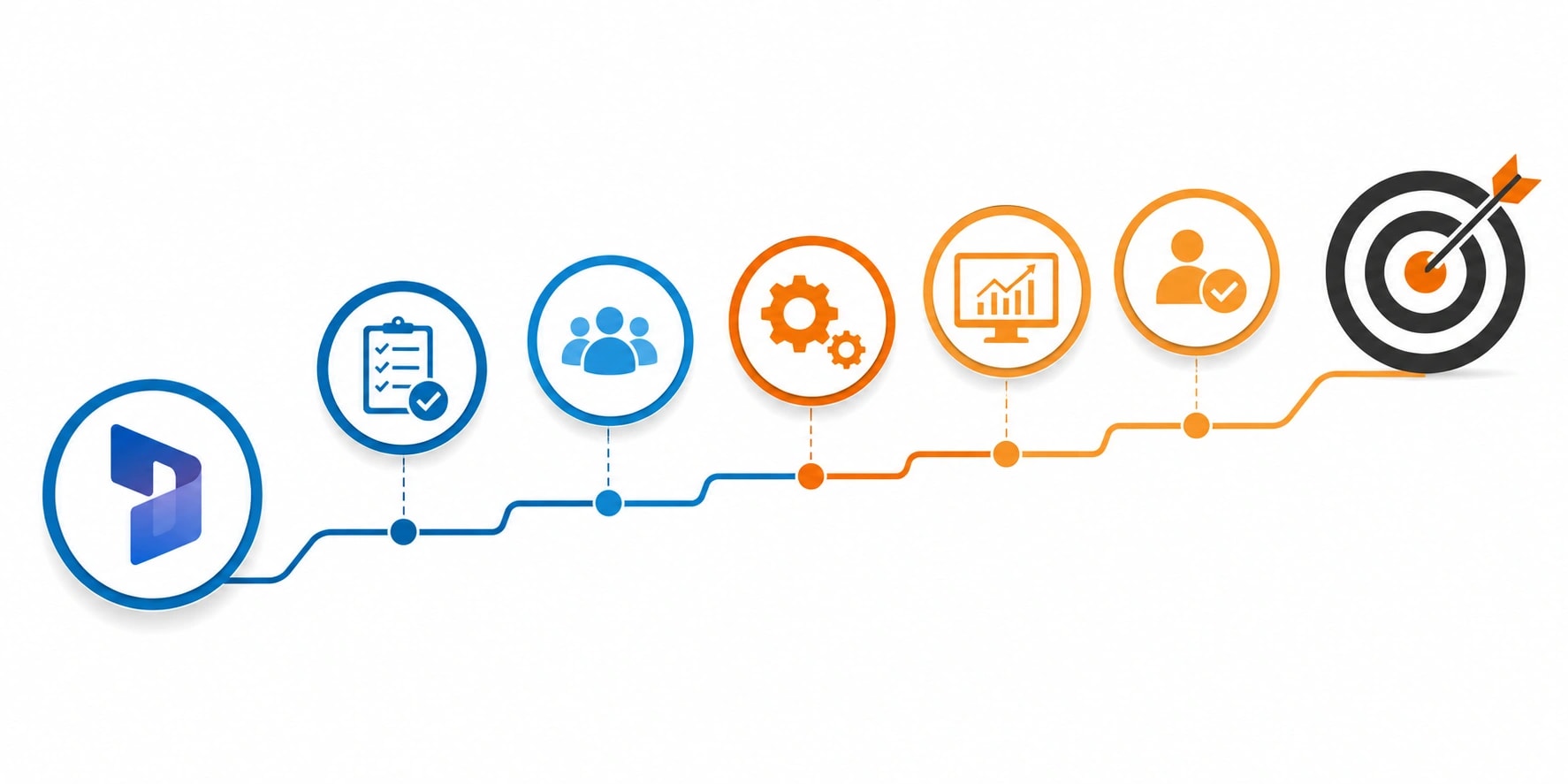
Step by Step Guide to Successful Dynamics 365 CRM Implementation
In today’s data-driven business environment, organizations can no longer afford disconnected systems. For IT managers and project managers evaluating CRM platforms, Microsoft Dynamics 365 stands out as a powerful and scalable solution. However, the real success lies not just in choosing the platform but in executing a well-planned dynamics 365 CRM implementation.
If your organization is in the consideration stage actively exploring how to implement a CRM system this step-by-step guide will walk you through the process, highlight potential challenges, and provide practical insights to ensure long-term success.
Why Proper Implementation Matters
While the technology is robust, implementation complexity can vary depending on business size, customization needs, integrations, and user adoption strategies.
A structured approach helps:
Minimize operational disruption
Reduce implementation risks
Ensure stakeholder alignment
Increase user adoption
Maximize ROI
For IT and project managers, the goal is not just deployment but delivering measurable business value.
Step 1: Define Clear Business Objectives
Ask questions such as:
What current pain points are we solving?
Are we improving sales performance, customer service, or both?
What KPIs will measure success?
Which departments will use the system?
Align CRM objectives with broader organizational goals. Document measurable targets like:
Clarity at this stage ensures that the implementation remains outcome-driven rather than feature-driven.
Step 2: Assemble the Right Implementation Team
Successful dynamics 365 CRM implementation requires cross-functional collaboration.
Your core team should include:
IT Manager (Technical lead)
Project Manager (Timeline & coordination lead)
Business Analysts
Departmental representatives (Sales, Service, Marketing)
CRM Consultant or Implementation Partner
Each stakeholder brings a unique perspective. IT focuses on architecture and security. Project managers ensure deadlines and scope control. Business users validate workflows.
Strong leadership and defined responsibilities prevent confusion and scope creep.
Step 3: Conduct a Detailed Requirements Analysis
Avoid replicating outdated processes inside a new system. Instead, evaluate and optimize workflows.
During this phase:
Map current processes
Identify inefficiencies
Define future-state workflows
Create a functional requirements document that outlines:
Data fields
Automation rules
Reporting dashboards
Security roles
Integration endpoints
This document becomes the foundation for system configuration.
Step 4: Plan System Architecture and Environment Setup
For IT managers, architecture planning is critical.
Key decisions include:
Cloud vs hybrid deployment
Data storage structure
Security and compliance configurations
User access controls
Integration with existing systems (ERP, marketing tools, support platforms)
Step 5: Data Migration Strategy
Common challenges include:
Duplicate records
Inconsistent formatting
Missing data fields
Legacy system limitations
A successful data migration strategy includes:
Data audit and cleansing
Mapping old fields to new CRM fields
Testing migration with sample datasets
Validating accuracy post-migration
Never migrate unnecessary or outdated data. Clean data ensures accurate reporting and smoother adoption.
Step 6: Configuration before Customization
Dynamics 365 CRM offers extensive out-of-the-box capabilities. Use them wherever possible before opting for custom development.
Focus on:
Business rules
Automated workflows
Dashboards and reports
Security roles
Standard entities and modules
Customization should only be introduced when business requirements cannot be fulfilled through configuration.
Over-customization increases complexity, maintenance costs, and upgrades challenges.
Step 7: Integration with Existing Systems
A strong dynamics 365 CRM implementation ensures seamless integration.
Common integrations include:
ERP systems for financial data
Marketing automation platforms
Customer support ticketing systems
Email and communication platforms
Step 8: User Training and Change Management
Technology adoption depends on people not software.
Many CRM projects fail because users resist change.
To ensure smooth adoption:
Conduct role-based training sessions
Create user guides and documentation
Offer hands-on workshops
Provide post-launch support
Communicate the benefits clearly
Explain how the CRM simplifies daily tasks rather than adding extra work.
Project managers should develop a structured change management plan that addresses concerns early and encourages stakeholder buy-in.
Step 9: Testing and Quality Assurance
Never go live without rigorous testing.
Testing phases include:
Unit testing
Integration testing
User Acceptance Testing (UAT)
Performance testing
Security testing
Involve end-users during UAT to ensure workflows align with real business scenarios.
Step 10: Go-Live Strategy
A controlled go-live approach reduces risk.
Options include:
Phased rollout by department
Pilot program for select users
Full organizational launch
Before launch, ensure:
Backup systems are in place
Support teams are ready
Training is completed
Data validation is finalized
Monitor system performance closely during the first few weeks.
Step 11: Post-Implementation Support and Optimization
Implementation does not end at go-live.
Continuous improvement is essential.
Track performance against predefined KPIs:
User adoption rate
System usage metrics
Customer response time
Regular updates, workflow refinements, and additional training sessions ensure long-term success.
Common Challenges in Dynamics 365 CRM Implementation
IT and project managers should prepare for:
Scope creep
Budget overruns
User resistance
Poor data quality
Integration complexities
Proactive planning and strong governance reduce these risks significantly.
Best Practices for IT and Project Managers
To maximize ROI from your CRM initiative:
Keep business goals at the center
Avoid unnecessary customization
Prioritize user adoption
Maintain strong project governance
Choose experienced implementation partners
Document everything
Monitor performance continuously
A structured and disciplined approach makes all the difference.
Measuring ROI after Implementation
To justify investment, track measurable outcomes such as:
Increased revenue growth
Reduced manual processes
Faster reporting cycles
Improved customer satisfaction scores
Higher sales productivity
A successful dynamics 365 CRM implementation should deliver both operational efficiency and strategic insights.
Final Thoughts
For IT managers and project managers in the consideration stage, implementing Dynamics 365 CRM is a strategic initiative not just a technical deployment.
By focusing on clear objectives, careful planning, proper data migration, robust testing, and continuous optimization, organizations can transform Dynamics 365 CRM into a powerful engine for growth and customer engagement.
For IT managers and project managers in the consideration stage, implementing Dynamics 365 CRM is a strategic initiative not just a technical deployment. A structured, step-by-step approach ensures that the system supports business goals, integrates seamlessly with existing tools, and drives measurable outcomes across departments.
Devsinc specializes in delivering tailored CRM solutions that align technology with business strategy. With deep expertise in Microsoft technologies, Devsinc helps organizations design, deploy, and optimize Dynamics 365 systems that scale with growth. Whether you need full-scale deployment or process optimization, their team ensures smooth execution and long-term value. Learn more about their services and explore dedicated CRM solutions. Choosing the right partner can transform your dynamics 365 CRM implementation from a technical project into a powerful growth driver for your organization.
Want to publish a guest post on aamax.co?
Place an order for a guest post or link insertion today.
Place an Order