

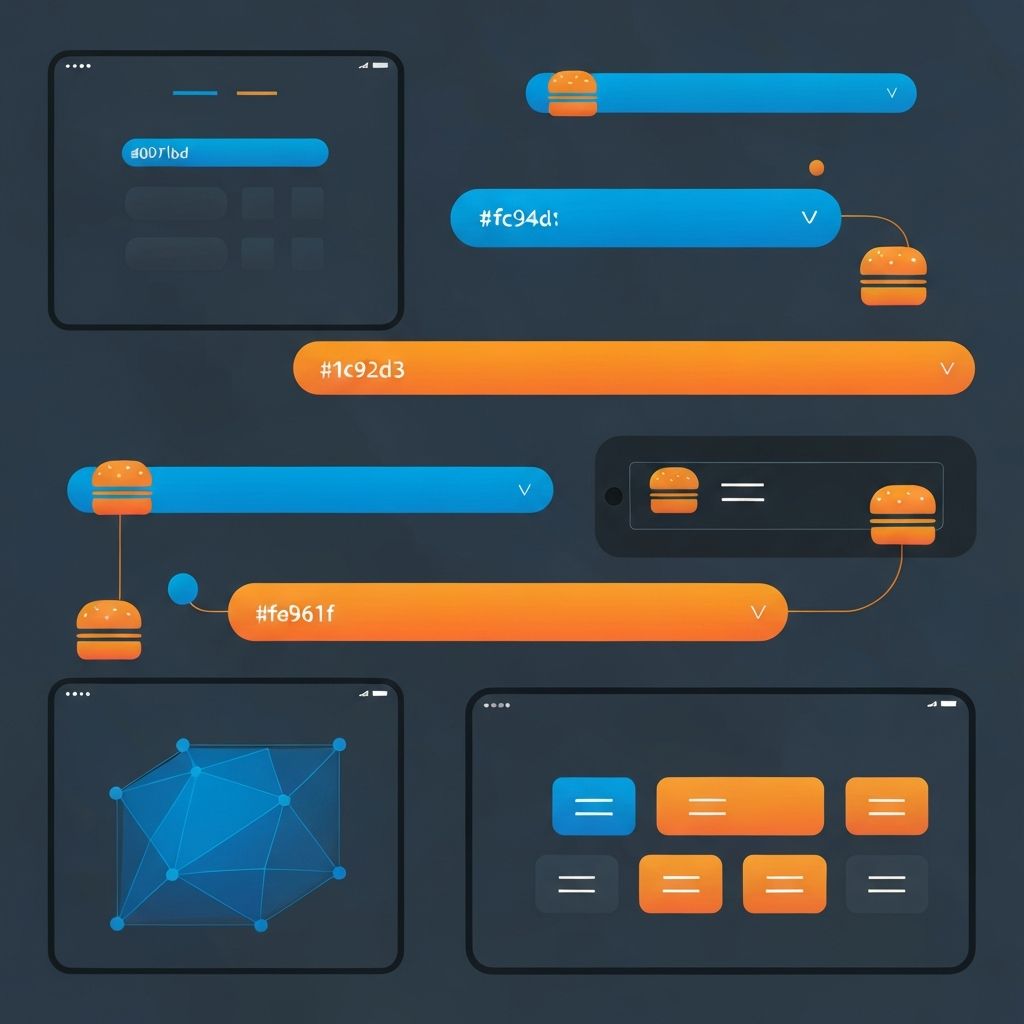
Responsive Web Design Navigation Bar
The Critical Role of Navigation in Responsive Web Design
Navigation serves as the backbone of any website's user experience, guiding visitors to the content they seek and influencing how they perceive your brand. In responsive web design, navigation presents unique challenges as the same menu system must function effectively across drastically different screen sizes. At AAMAX.CO, we specialize in creating navigation systems that remain intuitive and accessible whether accessed from a large desktop monitor or a compact smartphone screen.
Effective responsive navigation balances multiple considerations including usability, aesthetics, accessibility, and performance. A navigation system that works beautifully on desktop may become completely unusable on mobile without careful responsive adaptation. Conversely, oversimplified mobile navigation can leave desktop users feeling constrained when more robust options could be available.
Understanding Navigation Patterns for Different Screen Sizes
Different screen sizes call for different navigation approaches, and understanding available patterns helps designers choose optimal solutions for each context. Desktop screens typically accommodate horizontal navigation bars, mega menus, and multi-level flyouts. These patterns take advantage of abundant screen real estate to display extensive navigation options simultaneously.
Tablet screens require modified approaches, often maintaining horizontal patterns but with condensed spacing or simplified dropdown behaviors. Touch interactions replace hover states, necessitating larger tap targets and different interaction cues.
Mobile screens demand the most significant navigation transformations. The ubiquitous hamburger menu has become the standard mobile pattern, collapsing extensive navigation into a compact icon that expands when tapped. However, alternatives exist including bottom navigation bars, tab bars, and expandable side drawers.
The Hamburger Menu: Benefits and Limitations
The hamburger menu icon consisting of three horizontal lines has become instantly recognizable as a navigation toggle. Its primary advantage lies in space efficiency, hiding entire navigation systems behind a single compact icon. This approach keeps mobile screens focused on content while providing access to full navigation when needed.
However, hamburger menus have documented usability limitations. Hidden navigation reduces discoverability, potentially causing users to miss important sections. The extra tap required to access navigation adds friction to the user journey. For sites where navigation is frequently used, this hidden approach may negatively impact engagement.
Our website design team evaluates each project's specific requirements to determine whether hamburger menus or alternative patterns better serve users.
Alternative Mobile Navigation Patterns
Bottom navigation bars position key navigation items in a fixed bar at the screen's bottom, within easy thumb reach on mobile devices. This pattern works well for apps and websites with a limited number of primary sections, keeping essential navigation always visible without occupying valuable screen space.
Tab bars similarly provide persistent navigation but typically appear below the header. These work particularly well for content-heavy sites where users frequently switch between major sections. Both patterns sacrifice some content space for improved navigation accessibility.
Progressive disclosure patterns reveal navigation in stages, showing primary options initially with secondary navigation appearing through interaction. This approach balances visibility with space efficiency, though requires careful information architecture to avoid user confusion.
Implementing Responsive Navigation with CSS and JavaScript
Technical implementation of responsive navigation combines CSS media queries with JavaScript functionality. Media queries trigger layout changes at defined breakpoints, switching between desktop and mobile navigation patterns. JavaScript handles interactive behaviors like toggle states, dropdowns, and animations.
CSS transitions create smooth transformations between navigation states, making the experience feel polished rather than jarring. Hardware-accelerated properties like transform and opacity ensure animations perform well even on lower-powered mobile devices.
The HTML structure should work logically regardless of visual presentation, supporting screen readers and other assistive technologies. Semantic navigation elements and proper ARIA attributes ensure accessibility across all responsive states.
Mega Menus and Complex Navigation Structures
Websites with extensive content hierarchies often require mega menus that display multiple navigation levels simultaneously. On desktop, these menus can elegantly present dozens of options organized into logical groups. Translating this complexity to mobile screens presents significant challenges.
Mobile mega menu implementations typically use expandable accordion patterns, revealing subsections progressively as users tap through the hierarchy. Clear visual indicators help users understand their current location within deep navigation structures. Back buttons or breadcrumb elements provide escape routes from deep navigation levels.
Our front-end web development expertise enables complex mega menu implementations that remain usable across all devices.
Touch-Friendly Navigation Design
Touch interactions fundamentally differ from mouse-based navigation, requiring specific design considerations. Touch targets need minimum sizing of approximately 44 pixels to prevent frustrating mis-taps. Spacing between navigation items must account for finger size rather than cursor precision.
Hover states that trigger dropdowns on desktop don't translate to touch devices where hover doesn't exist. Navigation systems must provide alternative interaction patterns, typically converting hover-triggered dropdowns to tap-triggered toggles on touch devices.
Gesture-based navigation patterns like swipe-to-reveal menus can enhance mobile experiences when implemented thoughtfully. However, gestures must be discoverable and shouldn't conflict with native browser gestures that users expect to function normally.
Sticky and Fixed Navigation Considerations
Fixed navigation bars that remain visible as users scroll provide constant access to navigation regardless of page position. This pattern works well on desktop where screen height permits sacrificing some space for persistent navigation. Mobile implementations require more careful consideration due to limited screen height.
Sticky navigation that scrolls away but reappears when scrolling up offers a compromise, hiding during content consumption but quickly accessible when navigation is likely needed. This pattern preserves screen space while maintaining navigation accessibility.
Performance implications of fixed positioning require attention, as improperly implemented fixed elements can cause scrolling performance issues, particularly on mobile devices with limited processing power.
Accessibility in Responsive Navigation
Accessible navigation ensures all users, including those with disabilities, can effectively navigate your website. Keyboard navigation must function correctly, allowing tab-based traversal through navigation items. Focus states must be visually apparent, helping keyboard users track their position.
Screen reader compatibility requires proper semantic structure and ARIA attributes. Navigation landmarks help screen reader users quickly locate and understand navigation sections. Expanded and collapsed states must be communicated to assistive technologies.
Color contrast between navigation text and backgrounds must meet accessibility standards. Touch target sizing benefits users with motor impairments as well as general mobile users. Our team prioritizes accessibility in every responsive navigation implementation.
Performance Optimization for Navigation
Navigation performance impacts overall page experience, particularly on mobile devices. Minimizing JavaScript required for navigation functionality reduces page weight and improves loading times. CSS-only navigation solutions where feasible eliminate JavaScript dependencies entirely.
Lazy loading mega menu content can improve initial page load performance for sites with extensive navigation structures. Navigation images, if used, require optimization appropriate for display sizes.
Testing navigation performance on actual mobile devices and slower connections reveals issues that desktop development environments might miss. Regular performance auditing ensures navigation remains fast as your site evolves.
Navigation Design Best Practices
Clear labeling uses concise, descriptive text that immediately communicates what each navigation item contains. Avoid clever or ambiguous labels that might confuse users. Icon-only navigation can save space but requires careful consideration of recognizability and the addition of text labels for accessibility.
Logical grouping organizes related items together, helping users build mental models of your site structure. Visual hierarchy through sizing, spacing, and styling distinguishes primary navigation from secondary options.
Consistent positioning places navigation in expected locations where users naturally look. Surprising navigation placements may seem creative but typically harm usability. Adhering to conventions respects user expectations and reduces learning curves.
Testing Responsive Navigation Thoroughly
Comprehensive testing validates navigation functionality across devices, browsers, and user scenarios. Device testing on actual smartphones and tablets reveals touch interaction issues and performance characteristics that emulators miss.
User testing with real people provides invaluable insights into navigation usability. Watching users attempt to find specific content reveals navigation weaknesses that designers too familiar with the site might overlook.
Analytics review shows how visitors actually use navigation, identifying heavily trafficked items that deserve prominence and rarely used items that might be removed or repositioned. This data-driven approach continuously improves navigation effectiveness.
Expert Navigation Design for Your Website
Creating responsive navigation that serves users effectively across all devices requires expertise in design patterns, technical implementation, accessibility, and user behavior. Navigation directly impacts user satisfaction, conversion rates, and overall website success.
We offer comprehensive website development services that include expertly crafted responsive navigation systems. Our team designs navigation architectures tailored to your specific content and audience, implementing solutions that enhance user experiences while supporting your business objectives.
Contact us today to discuss how improved responsive navigation can transform your website's usability and performance across all devices.
Want to publish a guest post on aamax.co?
Place an order for a guest post or link insertion today.
Place an Order