

How to Add a Subheading for SEO Text
Why Subheadings Do More Than Break Up Text
Most people treat subheadings as visual relief, a way to stop a page looking like an intimidating wall of words. They do that, but they also perform three jobs that directly affect organic performance. They create a machine readable outline that helps search engines understand which sub topics a page covers, they give readers scannable entry points that increase the chance someone stays and finds their answer, and they provide the natural extraction points that search engines use when building featured snippets and that AI assistants use when summarising a page. A well structured document with clear subheadings can rank for dozens of long tail variations that the main title never mentions.
How AAMAX.CO Structures Content That Ranks
At AAMAX.CO we are a full service digital marketing company delivering web development, digital marketing and search optimisation worldwide, and content structure is one of the first things our editors fix when they inherit an underperforming blog. Poor heading hierarchy is startlingly common: pages with multiple top level headings, headings skipped for styling reasons, and section titles that describe nothing. Our team rebuilds outlines around the actual questions people search, aligns headings with intent, and ensures the underlying markup matches the visual hierarchy. Through our SEO services we treat the outline as the skeleton of the page, because content that is easy to navigate is content that earns links, engagement and rankings.
Understanding Heading Hierarchy
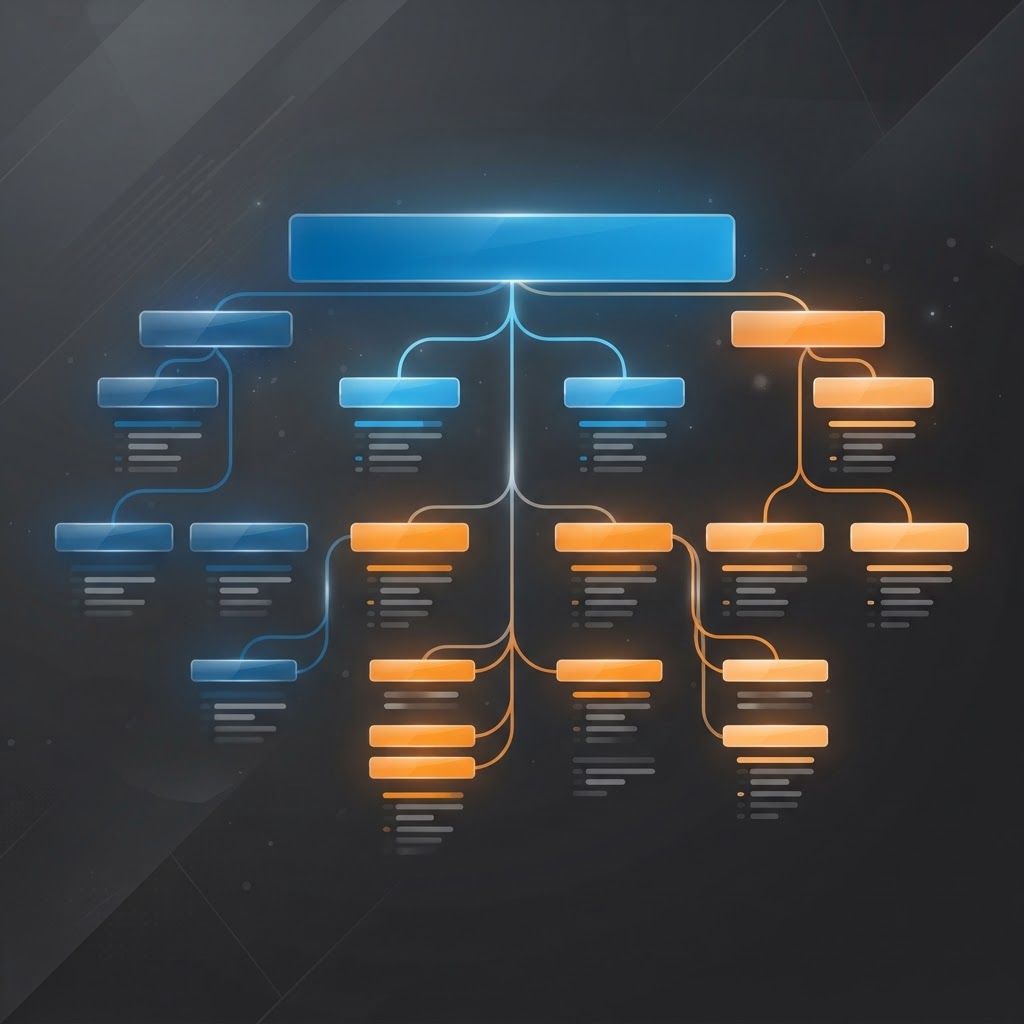
HTML provides six heading levels, and they are meant to describe document structure rather than font size. Use exactly one top level heading per page for the main subject. Use second level headings for the major sections of that subject. Use third level headings only for subdivisions inside a second level section, and go deeper only when the content genuinely nests that far. Never skip a level for appearance, for example jumping from a second level heading straight to a fourth level one because you prefer the smaller type. If a heading looks wrong, change the styling in your stylesheet rather than changing the semantic level. Screen readers navigate by heading level, so a broken hierarchy is an accessibility failure as well as an optimisation one.
Writing Subheadings That Earn Traffic
The best subheadings are descriptive, specific and often phrased the way someone would search. Instead of a vague label like considerations, write the question a reader actually has. Include secondary keyphrases and natural variations, but never at the cost of clarity; a heading stuffed with terms reads as spam and gets ignored by both humans and algorithms. Keep them concise enough to scan, typically under about ten words. Make each one meaningful in isolation, because many readers will only read the headings before deciding whether to continue. A useful test is to strip out every paragraph and read only the headings: if the remaining outline still tells a coherent story and answers the core question, your structure is sound.
Spacing and Frequency
There is no rule requiring a subheading every fixed number of words, but as a practical guideline, blocks of body text longer than about three hundred words usually benefit from a break. On mobile screens, where a paragraph occupies far more vertical space, breaks matter even more. Equally, do not fragment content into a heading every two sentences, because that destroys the sense of a developed argument and produces a thin, choppy page. Let the logic of the content determine the divisions: a new heading should signal a genuinely new idea, not merely a new paragraph.
Adding Subheadings in WordPress
In the block editor, add or select a paragraph, choose the heading block from the block inserter, and then set the level from the block toolbar or the settings sidebar. The editor will warn you if you skip a level. You can also type the markdown shorthand of hash symbols followed by a space at the start of a new block to create a heading of the corresponding level. In the classic editor, highlight the text and choose the appropriate level from the paragraph dropdown rather than simply bolding and enlarging the text, which produces no semantic markup at all. Most modern themes generate anchor links or a table of contents automatically from your headings, so getting the levels right also improves internal navigation.
Adding Subheadings in Custom and Headless Sites
If you build pages by hand or through a component framework, use real heading elements rather than styled divs or spans. Where content comes from a content management system as rich text or markdown, verify that the rendering pipeline converts heading syntax into genuine heading elements and that it does not wrap everything in a single level. Add stable identifier attributes to headings so you can link directly to a specific section, which is valuable both for internal linking and for search engines that link users straight to the relevant passage. Ensure your styling is driven by classes rather than by heading level, so editors never feel pressured to choose the wrong level for visual reasons.
Common Mistakes to Avoid
Using multiple top level headings on a single page dilutes the signal about the page's main subject. Wrapping navigation items, sidebar titles or footer labels in prominent heading levels confuses the outline. Using headings purely for visual emphasis on short phrases creates a nonsense structure. Duplicating the same heading text several times on one page removes any distinguishing value. Leaving headings that were written for an earlier draft, so they no longer match the content beneath them, misleads both readers and crawlers. Finally, adding an image of text as a heading provides no textual signal whatsoever.
Structure, Snippets and AI Answers
Clear question style subheadings followed immediately by a concise direct answer are the single most reliable pattern for winning featured snippets and for being quoted in AI generated responses. Answer the question in the first two or three sentences after the heading, then elaborate. This pattern also improves the user experience, because someone who arrived from a specific query finds their answer immediately rather than after three paragraphs of preamble. As discovery continues to move toward assistants and answer engines, this discipline becomes central to GEO services and to how content performs across your wider digital marketing channels, since the same structured answers can be reused in emails, help centres and sales material.
Final Thoughts
Adding a subheading is technically trivial and strategically important. Use one top level heading, nest lower levels logically, never skip levels for styling, write section titles that describe real questions in real language, and answer those questions immediately underneath. Audit your top pages by reading only their headings, and rewrite any outline that fails to tell a clear story. Better structure makes your content easier to read, easier to crawl, easier to quote and considerably more likely to rank.
Want to publish a guest post on aamax.co?
Place an order for a guest post or link insertion today.
Place an Order