

How Important Is a 500 Error to SEO
What a 500 Error Actually Tells a Search Engine
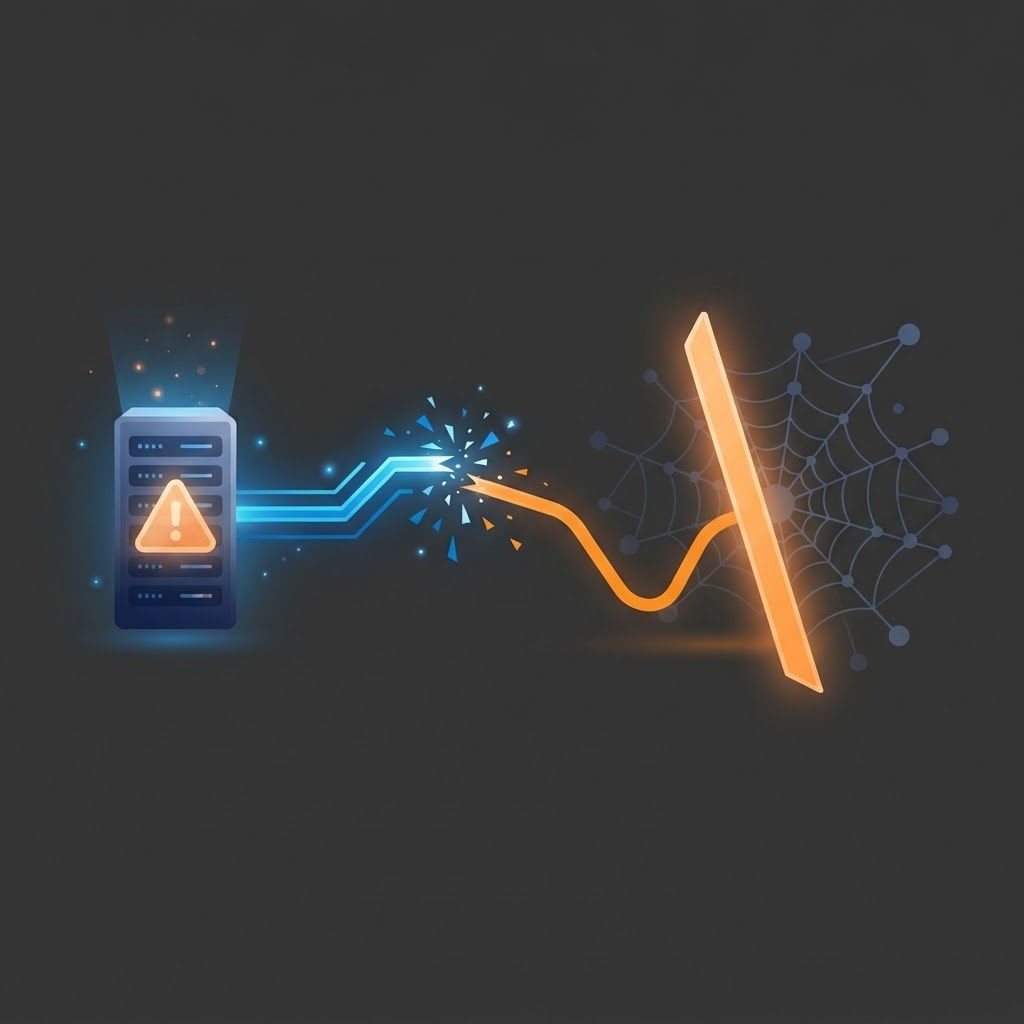
A 500 status code means the server understood the request but failed to fulfil it. Unlike a 404, which says a page does not exist, a 500 says something is broken on your side and the correct content could not be delivered. Search engines interpret this as a temporary system failure rather than a permanent removal, which sounds reassuring until you consider what happens next. Crawlers slow down, stop requesting new pages, and if the errors persist, they begin dropping affected URLs from the index because they cannot verify the content is still there. That combination makes server errors one of the most urgent problems in technical search optimisation.
How We Can Help With SEO at AAMAX.CO
At AAMAX.CO we treat server reliability as a core ranking factor, not an infrastructure afterthought. Our technical team investigates error logs, isolates the failing requests, fixes the underlying application or hosting issue, and puts monitoring in place so future failures trigger alerts within minutes. Because we deliver web development alongside SEO services worldwide, we can repair the code and the server configuration ourselves rather than passing a report between agencies while your rankings slide. If your site suffers intermittent errors, slow responses, or unexplained traffic drops, hire AAMAX.CO (https://aamax.co) and we will stabilise the foundation your search visibility depends on.
How Serious Is It, Really?
Severity depends on three variables: duration, scope, and which pages are affected. A single page returning an error for an hour is a minor incident. Your entire site returning errors for two days is a serious one. Errors on high-value commercial pages, category pages, or the homepage cause disproportionate damage because those pages usually carry the most authority and drive the most revenue.
Short outages are generally forgiven. Search engines expect occasional failures and will retry. The danger begins when errors become sustained or recurring. Once a crawler encounters repeated failures across many URLs, it reduces crawl rate to avoid overloading a struggling server. Reduced crawl rate means slower discovery of new content and slower recovery once you fix the problem, so the impact outlives the outage itself.
The Typical Damage Timeline
In the first few hours, affected pages usually keep their rankings while crawlers plan a retry. Within roughly a day of continued failure, cached versions may still serve in results but crawl demand starts dropping. After several days of persistent errors, URLs begin falling out of the index, and once a page is deindexed it must be recrawled, re-evaluated, and re-ranked, which can take weeks even after the fix is deployed. Recovery is rarely instant and almost never automatic, which is why prevention beats remediation.
Common Causes Worth Checking First
Most 500 errors trace back to a small set of culprits. Application code exceptions triggered by unhandled edge cases are the most frequent, especially after a deployment. Database connection exhaustion under traffic spikes is a close second, particularly on sites with heavy dynamic queries and no caching layer. Memory or execution timeouts on shared hosting cause errors that appear random because they only occur under load.
Plugin or dependency conflicts break sites after updates. Misconfigured server rules, faulty redirect logic, or invalid environment variables produce errors that affect specific URL patterns. Third-party API failures can cascade into 500 responses when a page cannot render without external data and has no fallback. Finally, aggressive bot traffic or a poorly configured firewall can exhaust resources and turn a healthy site into an error factory during peak periods.
How to Diagnose Properly
Start with server logs rather than guesswork. Filter for 5xx responses, group them by URL pattern and timestamp, and correlate them with deployment times, traffic peaks, and cron jobs. Patterns reveal causes: errors clustered at the same hour daily point to a scheduled task, while errors that scale with traffic point to resource limits.
Next, check your search console coverage and crawl statistics reports to see how many URLs the crawler encountered as errors and when. Compare that with your own log data, because crawlers sometimes hit failures that real users do not, particularly on paginated or parameterised URLs. Reproduce the error with the same headers and user agent if possible, then examine the application stack trace to find the exact failing line.
Fixing and Recovering
Address the root cause rather than masking symptoms. Add proper error handling around external calls so a failing API degrades gracefully instead of returning a 500. Introduce caching to reduce database load. Raise memory and timeout limits where genuinely needed, and optimise the queries that require those limits. Roll back problematic deployments quickly and use staging environments to catch exceptions before production.
During an unavoidable outage, serve a 503 status with a retry hint rather than a 500. A 503 signals planned or temporary unavailability and is handled more gracefully by crawlers. After the fix, validate the affected URLs in your search console, request reindexing for critical pages, and monitor crawl stats until request volume returns to normal. Do not panic if rankings take a couple of weeks to fully recover; recovery follows crawl frequency.
Monitoring So It Never Surprises You Again
Uptime monitoring on the homepage alone is not enough. Monitor a representative sample of page types, including a product or service page, a category page, a form submission endpoint, and a search results page. Set alerting thresholds on 5xx rate rather than only total downtime, because intermittent errors affecting five percent of requests can quietly damage visibility without triggering a downtime alert. Keep at least thirty days of server logs so you can investigate patterns retrospectively, and review crawl error trends monthly as part of routine maintenance.
Putting the Risk in Perspective
Compared with other technical issues, server errors sit at the top of the priority list alongside accidental noindex directives and blocked crawling. A slow page loses some advantage; a missing meta description costs a little click-through rate; but a page that cannot be served cannot be ranked at all. That is why we treat 5xx rates as a first-class metric in every technical audit we run.
Final Thoughts
A brief 500 error will not ruin your search performance, but a recurring or prolonged one absolutely can, and the recovery cost far exceeds the cost of prevention. Log everything, monitor aggressively, handle failures gracefully, and fix root causes rather than symptoms. If you would like an experienced team to audit your error rates and harden your site, we are ready to help.
Want to publish a guest post on aamax.co?
Place an order for a guest post or link insertion today.
Place an Order