

Does Text on an Image Effect SEO
Introduction: Beautiful Graphics, Invisible Words
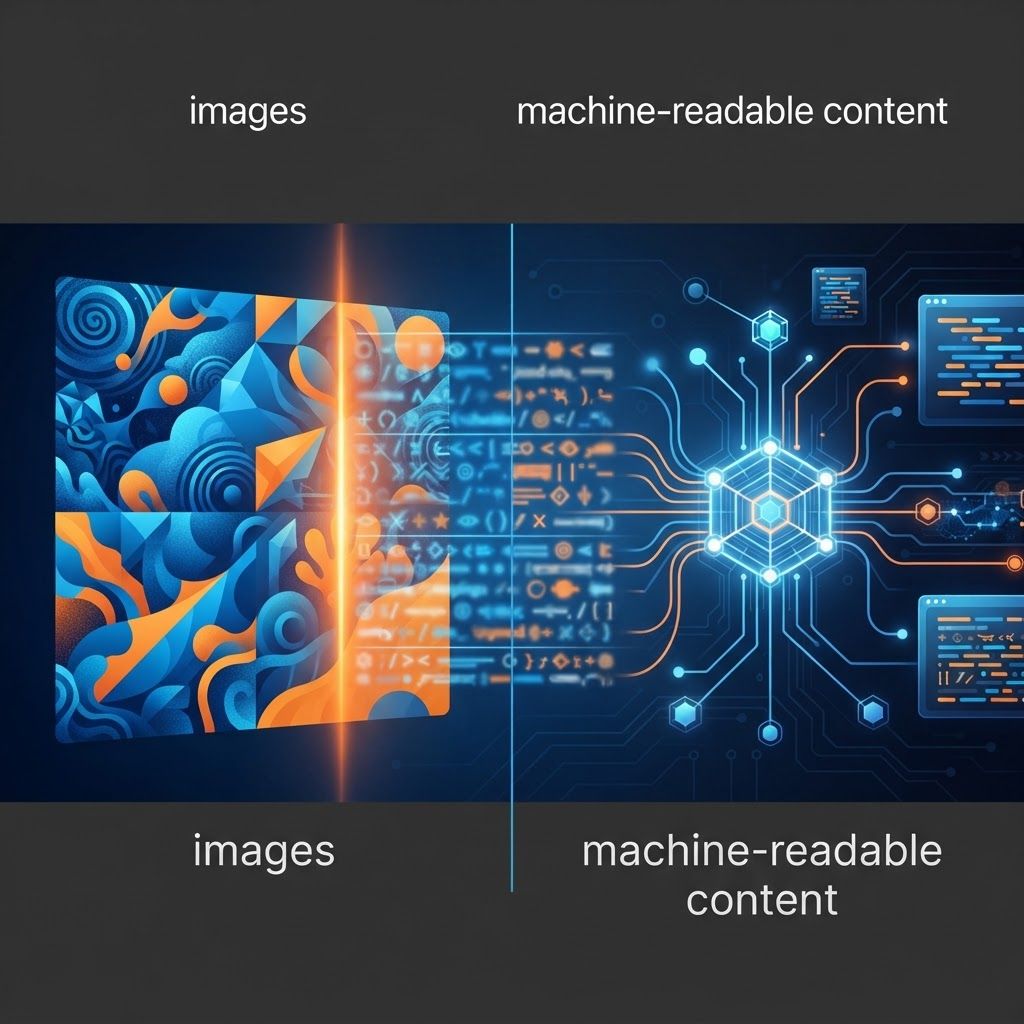
Designers love typography inside images. A hero banner with a bold headline baked into the artwork looks polished and controlled, and it guarantees the layout renders exactly as intended. Unfortunately, that design decision can quietly remove your most important keywords from the crawlable content of the page. Search engines index text in HTML. Text embedded in a JPG, PNG or WebP file is pixels, and while image recognition technology has advanced considerably, you should never rely on it to understand and rank the message you buried in a graphic.
The consequences extend beyond rankings. Screen readers cannot voice pixel text unless it is duplicated in alt attributes. Users cannot select or copy it. Translation tools cannot convert it. On small screens, the text may become unreadable because the image scales down as a whole rather than reflowing. What looks like a purely aesthetic choice turns into an SEO, accessibility and usability problem simultaneously.
How AAMAX.CO Balances Design and Search Visibility
At AAMAX.CO we are a full service digital marketing company offering web development, digital marketing and SEO services worldwide, and this is exactly the kind of problem our combined design, development and search teams solve daily. When you hire us for search engine optimization, we audit your templates for text trapped in imagery, rebuild those sections with real HTML headings styled to match the original design, and implement proper alt text, captions and structured data so nothing is lost visually or semantically. Our digital marketing specialists then measure the impact on impressions, click-through and conversions. You keep the premium look and gain the crawlable content your rankings depend on.
How Search Engines Handle Text Inside Images
Crawlers parse HTML, extract text nodes, evaluate heading hierarchy and build an understanding of what the page covers. An image is referenced by a URL with attributes such as alt, title, width and height. The alt attribute is the primary textual description available, and it should describe the image, not serve as a dumping ground for keywords.
Optical character recognition exists and image understanding models continue improving, but there is no guarantee that extracted pixel text is treated with the same weight as HTML content, and no way for you to verify it. Building your keyword strategy on that uncertainty is an unnecessary risk when the alternative — real text styled with CSS — is straightforward and gives you complete control.
The Accessibility Dimension
Accessibility guidelines specifically discourage images of text precisely because it excludes users. People using screen readers hear only your alt attribute. Users who increase font size or apply a custom stylesheet for dyslexia or low vision cannot change text locked in an image. People with limited colour perception cannot adjust contrast. Since accessibility overlaps heavily with good technical SEO and with legal compliance obligations in many jurisdictions, this alone justifies changing the approach.
Where Image Text Is Acceptable
There are legitimate cases. Logos naturally contain wordmarks, and that is expected. Screenshots of software interfaces, photographs that happen to include signage, charts exported from analytics tools, scanned documents and infographics all contain text as part of their nature. The rule is simple: if the words are essential information the visitor needs, they must also exist in accessible HTML nearby, whether through a caption, a summary paragraph, a data table or a full transcript.
For infographics, publish the key points as body copy beneath the graphic. This preserves the shareability of the visual while giving search engines the depth they need to rank the page, and it often produces a stronger article than the graphic alone.
The Right Way to Combine Type and Imagery
Modern CSS makes it easy to place real text over a background image with full control. Use a background image or an absolutely positioned image behind a container that holds an actual H1 or H2 element. Apply overlays, gradients or scrims to guarantee contrast, and use responsive typography so headlines reflow gracefully on mobile instead of shrinking into illegibility.
When a specific typeface is essential to the brand, load it as a web font with appropriate display settings and subsetting rather than rasterizing the headline. If the effect genuinely cannot be reproduced in CSS, consider SVG, where text remains selectable and machine-readable while retaining vector precision.
Writing Alt Text That Actually Helps
Alt text should describe the image's purpose in the context of the page, concisely and naturally. If an image contains meaningful text, include that text in the description. Avoid keyword stuffing, avoid starting with phrases like image of, and mark purely decorative images with an empty alt attribute so assistive technology skips them. Combine alt text with descriptive file names, relevant captions and surrounding copy that reinforces the topic.
Performance Consequences Worth Noting
Text rendered as an image usually forces a larger file, especially when you need high resolution to keep type crisp on retina displays. That increases page weight and can worsen Largest Contentful Paint, which affects both user experience and page experience assessments. HTML text costs almost nothing by comparison and renders instantly, often improving perceived speed noticeably on hero sections.
How to Find and Fix the Problem on Your Site
Start with your highest-value templates: homepage, main service or category pages, and top landing pages. Disable images in the browser or view the rendered HTML and check whether the core message survives. Run a crawl and look for pages with very little extractable text relative to their visual richness. Review alt attributes for emptiness or duplication. Then prioritize fixes where the missing text represents primary keywords or key value propositions.
Conclusion: Keep the Design, Free the Words
Text inside images does affect SEO, because content search engines cannot reliably read cannot reliably rank, and content assistive technology cannot voice excludes real users. Use HTML for messaging, CSS and SVG for styling, alt text and captions for context, and reserve embedded type for logos, screenshots and genuinely visual assets. If you want your site audited and rebuilt so design and search visibility reinforce each other, our team can take care of it.
Want to publish a guest post on aamax.co?
Place an order for a guest post or link insertion today.
Place an Order