

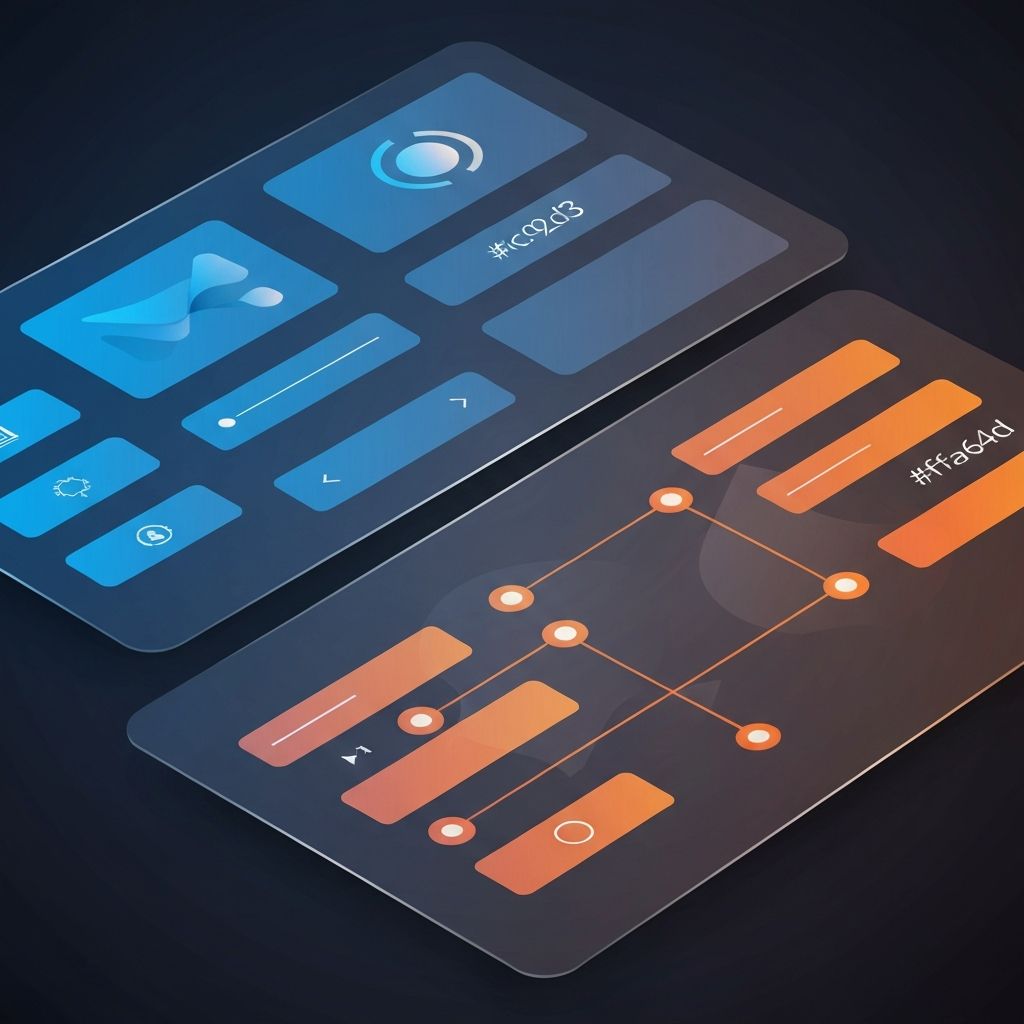
Web Design UI and UX
UI and UX: Two Sides of Great Web Design
UI and UX are often used interchangeably, but they describe different disciplines that work together to create successful websites. UI, or user interface, is the visual and interactive layer. UX, or user experience, is the entire journey a person has with your product, including how they discover it, use it, and feel about it afterward. At AAMAX.CO, we believe the best digital products are born when UI and UX are designed together, not in isolation. This guide explores both, how they relate, and how to apply them to grow your business.
1. Defining UI in Web Design
UI design is concerned with the visual elements users interact with: buttons, forms, layouts, icons, animations, color, and typography. A strong UI is consistent, accessible, and on-brand. It uses hierarchy and feedback to make every interaction feel intentional.
Good UI is invisible in the best sense. Users do not notice the design; they simply accomplish their goal. When users start commenting on the interface itself, it usually means something is in the way.
2. Defining UX in Web Design
UX design is broader. It begins with research: understanding who your users are, what they need, and where they struggle today. From there, UX defines flows, information architecture, content strategy, and success metrics. UX outcomes are measured in conversion rates, task success, retention, and satisfaction.
UX research methods include interviews, usability testing, surveys, analytics, and heatmaps. Without research, design becomes opinion. With it, design becomes a system that is improved with evidence.
3. How UI and UX Work Together
UX defines what should happen. UI defines how it looks and feels. Imagine a checkout flow. UX decides which steps exist, how they are ordered, and what information is required. UI decides how each step is presented, what colors and components are used, and how the user is guided forward.
When UI and UX are designed in lockstep, the result is a product that is both delightful and effective. When they are separated, you get pretty pages no one converts on, or functional flows that feel cold and untrusted.
4. The Business Case for Investing in Both
Every business goal has a UI and UX dimension. More leads? Improve the form layout (UI) and the offer above it (UX). Higher retention? Polish the empty states (UI) and the onboarding flow (UX). Lower support costs? Improve error messages (UI) and self-service docs (UX).
Many businesses underinvest in UX research because it feels intangible compared to a finished design. The reality is that even basic research, like five usability tests, can prevent expensive mistakes and uncover surprising opportunities.
5. Information Architecture
Information architecture, or IA, sits squarely on the UX side. It is the practice of organizing content so people can find what they need with minimal effort. Site maps, navigation, taxonomy, and labeling are all part of IA. Bad IA is one of the most common reasons users leave a site without converting.
6. Visual Design and Branding
On the UI side, visual design and branding bring your product to life. Color systems, typography, illustration style, and motion language create a recognizable identity. Brand consistency across every touchpoint builds trust and memorability.
7. Accessibility as a Shared Responsibility
Accessibility lives in both UI and UX. UX ensures that users of all abilities can complete their tasks. UI ensures that components meet contrast requirements, work with keyboards, and respect assistive technologies. Both are required, and both expand your audience.
8. Mobile and Multi-Device Experiences
UX defines what users should be able to do on each device, while UI ensures the experience feels native to that device. A mobile checkout might prioritize fewer steps and larger buttons, while a desktop dashboard might surface more data at once. Designing for context is a joint UI and UX effort.
9. Performance and Experience
Performance is one of the most important parts of UX, even though it lives mostly in code. A site that takes five seconds to load creates a worse experience than the most beautiful UI in the world. This is where engineering becomes design.
Our Next.js web development and ReactJs web development services focus on shipping fast, accessible interfaces that elevate UX from the first byte.
10. Measuring UI and UX Success
You cannot improve what you do not measure. Define KPIs that map to your business goals: conversion rate, time on task, error rate, NPS, and qualitative feedback. Pair quantitative analytics with qualitative interviews to get the full picture.
Common UI and UX Mistakes
The most common mistakes we see are skipping research, designing for stakeholders rather than users, ignoring mobile, copying competitors instead of understanding context, and shipping without testing. Each of these is solvable with a small investment in process.
The Right Process for UI and UX Projects
A modern UI and UX process usually flows from research and discovery, to information architecture, to wireframes, to high-fidelity UI, to prototyping, to development, and finally to iterative improvement. The order matters: skipping early steps almost always shows up later as expensive rework.
Hire AAMAX.CO for Web Design and Development
We are a full-service digital marketing company offering web development, digital marketing, and SEO services. Our team unites strategy, UX, UI, and engineering under one roof. Explore our website design and web development consulting services to see how we can help your business grow.
Want to publish a guest post on aamax.co?
Place an order for a guest post or link insertion today.
Place an Order