

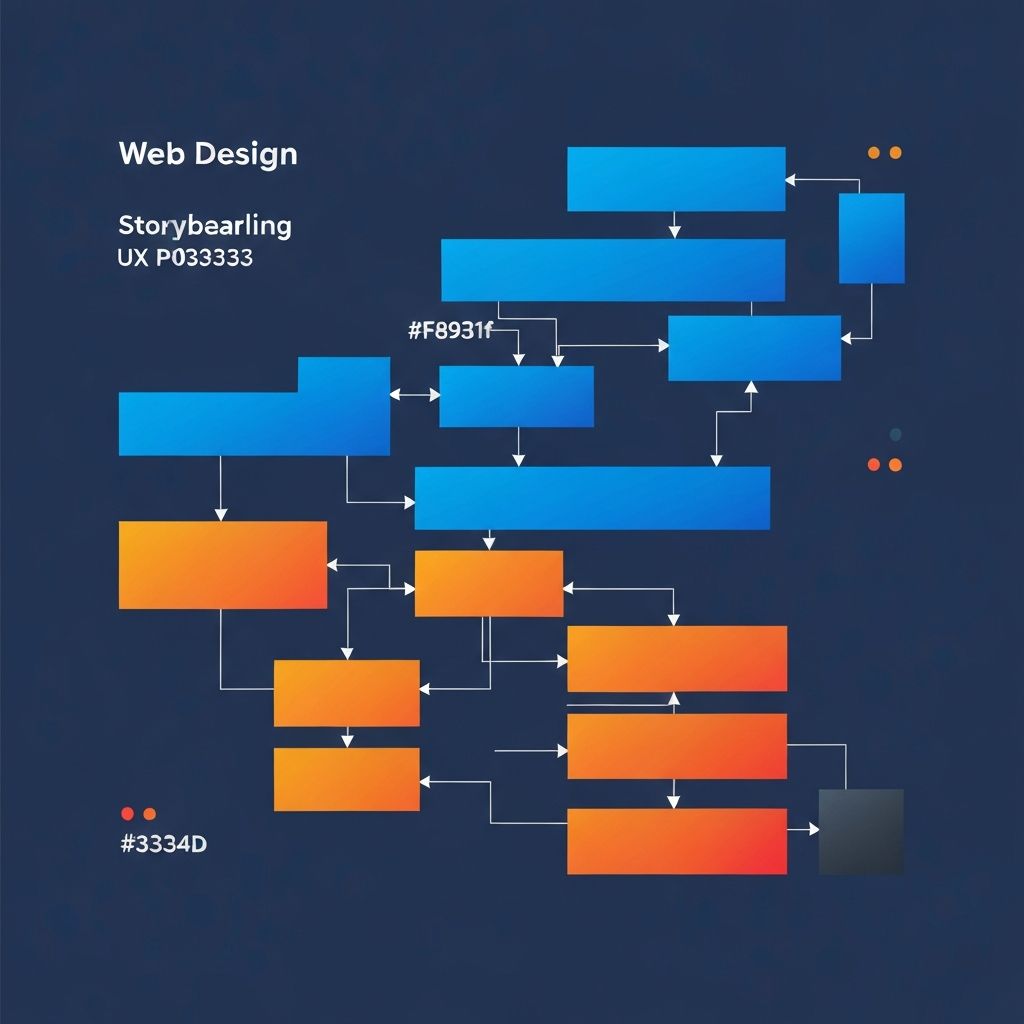
Web Design Storyboarding
Understanding Web Design Storyboarding
Storyboarding, a technique borrowed from film and animation, has become an invaluable tool in web design. It allows designers to visualize user journeys, plan content flow, and create cohesive narratives that guide visitors through website experiences. At AAMAX.CO, we integrate storyboarding into our web design process to create more engaging, purposeful websites that resonate with users. This comprehensive guide explores how storyboarding can transform your approach to web design.
Traditional storyboards consist of sequential drawings that outline a story scene by scene. In web design, storyboards serve a similar purpose—they map out how users will experience a website, page by page, interaction by interaction. This visualization helps designers, stakeholders, and developers understand the intended user journey before investing in detailed design or development work.
Why Storyboarding Matters in Web Design
Storyboarding offers several advantages that make it a valuable addition to the web design process. First, it forces designers to think about the entire user experience rather than individual pages in isolation. Websites are journeys, not destinations, and storyboarding keeps this perspective front and center.
Communication improves when storyboards visualize intentions. Abstract concepts like "engaging user experience" or "intuitive navigation" become concrete when illustrated in storyboard form. Stakeholders can see exactly what designers envision, enabling more productive feedback and alignment before significant work begins.
Problem identification happens earlier when storyboards reveal journey gaps or friction points. A storyboard might expose that users need three clicks to reach critical content, or that the intended emotional arc doesn't flow smoothly. Catching these issues during storyboarding is far cheaper than discovering them after development.
Collaboration strengthens as storyboards provide common ground for cross-functional teams. Designers, developers, content creators, and business stakeholders can all engage with storyboards regardless of their technical background. This shared understanding improves project outcomes.
Types of Web Design Storyboards
Different storyboarding approaches suit different purposes. Understanding your options helps you choose the right approach for each situation.
User journey storyboards map the complete experience from first contact through conversion and beyond. These storyboards might begin with a social media ad, move through a landing page, show navigation to product details, and conclude with checkout and confirmation. Journey storyboards ensure every touchpoint supports the overall experience.
Page flow storyboards focus on how users move between pages within a website. They show navigation paths, decision points, and content progression. These storyboards help optimize information architecture and ensure logical, intuitive page structures.
Interaction storyboards detail specific interactive sequences. They might show how a form responds to validation errors, how a modal window appears and dismisses, or how an animation guides attention. Interaction storyboards are particularly useful for communicating complex functionality to developers.
Emotional journey storyboards map the feelings you want users to experience at each stage. They annotate frames with intended emotions—excitement at discovery, confidence during evaluation, delight at purchase. These storyboards help ensure design decisions support emotional goals.
Creating Effective Web Design Storyboards
Effective storyboarding requires both creativity and structure. Follow these practices to create storyboards that truly inform your website design process.
Start with user research insights. Storyboards should reflect real user needs, behaviors, and contexts—not assumptions. Ground your storyboards in research about who your users are, what they're trying to accomplish, and how they prefer to interact with digital experiences.
Define clear scenarios that your storyboards will illustrate. A scenario includes the user's goal, their starting context, and the desired outcome. For example: "A marketing manager searching for website redesign services discovers AAMAX through Google, explores our portfolio, and requests a consultation." Clear scenarios focus storyboarding efforts.
Sketch rough frames quickly without worrying about artistic quality. Storyboards aren't meant to be beautiful—they're meant to communicate ideas. Stick figures and simple boxes work fine. Speed matters more than polish because you'll likely iterate several times.
Include relevant context in each frame. Show device type, time of day, user emotional state, or environmental factors when they matter. A frame showing a mobile checkout should convey the challenges of small screens and potential distractions.
Add annotations that explain what's happening and why. Frames alone don't convey rationale. Brief notes explaining design decisions, user motivations, or technical requirements make storyboards more useful for teams.
Storyboarding Tools and Techniques
Various tools support web design storyboarding, from analog to digital approaches. Choose tools that match your workflow and team preferences.
Paper and markers remain popular for early-stage storyboarding. The tactile nature of physical materials can spark creativity, and anyone can participate regardless of software skills. Post-it notes enable easy rearrangement of frames. Paper storyboards are quick to create and easy to modify during discussions.
Digital whiteboard tools like Miro, FigJam, or Mural offer flexibility for remote teams. They support real-time collaboration, easy sharing, and integration with other design tools. Digital whiteboards also provide infinite canvas space for complex journeys.
Dedicated storyboarding software provides structured templates and purpose-built features. Tools designed for film storyboarding can adapt well to web design use cases. These tools often include features for timing, transitions, and annotations.
Design tools like Figma or Sketch can create higher-fidelity storyboards when needed. Using actual design tools enables reuse of components and styles from your design system. This approach works well when storyboards need to closely represent intended visual design.
Integrating Storyboards into Your Design Process
Storyboards deliver maximum value when properly integrated into broader design processes. Consider where storyboarding fits within your workflow.
During discovery, storyboards help explore and communicate user journeys identified through research. Create storyboards showing current-state experiences to identify problems, and future-state storyboards to envision solutions. These early storyboards guide subsequent design decisions.
In design phases, storyboards ensure individual page designs support the overall journey. Before diving into detailed mockups, create storyboards showing how users will flow through the site. This prevents designing pages in isolation that don't connect smoothly.
For stakeholder presentations, storyboards communicate vision more effectively than static mockups. Walk stakeholders through the intended user experience frame by frame. This narrative approach builds understanding and generates more useful feedback.
During development handoff, storyboards provide context that specifications alone can't convey. Our website development teams appreciate storyboards that explain the "why" behind design decisions, enabling better implementation choices.
Storyboarding for Different Website Types
Different website types benefit from different storyboarding emphases. Adapt your approach to match project needs.
E-commerce storyboards should carefully map the path from product discovery to purchase completion. Include storyboards for different entry points—homepage browsing, search results, product recommendations, external links. Pay special attention to checkout flow, where friction costs conversions.
Content websites benefit from storyboards showing how readers discover and consume content. Map journeys from search results or social shares through article reading and onto related content. Consider subscription or membership conversion journeys.
Web applications require storyboards for key user tasks and workflows. Map onboarding experiences, core functionality usage, and error recovery scenarios. Complex applications may need multiple storyboard sets for different user roles or use cases.
Corporate websites often serve multiple audience types with different goals. Create separate storyboard sets for prospects, job seekers, investors, and press. Ensure each audience can accomplish their goals without interference from others.
Common Storyboarding Mistakes to Avoid
Awareness of common mistakes helps you storyboard more effectively. Watch for these pitfalls in your practice.
Focusing on happy paths only misses important experiences. Real users encounter errors, change their minds, and behave unexpectedly. Include storyboards for error states, abandoned flows, and recovery scenarios. These edge cases often determine whether users succeed or fail.
Excessive detail too early slows down the process without adding value. Early storyboards should be quick and rough. Save detailed, polished storyboards for later stages when direction is established and precision matters more.
Ignoring context produces unrealistic storyboards. Real users have limited time, divided attention, and varying technical abilities. Storyboards that assume perfect conditions don't prepare you for reality. Include realistic context in your frames.
Skipping validation produces storyboards based on assumptions rather than evidence. Test storyboard concepts with real users before committing to detailed design. Simple validation techniques can reveal problems with proposed journeys.
Measuring Storyboarding Success
How do you know if your storyboarding efforts are worthwhile? Consider these indicators of successful storyboarding practice.
Team alignment improves when everyone shares understanding of intended user experiences. If storyboarding reduces disagreements during design and development, it's working. Fewer surprises during implementation suggest effective storyboarding.
User testing validates storyboard predictions. When completed websites enable users to complete journeys as storyboarded, your storyboarding was accurate. Significant divergence between storyboarded and actual user behavior indicates room for improvement.
Stakeholder satisfaction reflects how well storyboards communicated intent. If stakeholders understand and support design directions after storyboard presentations, your communication is effective. Confusion or misalignment suggests storyboards need improvement.
Design efficiency increases when storyboarding prevents rework. Track how often designs require major changes after initial concepts. Effective storyboarding reduces these costly pivots by catching issues early.
Storyboarding adds structure and narrative thinking to web design, resulting in websites that truly work for users. Whether you're creating simple landing pages or complex web applications, storyboarding helps ensure every element supports a coherent, effective user experience.
Want to publish a guest post on aamax.co?
Place an order for a guest post or link insertion today.
Place an Order