

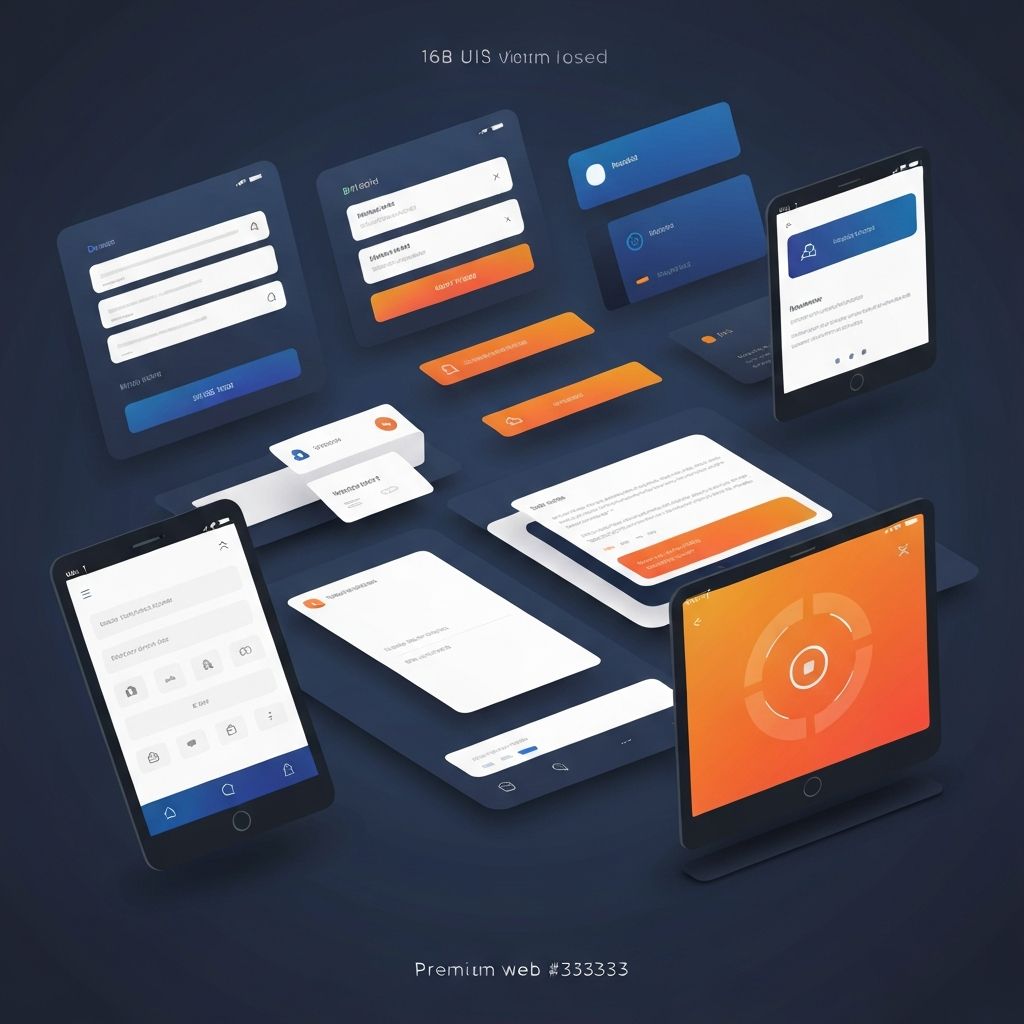
Web App User Interface Design
Foundations of Web App UI Design
Web app user interface design shapes how users experience and interact with application functionality. Unlike traditional websites focused on content consumption, web apps enable users to accomplish tasks, manage data, and achieve goals through interactive interfaces. Effective UI design makes these interactions intuitive, efficient, and even enjoyable.
At AAMAX.CO, we approach web app UI design with deep understanding of both user psychology and technical implementation. Our designs balance aesthetic appeal with functional excellence, creating interfaces that users love while supporting business objectives.
User-Centered Design Principles
Effective web app UI design starts with understanding users—their goals, mental models, technical abilities, and contexts of use. User research through interviews, surveys, observation, and analytics provides insights that inform design decisions and prevent assumptions that lead to unusable interfaces.
Mental model alignment ensures interfaces match how users think about tasks and information. When UI organization reflects user expectations rather than system architecture, users navigate intuitively without learning arbitrary conventions.
Task analysis identifies the steps users take to accomplish goals, revealing opportunities to streamline workflows, reduce friction, and eliminate unnecessary complexity. Understanding user tasks enables designs that feel effortless.
Visual Hierarchy and Information Architecture
Visual hierarchy guides users' attention through interfaces, ensuring they notice important elements first and can scan content efficiently. Size, color, contrast, spacing, and positioning all contribute to hierarchy that communicates relative importance.
Information architecture organizes content and functionality into structures that users can understand and navigate. Clear categorization, consistent patterns, and logical relationships between elements create coherent systems that scale gracefully as applications grow.
Navigation design connects information architecture to user interface, providing pathways through application functionality. Effective navigation balances comprehensiveness with simplicity, ensuring users can reach any feature while avoiding overwhelming menus.
Consistency and Design Systems
Consistency across interfaces reduces cognitive load by allowing users to apply learned conventions throughout applications. Consistent patterns for buttons, forms, navigation, and feedback create predictable experiences where users feel confident exploring new features.
Design systems formalize consistency through documented components, patterns, and guidelines. These systems ensure coherent experiences across features and development teams while enabling efficient development through reusable elements.
Our website design services include developing design systems that ensure consistency while enabling creative flexibility for unique interface needs.
Interactive Feedback and States
Web apps must communicate with users about what is happening—confirming actions, indicating loading states, reporting errors, and celebrating successes. Feedback design ensures users always understand system status and the results of their interactions.
Button states, loading indicators, success messages, and error handling all require thoughtful design. Feedback should be proportional to action significance—subtle confirmations for minor actions, prominent notifications for important events or errors.
Micro-interactions—small animated responses to user actions—add polish and personality while providing intuitive feedback. Hover effects, button animations, and transition effects make interfaces feel responsive and alive.
Form Design Excellence
Forms are workhorses of web applications, enabling data entry, configuration, and user input across countless use cases. Form design directly impacts user success and frustration levels, making it a critical area for UI attention.
Effective form design includes clear labels, appropriate input types, helpful validation, logical grouping, and accessibility considerations. Progressive disclosure of advanced options, inline validation, and smart defaults all reduce friction while ensuring accurate data collection.
Error handling in forms requires particular care—messages should be specific, helpful, and positioned near relevant fields. Preventing errors through input constraints and validation is preferable to reporting them after submission.
Responsive and Adaptive Design
Web apps must function across diverse devices and screen sizes. Responsive design adapts layouts fluidly to available space, while adaptive approaches may provide distinct experiences optimized for different contexts.
Touch interfaces require larger tap targets, different interaction patterns, and consideration for thumb reach zones. Keyboard and mouse interfaces can rely on hover states and precise pointing that touch cannot provide.
Our front-end web development expertise ensures web app interfaces perform beautifully across all devices and input methods.
Performance and Perceived Speed
Interface performance affects user perception of application quality. Slow, laggy interfaces frustrate users and undermine trust in application reliability. Performance optimization must be integrated into UI design and development.
Perceived performance can be improved through design techniques—skeleton screens, optimistic updates, and progressive loading create impressions of speed even when actual load times cannot be reduced. Animation and feedback during loading keeps users engaged.
Lazy loading, code splitting, and efficient rendering ensure interfaces remain responsive as application complexity grows. Performance budgets and monitoring help maintain speed over time.
Accessibility in Web App Design
Accessible web app design ensures users with disabilities can accomplish their goals. Beyond legal compliance, accessibility expands your potential user base and often improves experiences for all users.
Keyboard navigation, screen reader compatibility, sufficient color contrast, and focus management are foundational accessibility requirements. Complex interactive patterns require additional attention to ensure assistive technology users can participate fully.
Testing with actual assistive technology users, automated accessibility checking, and manual audits combine to ensure comprehensive accessibility coverage.
Empty States and Onboarding
Empty states—screens shown when no data exists yet—represent critical design opportunities. Rather than blank screens, effective empty states guide users toward first actions, explain feature value, and create positive first impressions.
Onboarding design introduces users to application functionality through tours, tooltips, progressive disclosure, or guided workflows. Balancing helpfulness with avoiding annoyance requires understanding user sophistication and patience levels.
Data Display and Tables
Many web apps display data in tables, lists, or card grids. Effective data display design enables scanning, sorting, filtering, and detailed inspection without overwhelming users with information.
Column prioritization, responsive table behaviors, and clear data formatting all contribute to usable data displays. Action placement within data rows, selection patterns, and bulk operation interfaces require careful design for efficiency.
Modal and Overlay Patterns
Modals, dialogs, and overlays interrupt user flow to focus attention on specific tasks or decisions. These patterns are powerful but easily overused—every modal represents a disruption that should be justified by clear benefit.
Modal design includes appropriate sizing, clear dismissal mechanisms, and focus management that traps keyboard navigation within the overlay. Confirmation dialogs, form modals, and detail views each have specific pattern considerations.
Component-Based Development
Modern web app development uses component-based architectures that align naturally with design systems. Understanding component boundaries and APIs helps designers create specifications that translate efficiently to development.
Our ReactJS web development capabilities enable efficient implementation of component-based designs that maintain consistency while supporting rapid feature development.
Iterative Design and Testing
Web app UI design benefits from iterative approaches that test designs with real users and refine based on feedback. Prototype testing, usability studies, and analytics-informed optimization improve interfaces over time.
Design tools that enable rapid prototyping and testing integration accelerate iteration cycles. Our design process incorporates user testing at multiple stages to ensure final implementations truly serve user needs.
Conclusion
Exceptional web app user interface design combines aesthetic sensibility, user psychology understanding, technical knowledge, and iterative refinement. Creating interfaces that users love while supporting complex functionality requires expertise across all these dimensions.
Investing in professional UI design delivers returns through increased user satisfaction, reduced support costs, improved conversion rates, and competitive differentiation. Partner with experienced designers to create web app interfaces that set your application apart.
Want to publish a guest post on aamax.co?
Place an order for a guest post or link insertion today.
Place an Order