

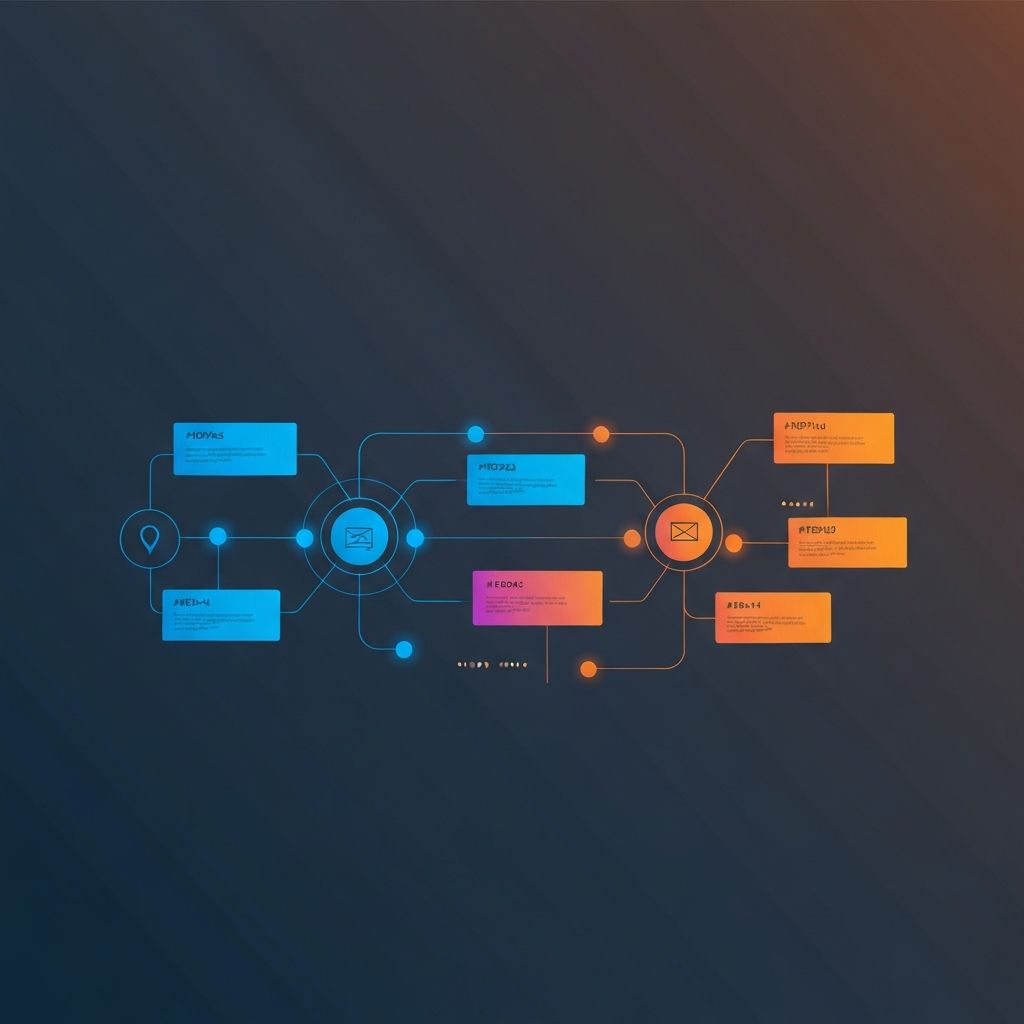
Timeline Web Design
Why Timelines Matter in Modern Web Design
Timelines are one of the oldest visual tools humans use to make sense of change. From cave paintings to history textbooks, we have always organized events along a line because it mirrors how we experience reality. On the web, timelines serve a similar purpose. They turn abstract data, company milestones, project roadmaps, and historical narratives into experiences that visitors can scan, understand, and remember in seconds.
At AAMAX.CO, we design and build timelines for company about pages, product roadmaps, case studies, and content-rich storytelling experiences. This article explores when to use timelines, how to design them well, the technical considerations behind interactive timelines, and how to make them accessible and performant across every device.
When a Timeline Is the Right Choice
Not every list of dates needs a timeline. Timelines work best when chronology itself is meaningful, when readers benefit from seeing relative spacing between events, or when the story you are telling is fundamentally about progress, evolution, or transformation. Common use cases include company history, product release roadmaps, project case studies, educational content, and personal portfolios.
Timelines are less effective when the content is non-linear, when dates are not meaningful, or when only two or three events exist. In those cases, a simple list or a tile-based layout often communicates more clearly. The discipline of choosing the right pattern is part of what separates strategic Website Design from decorative design.
Horizontal vs. Vertical Timelines
The first major design decision is orientation. Vertical timelines work beautifully on mobile, scroll naturally with the page, and accommodate long descriptions. They are ideal for storytelling-heavy contexts such as company history pages or detailed case studies.
Horizontal timelines feel more like infographics and work well on dashboards, roadmaps, and desktop-first experiences. However, they require horizontal scrolling on mobile, which can feel awkward unless designed carefully. We sometimes use hybrid timelines that are horizontal on desktop and reflow into vertical on mobile, giving the best of both orientations.
Designing the Visual Rhythm
A great timeline has visual rhythm. Each milestone or event should feel like a beat, with consistent spacing, clear nodes, and a reliable visual anchor. We typically use a central line or axis with nodes representing key moments, alternating content cards on either side for variety. This zigzag pattern keeps the eye engaged and breaks up what could otherwise feel like a long, monotonous scroll.
Color is used purposefully. The line itself is often subtle, while nodes and accents use a bolder brand color to draw attention. Active or current milestones can use a contrasting color or an animated pulse to indicate "you are here." These small touches transform a static timeline into an interactive narrative.
Content Strategy for Timelines
Design alone is not enough. The content within a timeline must be carefully edited. Each milestone should have a date, a short headline, and an optional supporting paragraph. Long descriptions belong on linked detail pages, not within the timeline itself. The timeline should feel like a table of contents for a story, not the entire story.
We work closely with clients to identify which milestones are worth including. Founding the company, hitting major revenue milestones, launching flagship products, and entering new markets are usually worth highlighting. Internal events with little external significance often dilute the narrative and should be removed. Strong editorial discipline produces timelines that feel curated, not exhaustive.
Interaction and Animation
Modern timelines come alive with subtle animation. Scroll-triggered reveals, where each milestone fades or slides into view as the user scrolls, create a sense of forward motion that mirrors the content itself. We build these animations with libraries like Framer Motion or with native CSS, ensuring they perform smoothly even on mid-range devices.
For more interactive timelines, we sometimes add filters, search, or expand-on-click behaviors. A product roadmap timeline, for example, might allow users to filter by category, completed status, or quarter. These features turn a one-way narrative into an exploration tool. Our work in ReactJs Web Development and Next.js Web Development makes building these interactions both fast and maintainable.
Accessibility Considerations
Timelines often rely heavily on visual cues, which can create accessibility challenges. We design timelines with semantic HTML, using ordered lists or article elements with proper heading levels. Each milestone is fully readable by screen readers, with dates announced clearly and content following in a logical order. Decorative lines and nodes are marked as aria-hidden to avoid noise.
Animations respect the prefers-reduced-motion media query, providing instant reveals for users who prefer minimal motion. Color contrast meets WCAG AA standards, and interactive elements are fully keyboard accessible with visible focus states. Accessibility is not an afterthought; it is part of how we measure design success.
Performance and Technical Implementation
Timelines can become heavy if they include many images or complex animations. We optimize images with modern formats and responsive sizes, lazy load milestones below the fold, and use Intersection Observer to trigger animations only when needed. The result is a timeline that feels alive without slowing down the page.
For very long timelines, we sometimes implement virtualization, rendering only the milestones currently in or near the viewport. This keeps memory usage low even for timelines spanning decades or hundreds of events. Our expertise in Front-end Web Development ensures these optimizations are invisible to the user but transformative for performance metrics.
SEO and Structured Data
Timelines often contain valuable, search-relevant content. We mark up timeline events with appropriate schema such as Event, Article, or Product depending on context. This helps search engines understand the content and can lead to rich results in search listings. Internal linking from timeline milestones to detail pages further strengthens site structure and topical authority.
Hire AAMAX.CO to Build Your Story Timeline
A well-designed timeline turns history, progress, or roadmaps into a narrative experience that visitors actually read. Whether you need a company history page, a product roadmap, or an interactive case study timeline, hire AAMAX.CO and we will design and build a timeline that tells your story beautifully and performs flawlessly across every device.
Want to publish a guest post on aamax.co?
Place an order for a guest post or link insertion today.
Place an Order