

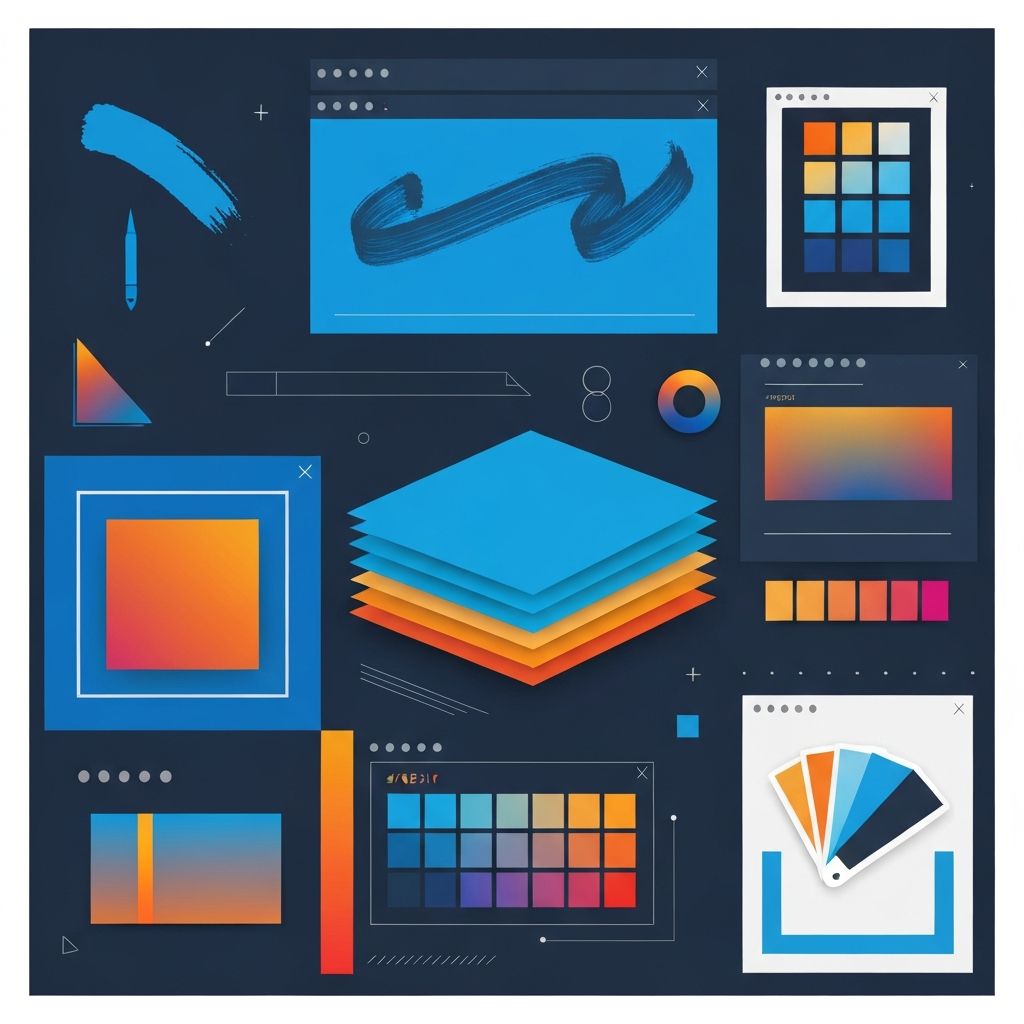
Photoshop Web Design
Photoshop's Role in Modern Web Design
Adobe Photoshop has been a cornerstone of web design since the early days of the internet. While dedicated web design tools have emerged over the years, Photoshop remains relevant for certain aspects of web design workflows. Understanding how Photoshop fits into contemporary web development helps designers and businesses make informed decisions about tools and processes.
Originally designed for photo editing, Photoshop's powerful image manipulation capabilities made it a natural choice for early web designers creating graphics-heavy pages. Over time, Adobe added features specifically for web design including artboards, asset export, and responsive design aids. Today, Photoshop occupies a specific niche within broader web design ecosystems. At AAMAX.CO, our designers leverage Photoshop alongside modern tools to deliver optimal results for each project.
Best Uses for Photoshop in Web Design
Image editing and manipulation remain Photoshop's core strengths. Web projects requiring photo retouching, color correction, compositing, or complex image effects benefit from Photoshop's unmatched capabilities. Whether optimizing product photos for e-commerce or creating hero images for landing pages, Photoshop delivers professional results.
Graphic asset creation for websites—icons, buttons, banners, social media images—often happens in Photoshop. Its layer-based workflow enables creating complex graphics with multiple elements that can be adjusted individually. Our website design services include creating all necessary graphic assets for your web presence.
Mockup creation for presenting design concepts has traditionally been a Photoshop strength. While tools like Figma and Sketch have captured much of this market, designers comfortable with Photoshop can still create compelling mockups that communicate design vision to stakeholders.
Photoshop Web Design Workflow
Effective Photoshop web design workflows begin with proper document setup. Creating artboards at common device widths—mobile, tablet, and desktop—enables designing responsive layouts. Using pixel dimensions that match typical viewport sizes ensures designs translate accurately to browser implementations.
Smart Objects allow embedding elements that can be updated across multiple instances simultaneously. This feature proves valuable for elements like logos, icons, and repeated components that appear throughout designs. Maintaining Smart Objects as separate files enables version control and collaborative workflows.
Layer organization matters significantly for complex web designs. Naming conventions, layer groups, and color coding help navigate documents with dozens or hundreds of layers. This organization also facilitates handoff to developers who may need to extract specific elements.
Exporting Assets from Photoshop
Photoshop's asset export features have improved significantly for web workflows. The Export As dialog provides control over format, quality, and sizing for individual layers or layer groups. Quick Export enables rapid saving of commonly used configurations. Generate features allow automatic asset generation as documents are saved.
Understanding web image formats is essential for optimal exports. JPEG works well for photographs and complex images where some quality loss is acceptable for file size reduction. PNG supports transparency and works better for graphics with solid colors and sharp edges. WebP offers superior compression for browsers that support it. SVG provides resolution-independent vectors for icons and simple graphics.
Retina and high-DPI display support requires exporting assets at multiple resolutions—typically 1x, 2x, and sometimes 3x sizes. Photoshop's export features can generate multiple sizes automatically, ensuring assets look sharp on all displays.
Limitations of Photoshop for Web Design
Despite its capabilities, Photoshop has limitations that have driven adoption of alternative tools. It cannot create interactive prototypes—designs are static images that don't demonstrate user interactions or animations. Tools like Figma, Sketch, and Adobe XD address this gap with built-in prototyping features.
Collaboration in Photoshop is more cumbersome than cloud-based alternatives. While Adobe Creative Cloud enables file syncing, real-time collaboration where multiple designers work simultaneously isn't possible. For teams, this limitation may justify transitioning to collaborative tools.
Responsive design in Photoshop requires creating separate artboards for each device size. There's no automatic reflow or responsive behavior preview—designers must manually create each variation. Our front-end web development team implements responsive behaviors that can't be fully represented in static Photoshop mockups.
From Photoshop to Code
Converting Photoshop designs to functional websites requires developer expertise. While plugins and tools claim to generate code from Photoshop files, results rarely meet professional standards. Clean, efficient, accessible code requires human expertise that automated tools cannot replicate.
Design specifications extracted from Photoshop—colors, typography, spacing, dimensions—inform development. Detailed spec documents or design system documentation helps developers match designs accurately. Alternatively, tools like Zeplin can extract specifications automatically from Photoshop files.
Our website development services bridge the gap between design and functional websites. Whether receiving Photoshop mockups, design specifications, or rough concepts, we deliver polished, professional web implementations.
Alternatives to Photoshop for Web Design
Figma has emerged as the dominant tool for UI/UX design, offering browser-based collaborative design with prototyping capabilities. Its component systems and design tokens facilitate creating scalable design systems. For teams and projects requiring collaboration, Figma often proves more efficient than Photoshop.
Adobe XD provides Adobe's answer to modern UI/UX design needs. Its familiar Adobe interface appeals to designers already using Creative Cloud, while providing prototyping and collaboration features Photoshop lacks.
Sketch, though Mac-only, maintains a loyal following among product designers. Its focused feature set and extensive plugin ecosystem enable efficient design workflows. Sketch's component and symbol systems support sophisticated design systems.
When to Choose Professional Web Development
Creating website designs in Photoshop or other tools is only part of building a web presence. Converting designs to functional websites requires front-end development expertise including HTML, CSS, and JavaScript. Making sites dynamic and interactive requires additional back-end web development capabilities.
Content management systems like WordPress enable non-technical users to update website content after development. Our WordPress development services create custom themes based on Photoshop designs while providing easy content management.
Modern frameworks like React enable creating sophisticated interactive experiences beyond what Photoshop mockups can represent. Our ReactJS web development and Next.js web development capabilities deliver high-performance applications that exceed static design visions.
Integrating Photoshop with Development Workflows
Successful projects integrate design and development workflows smoothly. Design handoff tools facilitate communication between designers working in Photoshop and developers implementing in code. Clear specifications, organized asset delivery, and open communication channels prevent misunderstandings.
Version control for design files, while less standardized than code repositories, helps track design evolution. Abstract, Plant, and similar tools provide Git-like version control for design files including Photoshop documents.
Design reviews at multiple stages—wireframes, mockups, interactive prototypes, development—catch issues early when they're cheapest to fix. Our web development consulting services include process optimization that improves design-to-development efficiency.
Optimizing Images Created in Photoshop
Web performance depends significantly on image optimization. While Photoshop's export features provide initial optimization, additional tools can often reduce file sizes further without visible quality loss. ImageOptim, TinyPNG, and similar services squeeze additional bytes from image files.
Lazy loading—delaying image loading until they enter the viewport—improves perceived page speed. Modern web development practices include lazy loading implementation that reduces initial page weight. Our development includes these performance optimizations automatically.
Responsive images using srcset and sizes attributes serve appropriately sized images to different devices, avoiding the waste of sending large images to mobile screens. Generating and implementing responsive image sets requires development expertise beyond Photoshop capabilities.
Learning Photoshop for Web Design
Designers wishing to incorporate Photoshop into web workflows have numerous learning resources available. Adobe's official tutorials cover web-specific features. Online courses on platforms like LinkedIn Learning, Skillshare, and Udemy provide structured curriculum. YouTube tutorials address specific techniques and workflows.
Practice projects help develop skills efficiently. Creating mockups for real or imaginary websites, redesigning existing sites, or reproducing designs from Dribbble and Behance develops proficiency progressively.
Conclusion: Photoshop in the Modern Web Design Stack
Photoshop remains valuable for specific aspects of web design, particularly image editing and graphic asset creation. However, modern web projects benefit from purpose-built tools for UI design, prototyping, and collaboration. Understanding each tool's strengths enables choosing appropriate solutions for each project phase.
At AAMAX.CO, we're a full-service digital marketing company offering web development, digital marketing, and SEO services. Our designers work fluently across tools including Photoshop, selecting optimal approaches for each project. Whether you have Photoshop designs ready for implementation or need comprehensive design and development services, we deliver results. Contact us to discuss your web design needs.
Want to publish a guest post on aamax.co?
Place an order for a guest post or link insertion today.
Place an Order