

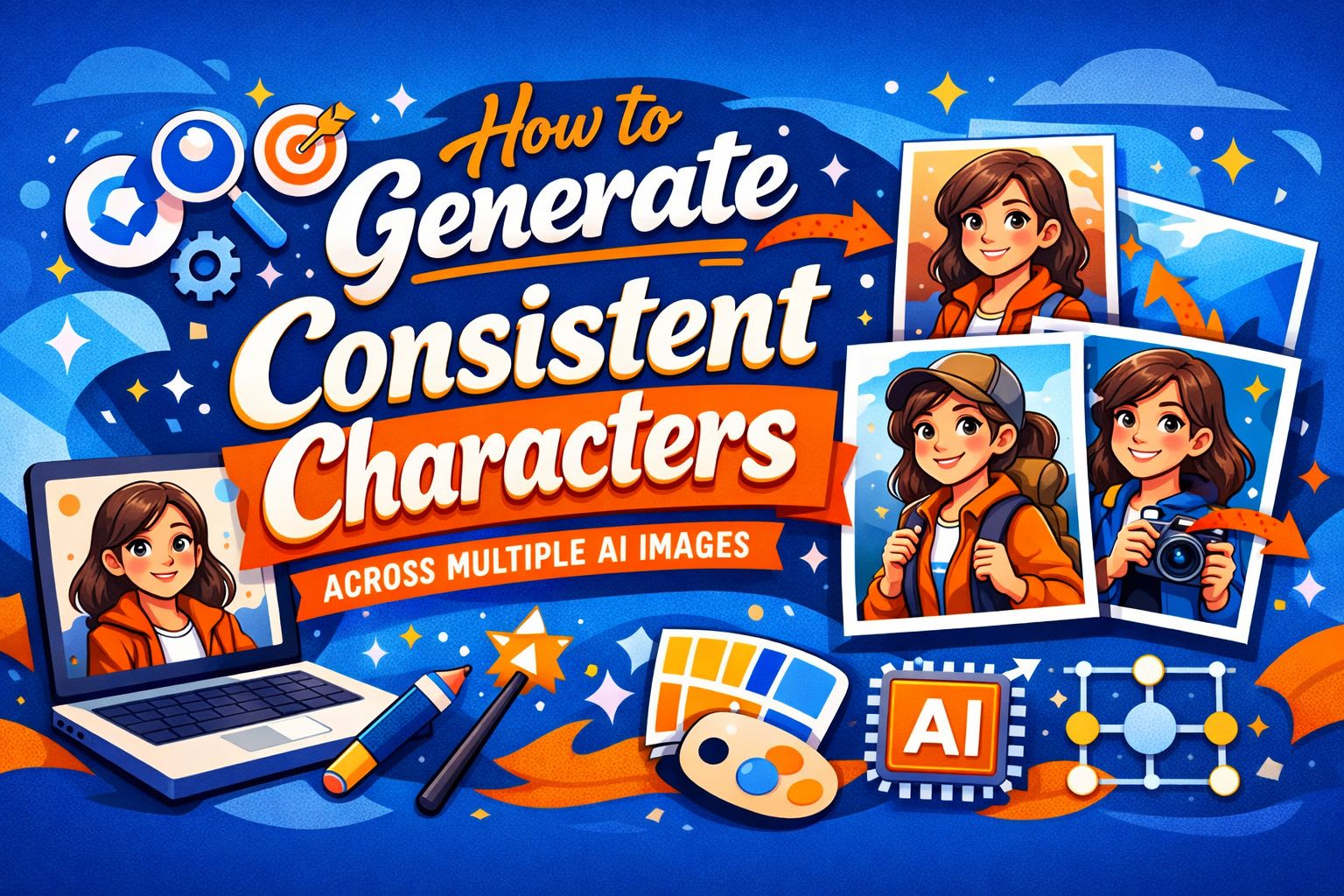
How to Generate Consistent Characters Across Multiple AI Images
One of the most frustrating problems in AI image generation: you create a character you like, then try to generate them again in a different scene, and they come back as a completely different person. Same hair color, roughly the same build, but the face is different. The nose changed. The jawline shifted. They aged five years between frames.
This is the character consistency problem, and it's one of the hardest things to solve with current AI image generation. Here's why it happens and what you can practically do about it.
Why AI Can't Keep a Face Consistent
Most image generation models don't have a concept of identity. When you describe "a 30-year-old woman with short brown hair and green eyes," the model generates a person who matches that description — but it's a new person every time. The description is a loose constraint, not a reference to a specific individual.
Think of it like asking ten different portrait artists to paint "a young woman with brown hair." You'll get ten different women. The AI works the same way: each generation is an independent interpretation of your text description.
This means that the more generic your description, the more variation you'll see between generations. And even highly detailed descriptions ("oval face, slightly upturned nose, thin eyebrows, light freckles across the cheeks") still leave enough room for the model to produce noticeably different faces.
Practical Workarounds
There's no perfect solution yet, but several approaches get you much closer to consistency.
Use Extremely Detailed Character Descriptions
The more specific your description, the less room the AI has to improvise. Build a detailed character reference and paste it into every prompt:
▎ "A 28-year-old woman with a round face, warm beige skin, dark brown shoulder-length wavy hair parted slightly to the left, brown almond-shaped
eyes, soft rounded nose, full lips, light smile lines, small mole on the left cheek, medium build"
Save this description somewhere and reuse it word-for-word across all your prompts. It won't guarantee identical results, but it significantly narrows the range of variation.
Use a Reference Image
Some tools support image-to-image generation, where you provide a reference photo and ask the model to generate variations or place that person in new scenes. This is currently the most reliable approach for maintaining a consistent face.
The quality varies by tool and model, but when it works, the results are dramatically more consistent than text-only prompting.
Generate in Batches and Cherry-Pick
Rather than trying to get one perfect image per prompt, generate many and select the ones where the character looks most similar. This is a brute-force approach, but it's effective — out of ten generations, two or three will usually be close enough to each other to use as a set.
This is where your choice of tool matters significantly. In ChatGPT or Google AI Studio, batch generation means sending the same prompt repeatedly in a chat thread, waiting for each result, scrolling back and forth to compare faces, and mentally tracking which outputs match. It's doable but tedious.
AI Photo Generator makes this workflow more practical since it's built around generating and comparing multiple images rather than one-at-a-time chat responses. When you're generating ten variations and need to visually compare faces across all of them, a purpose-built image interface is meaningfully faster than a conversation thread.
Keep Scenes Similar
Character consistency gets worse when you change too many variables at once. If your character was generated in a well-lit indoor portrait, don't jump to a dark outdoor full-body shot — the model has too many things to reinterpret simultaneously.
Instead, make incremental changes:
- First, change only the background while keeping the same framing and lighting
- Then adjust the pose while keeping the background
- Then modify the lighting
Each small step gives the model fewer reasons to drift from the established look.
Use a Seed Value (When Available)
Some generation tools expose a "seed" parameter — a number that controls the randomness of the output. Using the same seed with the same prompt should produce the same (or very similar) result. By keeping the seed constant and changing only specific parts of the prompt, you can modify scenes while maintaining more consistency in the character's appearance.
Not all tools expose this setting, but when it's available, it's one of the most reliable technical controls you have.
What Doesn't Work Well
A few commonly suggested approaches that sound good but underdeliver:
- Describing the character as a specific celebrity or public figure. Some models will refuse this outright. Those that don't will produce inconsistent results anyway — the model's interpretation of a celebrity varies across generations just like any other face.
- Using overly artistic style descriptors. Adding "in the style of Annie Leibovitz" or "hyperrealistic digital art" introduces another axis of variation. The model now has to interpret both the character and the style, which increases inconsistency. Stick to straightforward photographic descriptions.
- Assuming more detail always helps. There's a point of diminishing returns. If your character description is 200 words long, the model may not weigh all details equally, and some details may conflict in subtle ways that cause more variation, not less.
The Current State of Things
Character consistency is an active area of development in AI image generation. New techniques like IP-Adapter, PhotoMaker, and InstantID are specifically designed to solve this problem by encoding a face as a reference that the model can maintain across generations.
These approaches are making their way into consumer-facing tools, but adoption is uneven. Some platforms have integrated them already, others haven't. This is a space where the tooling will improve significantly over the next year.
For now, the most reliable workflow is: write a detailed character description, use reference images when possible, generate in batches, and compare results in a tool that makes comparison easy. It's not perfect, but it gets you 80% of the way there — and that last 20% is closing fast.
Want to publish a guest post on aamax.co?
Place an order for a guest post or link insertion today.
Place an Order