

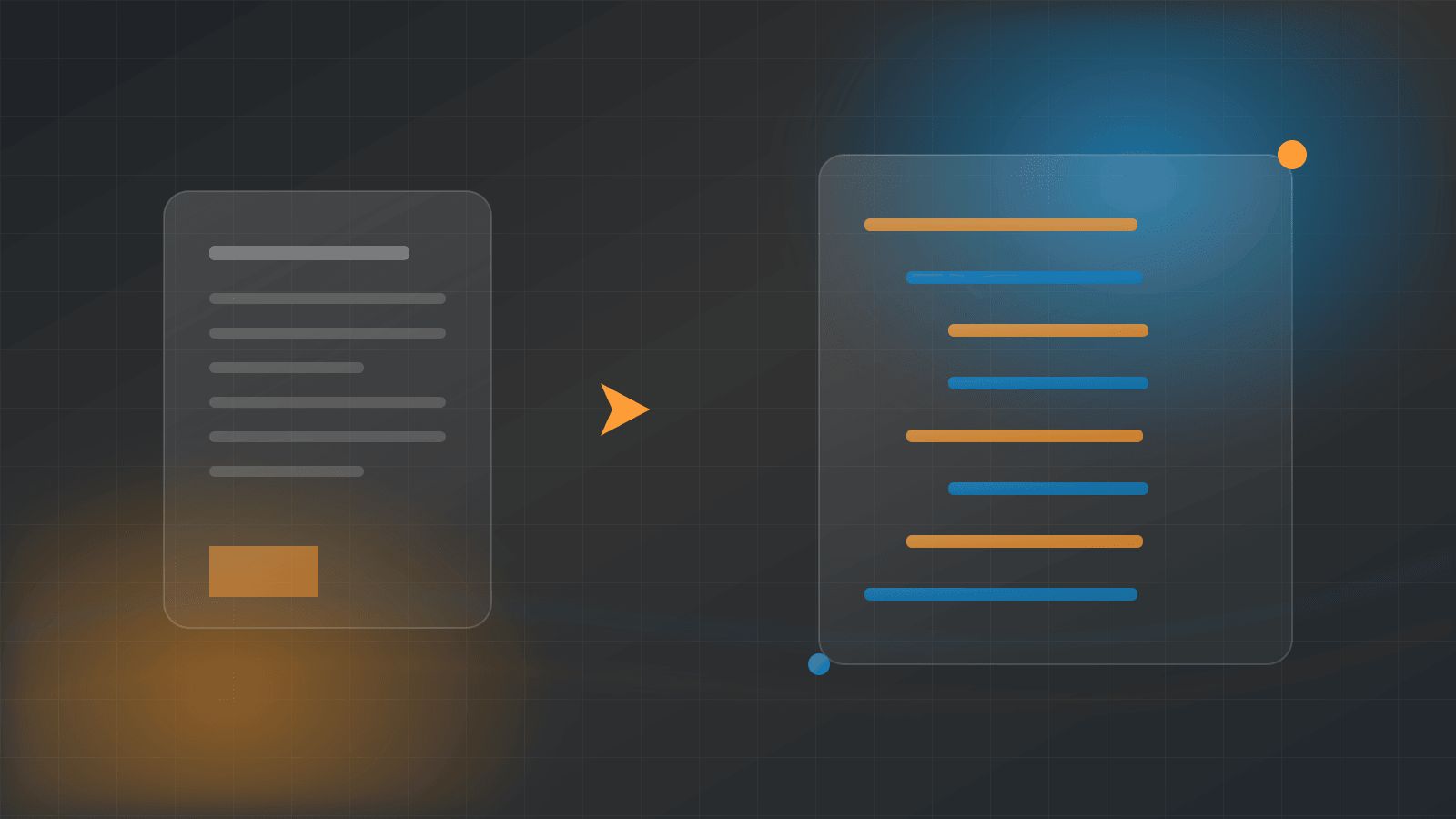
How to Convert PDF to HTML Page SEO
Many businesses sit on a library of valuable PDFs: whitepapers, product catalogues, price sheets, technical manuals and annual reports. Google can index those files, but a PDF is a poor container for organic search. It loads slowly on mobile, it cannot be styled responsively, it rarely carries internal links, and it almost never contains a call to action that turns a reader into a lead. Converting a PDF into a properly structured HTML page is one of the highest-return technical SEO projects available to most content-rich websites, and it is far more than a copy-and-paste exercise.
How AAMAX.CO Can Help You Convert PDFs into Ranking HTML Pages
At AAMAX.CO, we handle PDF-to-HTML migrations as part of our technical SEO work, and we treat them as an equity-preservation project rather than a formatting task. Our team audits which documents actually attract impressions, rebuilds them as semantic, mobile-first pages, maps redirects so nothing is lost, and adds the internal linking and structured data that help search engines understand the new page. If you have a document library that is invisible to your funnel, our SEO services can turn it into a durable traffic and lead source, and we report on the ranking and conversion changes so you can see the impact clearly.
Start by Auditing Which PDFs Deserve a Page
Not every PDF is worth converting. Open Google Search Console, filter your Pages report for URLs ending in .pdf, and sort by impressions and clicks. You will usually find that a small number of documents attract almost all of the visibility. Cross-reference that list with the documents your sales team actually sends to prospects. Anything with existing impressions, backlinks, or commercial value goes on the conversion list. Outdated brochures, superseded price lists, and internal documents should be pruned or left alone rather than migrated, because publishing thin, stale content as HTML does more harm than leaving it as a file.
Extract the Content Cleanly
The most common mistake is pasting PDF text straight into a CMS editor. PDF exports carry hard line breaks, hyphenated word splits, broken character encoding, and inline styling that bloats your HTML. Extract the raw text first, then clean it: remove line-break artefacts, rejoin split words, normalise quotes and dashes, and strip inline font tags. Export images separately at the highest available resolution rather than screenshotting pages. Tables need special attention, because PDF tables usually extract as jumbled text and must be rebuilt manually as real HTML table markup.
Rebuild the Document as Semantic HTML
A converted page should read like a web page, not a printed document. Give it a single H1 that reflects the primary search intent, then break the body into H2 sections that mirror the document's chapters, with H3 subheadings where needed. Convert bullet lists to real list elements, wrap data in table markup with proper header cells, and use paragraph tags rather than line breaks. Replace print conventions such as "see page 14" with in-page anchor links. Add a short introduction that summarises the document, because most PDFs open cold with no context for a search visitor.
Handle Images, Charts and Alt Text
Charts and diagrams are often the most useful part of a technical PDF, and they are completely invisible to search engines unless you help them. Export each visual as a compressed WebP or optimised PNG, give it a descriptive filename instead of the export default, and write alt text that explains what the visual communicates rather than simply naming it. Where a chart carries important data, add a short caption or an accompanying HTML table so the information is readable by screen readers, by search crawlers, and by anyone on a slow connection.
Get the Redirects and Canonicals Right
This is the step that decides whether the project gains or loses traffic. If the PDF has accumulated backlinks and rankings, implement a 301 redirect from the PDF URL to the new HTML page so that authority transfers. If you must keep the PDF available as a download, do not leave both versions competing: keep the PDF accessible from a download button on the HTML page, and add an HTTP header canonical on the PDF pointing to the HTML URL. Never delete a linked PDF without a redirect, and never redirect to a generic category page, because an irrelevant target dilutes the signal.
Optimise the New Page for On-Page SEO
Once the content is live, treat it like any other target page. Write a unique title tag that reflects how people actually search for the topic, add a meta description that earns the click, and set a clean, readable URL slug. Add internal links from related blog posts and service pages so the new page is discoverable through your site architecture, and link outward from it to the relevant next step in your funnel. Where appropriate, add Article, HowTo, or FAQ structured data. Finish with a clear call to action, which is exactly what the original PDF was missing.
Do Not Forget Performance and Accessibility
One of the biggest wins in this migration is speed. A 12MB PDF is replaced by a page that can load in under two seconds if you compress images, lazy-load anything below the fold, and avoid embedding the original document in a heavy viewer. Check the result on a mobile device, verify heading order, confirm colour contrast, and ensure tables scroll gracefully on narrow screens. Accessible pages tend to be well-structured pages, and well-structured pages are easier for crawlers to interpret.
Measure the Results Over Time
Give the migration a fair evaluation window. Request indexing for the new URLs, watch Search Console for impressions moving from the PDF to the HTML page, and track average position for the queries the document already ranked for. Also measure engagement metrics that a PDF could never give you, such as scroll depth, time on page, internal link clicks, and form submissions. Beyond search, converted pages feed your wider digital marketing programme, because HTML content can be repurposed into email, social, and paid landing pages far more easily than a static file.
Final Thoughts
Converting PDFs to HTML is not about abandoning documents; it is about giving their content a home that search engines can read and customers can act on. Audit ruthlessly, extract cleanly, rebuild semantically, redirect carefully, and measure honestly. Do it once, do it properly, and a dormant document library becomes one of the most defensible organic assets your site owns.
Want to publish a guest post on aamax.co?
Place an order for a guest post or link insertion today.
Place an Order