

Best Social Media Scheduler for Consumer Brand Launches: 6 Tools Ranked
6:58 on a drop morning. The serum launch goes live at 9:00 Eastern, legal signed the caption at 11:10 last night, and our London shift just spotted last week's price on the Reel cover. That hour is where the best social media scheduler earns its place: 22 minutes to pull the post, fix it, re-approve it and put it back on the clock. This ranking is for teams living that hour: in-house social and community teams of 4-10 at consumer brands, six or more platforms, two to four launches a month across time zones, and brand or legal sign-off on every launch post. That sprint needs a calendar you can re-time in minutes.
For a consumer brand that launches on a clock, Planable takes the top spot as a social media management tool where required approvals lock each launch post before go-live, and approved posts publish on their own at the set hour, Instagram Reels, Business-account Stories and Facebook Stories included. One caveat: if your crisis plan needs a single switch that stops every scheduled post across every network, an enterprise suite with a kill switch goes further. The list below shows where all six land.
Two Weeks Out: Build the Drop Calendar, Then Lock Approvals
Fourteen days before a drop, your social media planner needs one calendar for every platform, a campaign window over the drop dates, copy and assets attached to each post, and a named person for every sign-off. Approvals lock 48 hours out, leaving two days to check the social media posting schedule, not rewrite it.
Plans move late, too: 38% of marketers plan only one week ahead, and another 18% plan two weeks out. Launch copy moves until legal and brand sign. The risk is a scheduler that publishes an unapproved post because its date was already set. Every launch post has an owner. Once approved, it locks.
Launch Hour: What Actually Auto-Publishes
When you schedule Instagram posts through a third-party tool, the network's API decides what goes live on its own. Feed posts, Reels and Business-account Stories can auto-publish at the minute you set. Stories with stickers or music and posts with product tags become a phone reminder for someone on shift.
Instagram caps API-published posts per account in a rolling 24-hour window, and shopping tags and filters are not supported. Before you schedule TikTok posts, confirm your tool is an audited Direct Post partner: unaudited apps only post privately.
Launch-week rule: every sticker Story gets a named publisher and a backup before launch day.
When the News Turns: Holding the Queue
Breaking news lands in the same feed as your launch post. Social and video networks are the most used way to get online news, for 54% of respondents, ahead of news sites and apps. A 10:00 drop post can sit one scroll from a story that changes its meaning.
Time one number before launch week: minutes to hold every scheduled post. Name who can press hold at 2 a.m., and who confirms. Nobody holds the queue alone. Decide what gets re-timed and what stays held.
How We Scored Each Social Media Post Scheduler
We scored six tools against one launch calendar: 2-4 consumer drops a month, six or more platforms, legal sign-off on every post, using each tool's feature and pricing pages from October 2026. The best social media scheduler here covers six needs:
- Approval lock: nothing publishes unsigned.
- Launch-hour publishing: Reels, Stories and TikTok auto-publish.
- One-step hold: stop or re-time the queue in minutes.
- One drop calendar: campaign windows across 6+ platforms.
- Rota-friendly pricing: shifts do not multiply the bill.
- Replies near the queue: inbox and listening beside the calendar.
The 6 Schedulers Side by Side
Here is how the six social media scheduling tools compare on the four controls that pick the best social media scheduler for launch week.
Rank | Tool | Launch-hour publishing | Holding the queue | Approvals | Entry price |
1 | Planable | Reels, Business Stories, FB Stories direct | Drag-and-drop re-time, no one-click global hold | Required on Pro, multi-level on Enterprise | From $33/workspace/mo, billed annually |
2 | Emplifi | Reels and Stories publish directly | One-action Crisis Kill Switch | Multi-stage, plan tier not public | Custom (book a meeting) |
3 | Sprout Social | Reels, sticker-free Stories direct | Pause All sends posts to Drafts | Professional and Advanced only | $79/seat/mo, billed annually |
4 | Dash Social | Auto-publish or mobile push notification | No hold control stated | Tagging plus leadership approval | Custom (demo) |
5 | Hootsuite | Multi-image Stories need the phone | Org-level suspend on Advanced | Advanced and up | $99/user/mo, billed annually |
6 | Sprinklr Social | Publishing across 30+ channels | Stop-publishing rules, built in advance | Multi-level and parallel paths | Custom (demo only) |
The 6 Best Social Media Schedulers for Consumer Brand Launches, Ranked
The best social media schedulers for a consumer launch differ at three moments: the approval lock, the launch hour and the queue hold. Planable ranks first for approval-locked launch calendars. Emplifi follows with a single-action Kill Switch, then Sprout Social, Dash Social, Hootsuite and Sprinklr Social.
1. Planable
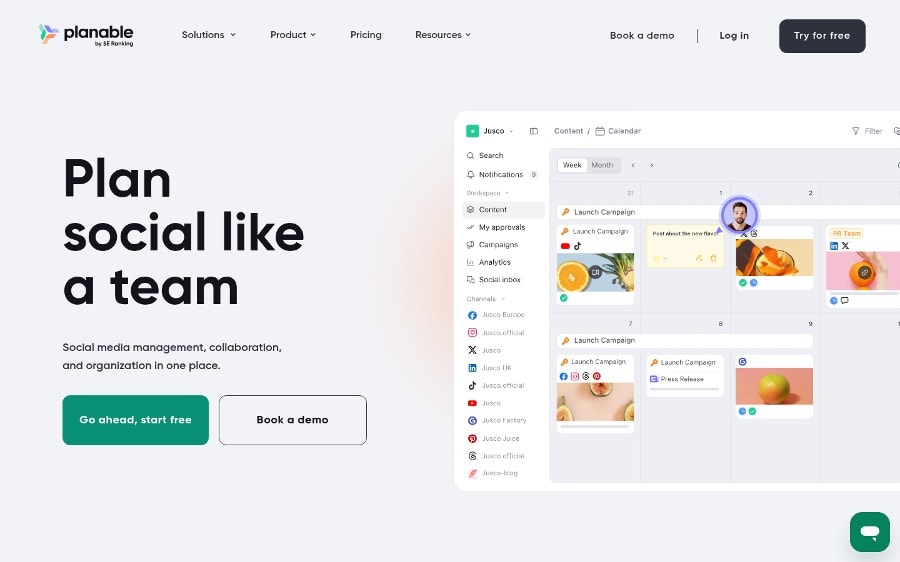
Planable is a social media management tool for teams that approve before they publish, with every launch post in one calendar.
Why it works for launch-led consumer brands: Approvals are set per workspace, which is what you want from a social media approval tool: none, optional, required on Pro, or multi-level on Enterprise, so legal signs after brand. Approved posts can auto-schedule and lock. Instagram Reels, Business-account Stories and Facebook Stories then publish on their own.
Standout: Campaigns show as colored banners, a calendar note marks the drop date and turns into a draft in one click, and you switch between feed, calendar, grid (Pro) and list (Enterprise) views. Brand and legal mark up the caption with text suggestions, annotations and real-time comments.
Pros:
- Write captions with Planable AI, pull Canva visuals and schedule launch posts across nine networks with Top Picks for timing.
- Add the Social Inbox and Social Listening for drop day; Planable's analytics cover both paid and organic performance.
- Approve the week's launch posts from Claude through MCP, with unlimited users per workspace.
Cons:
- No one-click hold: you re-time posts by drag and drop.
- Analytics, inbox and listening are paid add-ons.
- Caps of 60 (Basic) or 150 (Pro) posts per workspace a month can bite on a heavy drop calendar.
Pricing: Basic from $33/workspace/mo (billed annually; $39 month-to-month), then $49 for Pro billed annually ($59 monthly) and custom Enterprise.
Launch-day read: Set a sign-off deadline for every launch post. Planable is the best social media scheduler for a launch calendar where legal signs before anything ships. Sticker Stories still land on a phone, so assign that phone 48 hours out.
2. Emplifi
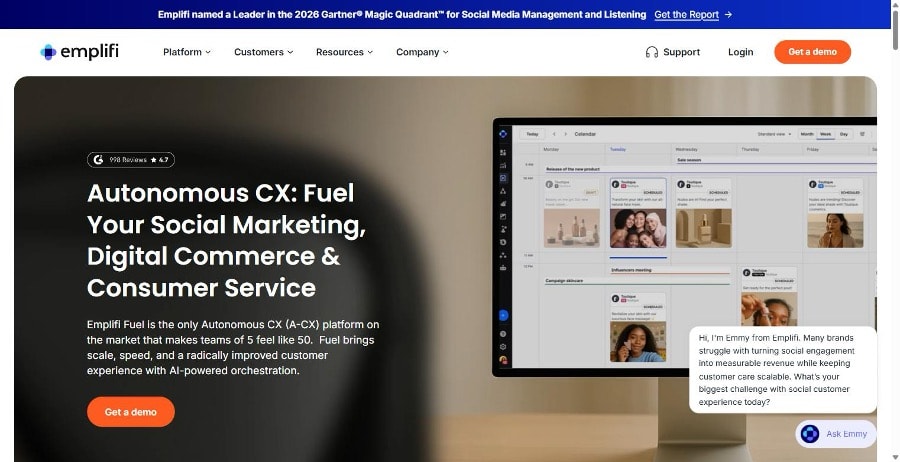
Emplifi is an enterprise social suite for consumer brands launching across regions and languages.
Why it works for launch-led consumer brands: Multi-stage approvals route each draft past legal, brand and regional reviewers in order, and one campaign calendar shows organic, paid and regional posts for the drop window.
Standout: The Crisis "Kill Switch" pauses all scheduled content in a single action. Among these social media scheduling tools, it gives the plainest hold: one control stops every queued post on every brand handle.
Pros:
- Publishes Reels, Stories and TikTok directly
- Translates launch copy into 30+ languages with AI Composer
- Covers the whole community rota with no per-login fee
Cons:
- Shows no public price or trial
- Leaves tier gating for the Kill Switch unclear
Pricing: Custom; book a meeting for a quote.
Launch-day read: Emplifi is the best social media scheduler for a single-action hold, so the hard part moves to the rota: who is trusted with it overnight. Budget time for demos and procurement before your first drop.
3. Sprout Social
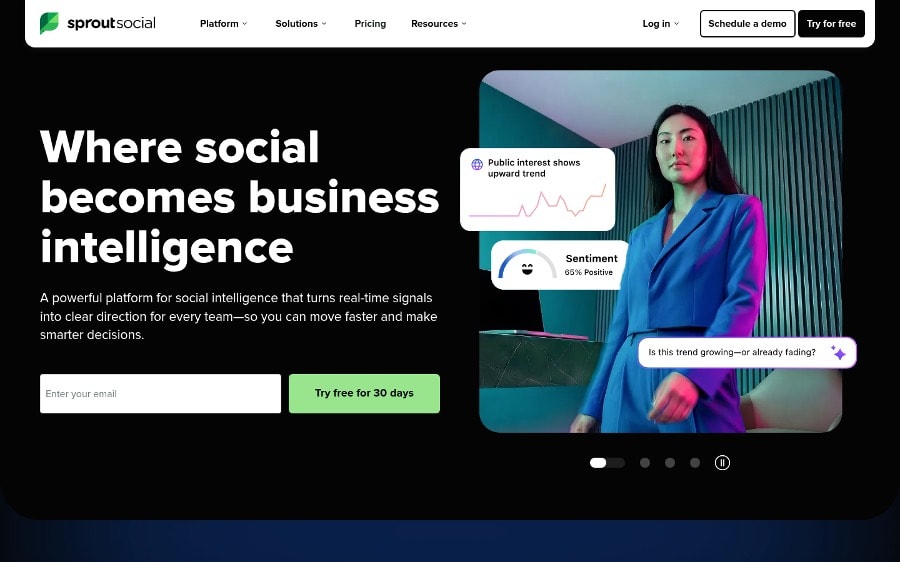
Sprout Social is a per-seat suite pairing publishing, inbox and approvals with a hold button.
Why it works for launch-led consumer brands: Pause All sends every scheduled post back to Drafts. Replies and Publish Now posts still go out, so your community team keeps answering while the calendar stops.
Standout: As an instagram post scheduler, it publishes Reels, carousels and sticker-free Stories directly; sticker Stories go to a mobile publisher.
Pros:
- Holds the queue in one click.
- Publishes TikTok Business videos directly.
- Suggests optimal send times on Essentials.
Cons:
- Approvals start on Professional, $299 per seat/month billed annually: six seats run $1,794 a month (example).
- CSV bulk import skips video, TikTok and YouTube.
Pricing: Essentials runs $79 a seat each month on an annual plan, or $99 paid monthly; Professional is $299.
Launch-day read: One click, and every scheduled post waits in Drafts while the inbox keeps working. That's the hold I want from the best social media scheduler on a launch morning. The catch is seat math: price the full rota first.
4. Dash Social
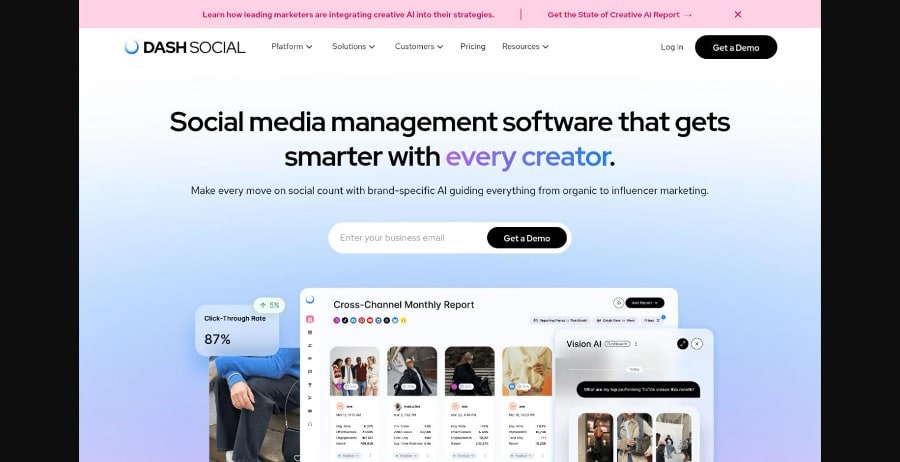
Dash Social is a publishing calendar for visual consumer brands whose launches run on creator content.
Why it works for launch-led consumer brands: Pricing is per brand with unlimited users, so your whole launch rota sits in the calendar free. Each post auto-publishes or goes to a teammate's phone for a final check.
Standout: Vision, Dash's AI on the Advance plan, predicts which photos and videos will likely reach your goals, beside recommended posting times. On a drop, that settles the hero-visual debate with evidence.
Pros:
- Auto-publishes Instagram Stories up to 60 seconds, 50 a day.
- Doubles as a TikTok post scheduler for video.
- Handles unlimited UGC rights requests on Advance.
Cons:
- Leaves X out of its channels.
- States no control that holds every scheduled post.
Pricing: custom per brand after a demo; 14-day free trial.
Launch-day read: Sign-off is a tag plus leadership's approval, no multi-stage chain stated, so pick your final approver 48 hours before the drop. For creator-led launches, this is the best social media scheduler to hand the content team.
5. Hootsuite
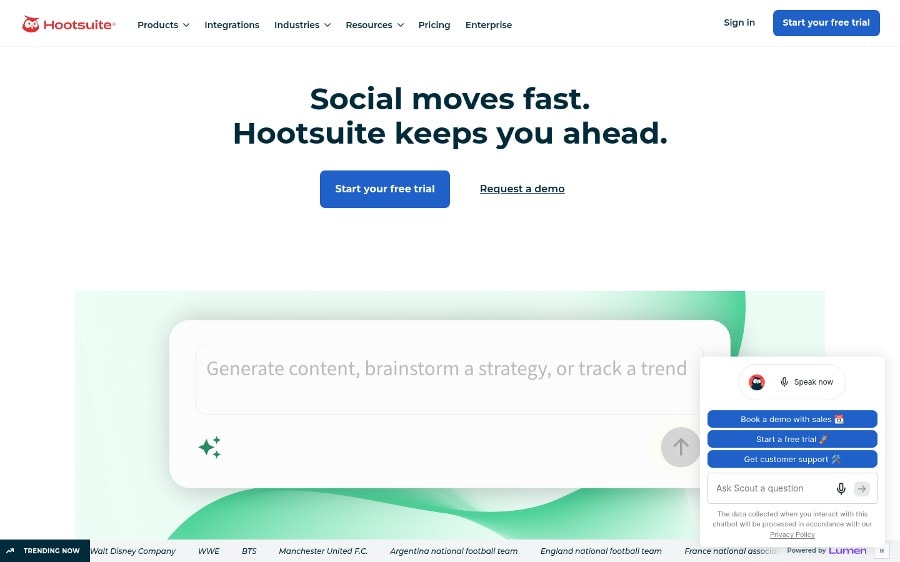
Hootsuite is a per-user social suite with a broad network list and an organization-wide stop for scheduled posts on Advanced.
Why it works for launch-led consumer brands: An Admin can suspend every scheduled post, organic and boosted, across X, Facebook, LinkedIn, Instagram, TikTok and Pinterest at once. That's a real hold.
Standout: Bulk Composer loads up to 350 posts from one CSV, so you can schedule TikTok posts next to Instagram, X, Facebook and LinkedIn. Posts already queued count toward the 350.
Pros:
- Suspend scheduled content org-wide
- Load a drop's posts in bulk, TikTok included
- Publish Instagram Business posts directly
Cons:
- Approvals and suspend start at Advanced: 6 seats x $399 is $2,394/month (example)
- Multi-image Stories and Creator profiles need the phone step
Pricing: from $99/user/mo billed annually; Advanced $399/user/mo.
Launch-day read: Only Admins can suspend, so check who holds that role before launch week. Posts due within a minute may still go out, and missed slots stay suspended until someone re-times them.
6. Sprinklr Social
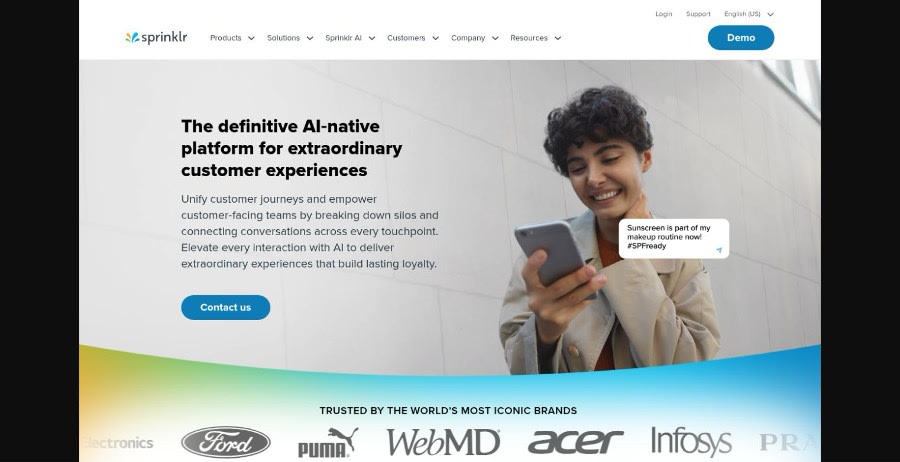
Sprinklr Social suits global consumer groups that want launch publishing, approvals and crisis rules inside one customer experience suite.
Why it works for launch-led consumer brands: A multi-brand drop rarely has one approver. Paths set by channel, account and message type let two reviewers sign off in parallel before launch.
Standout: Stop Publishing Rules. You save a rule in the Rule Engine ahead of time, then enable it during a crisis to halt scheduled messages on some or all accounts. Workflows can also stop publishing when negative sentiment surges.
Pros:
- Plans posts, events and campaigns on one editorial calendar
- Reshares approved fan content through owned channels
- Schedules at AI-recommended times across 30+ channels
Cons:
- Keeps pricing behind a sales demo
- Holds the queue through a prebuilt rule, not a toggle
Pricing: Custom; demo with sales.
Launch-day read: Write the rule before the crisis and agree who may enable it before the drop goes live. The best social media scheduler for a global group; heavy for one brand.
Assembling Your Launch Stack: A Decision Guide
For most launch-led consumer teams, the best social media scheduler is the one that stops an unapproved post before go-live. That's why Planable leads: it's a social media management tool that will not publish a launch post until the required approvals are in. If your crisis plan outranks sign-off, choose your social media post scheduler by the hold control instead.
If legal or brand signs every launch post: Planable, where unlimited users per workspace let every shift review.
If your crisis plan needs one switch that stops everything: Emplifi and its Kill Switch.
If you already work in a per-seat suite: Sprout Social, for Pause All.
If the launch is visual-first and built on UGC: Dash Social.
If you run global brands on one CX stack: Sprinklr Social.
Then publish one number: minutes from "hold" to a quiet queue on launch morning. Staff to it, and keep it.
Launch-Week Scheduling Questions
Can you schedule Instagram Stories and Reels to post automatically?
Yes, within limits. Even the best social media scheduler works through Instagram's API, which can post feed posts and Reels on their own, plus Stories from Business accounts. Stories with stickers or music, Reels with custom audio, and product tags still need the Instagram app, so decide in advance who gets the phone reminder.
Can you schedule a post on TikTok?
Yes. TikTok's own scheduler lets you set a video from 15 minutes to 10 days ahead. To schedule TikTok posts for a launch planned further out, use an audited third-party social media post scheduler that auto-publishes through TikTok's API. TikTok Stories stay manual: TikTok offers third-party tools no API for them.
How far ahead should you schedule a product launch on social media?
Build the launch calendar 14 days out, lock approvals 48 hours before go-live, and re-check every post the morning of the drop. Two weeks gives legal and brand time to sign. After the 48-hour lock, copy changes only if you have to hold the queue.
Want to publish a guest post on aamax.co?
Place an order for a guest post or link insertion today.
Place an Order