

What Are Canonical Links in SEO
Canonical Links Explained in Plain English
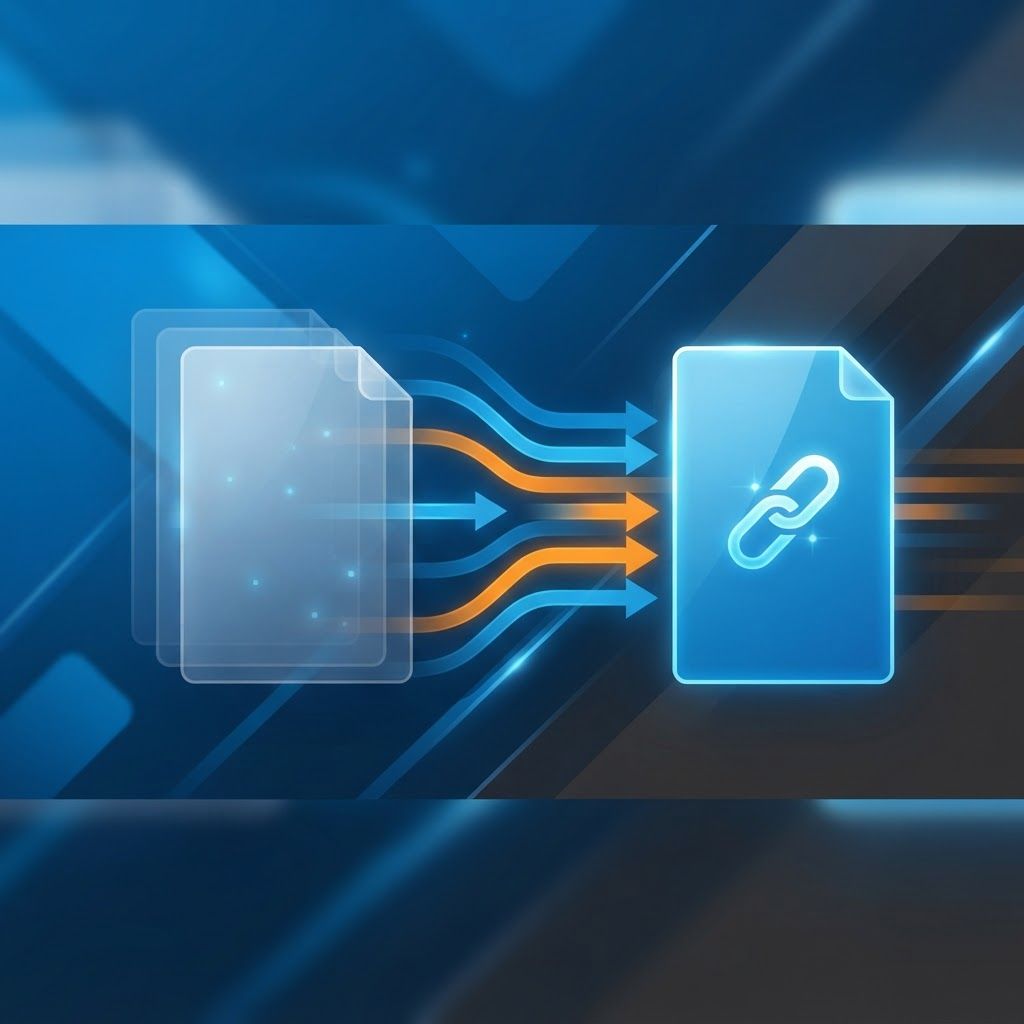
A canonical link is a small piece of HTML that tells search engines, "of all the URLs that show this content, this one is the master version." It is written as a rel="canonical" tag inside the head of your page, and it exists to solve one of the oldest problems on the web: the same content living at multiple addresses. Websites create duplicate URLs constantly through tracking parameters, sorting filters, printer-friendly pages, session identifiers, pagination, trailing slashes, HTTP versus HTTPS variants and www versus non-www variants. Left unmanaged, these duplicates split your ranking signals so no single URL is strong enough to compete. Canonical links consolidate that strength into one page.
How AAMAX.CO Can Help With Canonical and Technical SEO
Canonicalisation sits at the heart of technical health, and it is one of the first things we audit at AAMAX.CO, a full service digital marketing company providing web development, digital marketing and SEO services worldwide. We routinely find sites losing significant organic visibility purely because parameterised URLs, faceted navigation or a misconfigured content management system created thousands of competing duplicates. Our SEO services include full crawl analysis, canonical mapping, index bloat cleanup and ongoing monitoring so your equity always flows into the pages you actually want ranking. Hire our team if you want technical foundations that make every future content and link investment pay off properly.
What the Canonical Tag Looks Like
Implementation is simple. In the head of every version of a page, you place a tag pointing to the preferred URL. It should always use an absolute URL including protocol and domain, never a relative path, because relative canonicals are a frequent source of errors. Every important page should carry a canonical tag, including the preferred version itself. A page that points to itself is called a self-referencing canonical, and it is considered best practice because it protects you when other sites or systems generate parameterised copies of your URL that you never created.
Why Duplicate Content Hurts Rankings
Search engines do not usually penalise duplicate content in the punitive sense, but duplication still damages performance in three practical ways. First, it dilutes link equity, because backlinks may point to several different versions of the same page instead of one authoritative URL. Second, it wastes crawl budget, because crawlers spend time fetching near-identical pages instead of discovering your genuinely new content. Third, it creates unpredictable results, because the search engine picks a version for you, and it may choose a parameterised or lower-quality URL that you never intended to promote.
When You Should Use a Canonical Link
Use canonicals when the same or very similar content is legitimately accessible at multiple URLs. Common cases include ecommerce product pages reachable through several category paths, filter and sort parameters on listing pages, campaign tracking parameters appended to shared links, print or AMP variants, and syndicated articles republished on partner sites. In syndication, the partner should canonicalise to your original so the credit stays with you. Canonicals are also useful for consolidating slight variations of a product, such as different sizes or colours that share nearly identical copy.
Canonical Versus Redirect Versus Noindex
These three tools are often confused. A 301 redirect physically sends users and crawlers to another URL, so use it when the old page should no longer exist. A canonical keeps both URLs accessible to users while telling search engines which to index, so use it when both versions need to work for visitors. A noindex tag removes a page from search results entirely without consolidating any signals, so use it for pages with no search value at all, such as internal search results or thin utility pages. Choosing the wrong tool is a common and expensive mistake, especially combining noindex with a canonical, which sends contradictory instructions.
Common Canonical Mistakes to Avoid
Several errors appear again and again in audits. Canonicalising every page to the homepage destroys visibility for the rest of your site. Canonical chains, where page A points to B and B points to C, weaken the signal and may be ignored. Pointing a canonical to a URL that redirects, returns a 404 or is blocked in robots.txt makes the instruction unresolvable. Mixing HTTP and HTTPS or www and non-www versions inside canonicals sends inconsistent signals. Using canonicals across genuinely different pages, such as separate products with distinct specifications, can cause the wrong page to be dropped. Finally, remember canonicals are a hint and not a directive, so search engines can override them when other signals contradict your choice.
Canonicals and Pagination
Paginated series need care. Do not canonicalise page two and beyond back to page one, because each paginated page contains unique items and consolidating them can hide products or articles from the index. Instead, let each paginated page self-canonicalise, ensure crawlable links between pages, and give each page a descriptive title. If you offer a view-all page and it loads reliably, you may canonicalise the components to it, but only when the experience genuinely serves users.
Canonicals in International and Multilingual Sites
When you run language or regional variants, canonical tags must work alongside hreflang annotations. Each language version should self-canonicalise while hreflang declares the relationships between versions. A frequent failure is canonicalising every regional page to a single primary language, which effectively removes the localised versions from search results in their target markets and undoes the entire localisation investment.
How to Audit Your Canonical Setup
Start by crawling your site with a technical SEO crawler and exporting every canonical value. Look for pages missing tags, pages with multiple conflicting tags, canonicals to non-200 status URLs, chains, and clusters where hundreds of URLs collapse into one. Then compare that data with your search console coverage reports to see which URLs the search engine actually selected as canonical, since discrepancies reveal where your signals are being ignored. Verify your XML sitemap contains only canonical URLs, and confirm internal links point to canonical versions rather than parameterised copies, because internal linking is one of the strongest canonicalisation signals you control.
Beyond Traditional Search
Canonicalisation is becoming more important as AI-driven answer engines summarise the web, because a clean, consolidated URL structure makes it far easier for systems to identify your authoritative source. This is why our work increasingly combines classic technical hygiene with GEO services designed for generative engines. The sites that get cited in AI answers are usually the sites with unambiguous structure and clear authority.
Final Thoughts
Canonical links are a small tag with a large impact. Implemented correctly, they consolidate authority, protect crawl efficiency and give you control over which URLs represent your business in search. Implemented carelessly, they can quietly remove valuable pages from the index. If you are unsure whether your canonical setup is helping or hurting, contact our team for a technical SEO audit and a clear remediation plan.
Want to publish a guest post on aamax.co?
Place an order for a guest post or link insertion today.
Place an Order