

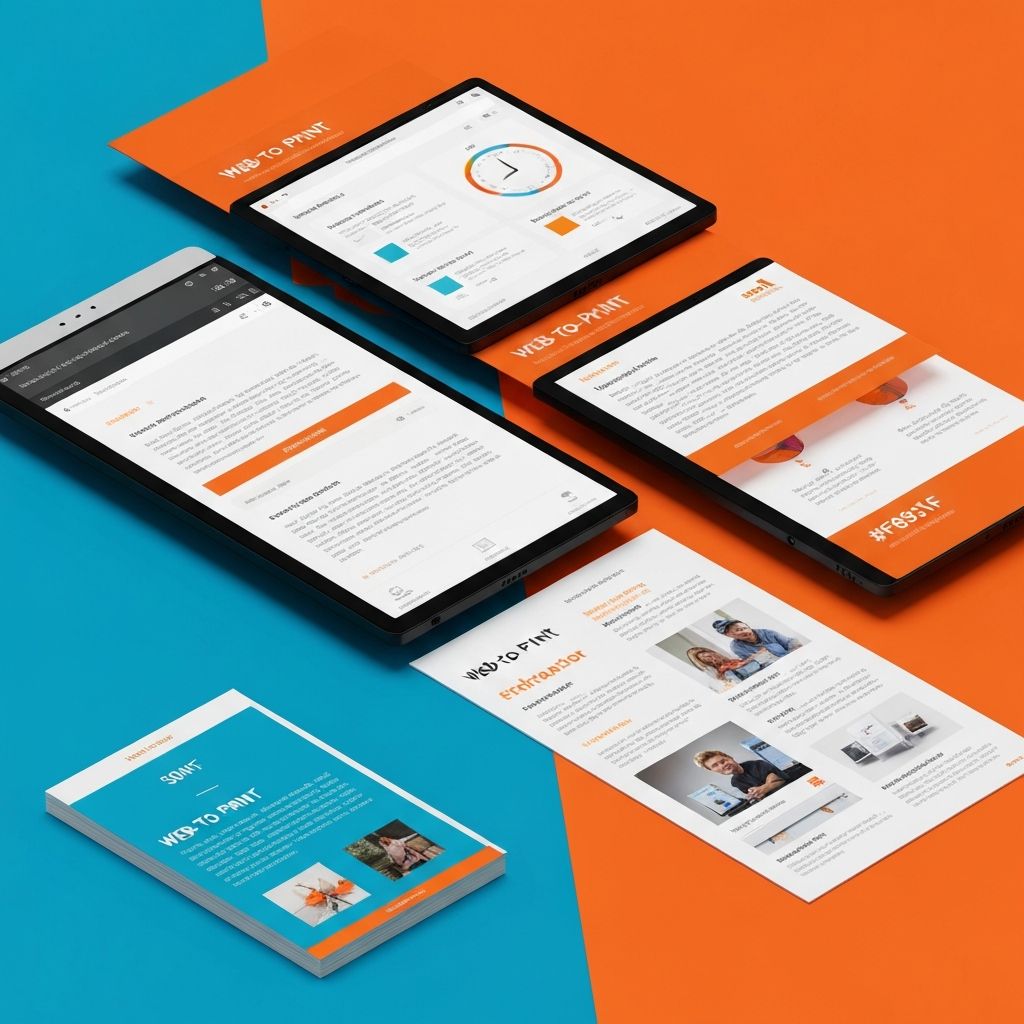
Web to Print Online Designer
Understanding Web to Print Technology
Web to print technology bridges the gap between digital design tools and physical print production. These online designer systems allow customers to customize print products directly through web browsers, creating personalized items ranging from business cards to marketing materials. At AAMAX.CO, we develop custom web to print solutions that empower businesses to offer personalized printing services at scale.
The web to print model has transformed the printing industry by reducing manual processes, minimizing errors, and enabling mass customization. Understanding how these systems work helps businesses evaluate whether web to print capabilities could benefit their operations.
How Online Print Designers Work
Online print designers are web applications that provide users with design tools typically found in desktop software. Users can add text, images, shapes, and other elements to templates, preview their designs, and submit them directly for production. The entire process happens within a web browser without requiring software installation.
Template systems form the foundation of most web to print solutions. Designers create templates that define what users can customize while maintaining brand consistency and print specifications. Templates ensure that user-created designs will print correctly regardless of the user's design expertise.
Design editors provide the interface for customization. These range from simple tools that allow only text changes to sophisticated editors rivaling desktop design software. The appropriate complexity depends on the product type and target user's expected skill level.
Key Features of Web to Print Systems
Template management allows administrators to create, organize, and update design templates. Good template management systems support versioning, categorization, and access controls that keep the template library organized and current.
Asset libraries store images, logos, fonts, and other resources available during customization. These might include customer-uploaded assets, stock imagery, or brand-specific elements. Asset management ensures users have appropriate resources while maintaining brand compliance.
Preview functionality shows users how their designs will appear when printed. High-quality previews reduce customer uncertainty and decrease returns from expectation mismatches. Advanced systems may offer 3D previews for products like packaging or promotional items.
Pricing integration calculates costs based on customization choices. Product specifications like size, quantity, paper type, and finishing options affect pricing. Seamless price updates as users make choices improve the shopping experience.
Benefits for Print Businesses
Automation reduces manual design work that previously required dedicated staff. Customers create their own designs within defined parameters, freeing production teams to focus on complex projects that require professional expertise.
Error reduction comes from controlled customization environments. When users can only modify specified template areas, common mistakes like incorrect dimensions, low-resolution images, or improper bleed settings are eliminated at the source.
24/7 availability means customers can create and order at any time without waiting for business hours. This convenience drives additional sales from customers who might not have placed orders requiring direct designer interaction.
Scalability allows businesses to handle more orders without proportionally increasing staff. The same web to print system can serve one customer or thousands simultaneously, making growth more manageable.
Benefits for Customers
Self-service empowerment lets customers control their designs without depending on third parties. This independence appeals to users who want quick results or prefer to iterate privately before sharing designs.
Instant visualization provides immediate feedback on design choices. Unlike traditional processes where customers wait for proofs, web to print users see their changes reflected instantly, accelerating the design process.
Cost savings often result from reduced design fees. When customers create their own designs, businesses can pass savings along through lower prices or improved margins while maintaining customer value.
Accessibility makes design capabilities available to users without professional training. Intuitive interfaces and smart defaults help novice users create professional-looking results they could not achieve in traditional design software.
Technical Implementation Considerations
Development approach decisions include building custom solutions versus implementing existing platforms. Custom web application development offers maximum flexibility but requires greater investment. Platform-based solutions trade customization for faster deployment.
Performance optimization ensures smooth user experience even with complex designs. Canvas rendering, image processing, and real-time preview generation demand significant client-side performance. Optimization strategies prevent frustrating lag that drives users away.
Mobile compatibility has become essential as mobile commerce grows. Designing on small screens presents unique challenges, requiring careful interface design that maintains functionality while adapting to limited space.
Print file generation must produce production-ready files meeting print specifications. This includes proper color management, resolution requirements, bleed settings, and file formats. Technical accuracy here prevents costly production problems.
Integration Requirements
E-commerce integration connects design tools with shopping cart, checkout, and order management systems. Seamless integration ensures that design customization flows naturally into the purchasing process without disruption or data loss.
Print production integration transmits completed orders to production systems automatically. This might involve job ticketing systems, prepress software, or direct connections to digital presses. Automation here completes the efficiency gains that web to print promises.
Customer account systems allow users to save designs, reorder previous jobs, and manage their brand assets. These features encourage repeat business and simplify ongoing relationships with customers who order regularly.
User Experience Design for Print Editors
Interface simplicity helps users accomplish tasks without confusion. Even powerful editors should present options progressively, hiding advanced features until users need them. Complexity should be available but not mandatory.
Guidance systems help users create successful designs. This might include tips, constraints that prevent errors, or smart defaults that produce good results. Guidance reduces support burden while improving customer satisfaction.
Error prevention and recovery ensure users do not lose work or create unprintable designs. Automatic saving, clear error messages, and easy recovery options protect users from frustrating setbacks.
Industry Applications
Commercial printing companies use web to print to expand their service offerings and reach new customers. Self-service options complement traditional custom services, allowing the same business to serve both DIY customers and those requiring full-service design.
Marketing and promotional products industries benefit from letting customers personalize items with their branding. From trade show materials to corporate gifts, web to print enables efficient customization at any volume.
Publishing applications allow authors and organizations to create customized books, manuals, or periodicals. Variable data capabilities enable personalized content within standardized layouts.
Choosing Web to Print Solutions
Feature evaluation should focus on the specific capabilities your business needs. List required features, desired features, and nice-to-have features before evaluating options. This prevents both under-specifying and over-investing in capabilities you will not use.
Vendor assessment considers not just current capabilities but ongoing development, support quality, and financial stability. Web to print systems are long-term investments that require vendor partnership for success.
Total cost of ownership extends beyond licensing fees to include implementation, customization, training, and ongoing maintenance. Accurate cost comparisons require considering all these factors across solution options.
Future Trends in Web to Print
Artificial intelligence is beginning to enhance web to print capabilities. AI can suggest designs, optimize layouts, check quality, or generate content. These capabilities make online designers more powerful while keeping them accessible to novice users.
Augmented reality previews allow users to visualize printed products in real-world contexts. Seeing how a banner will look in a trade show booth or how packaging will appear on shelves provides validation that two-dimensional previews cannot match.
Sustainability integration helps customers make environmentally conscious choices. This might include eco-friendly material options, carbon footprint calculations, or suggestions for reducing waste through design optimization.
Conclusion
Web to print online designer technology transforms how businesses offer print customization services. By empowering customers to create their own designs within controlled parameters, these systems deliver benefits for both print providers and their customers.
We develop custom web to print solutions tailored to specific business requirements. Whether you need a simple template system or a full-featured design platform, our web application development expertise can bring your vision to life. Contact us to discuss how web to print capabilities could enhance your business offerings.
Want to publish a guest post on aamax.co?
Place an order for a guest post or link insertion today.
Place an Order