

Web to Print Design Tool
The Rise of Web to Print Design Tools
Web to print design tools have fundamentally changed how businesses and individuals create printed materials. These browser-based applications enable users without design expertise to produce professional-quality print files, democratizing access to custom printing. At AAMAX.CO, we develop and implement web to print design tools that help printing companies and businesses serve their customers more effectively.
The transformation brought by web to print tools extends beyond convenience. By enabling self-service design, these tools reduce production bottlenecks, eliminate back-and-forth communication about changes, and empower users to visualize their final products before committing to print. This shift has created new business models and improved customer satisfaction across the printing industry.
Core Components of Design Tools
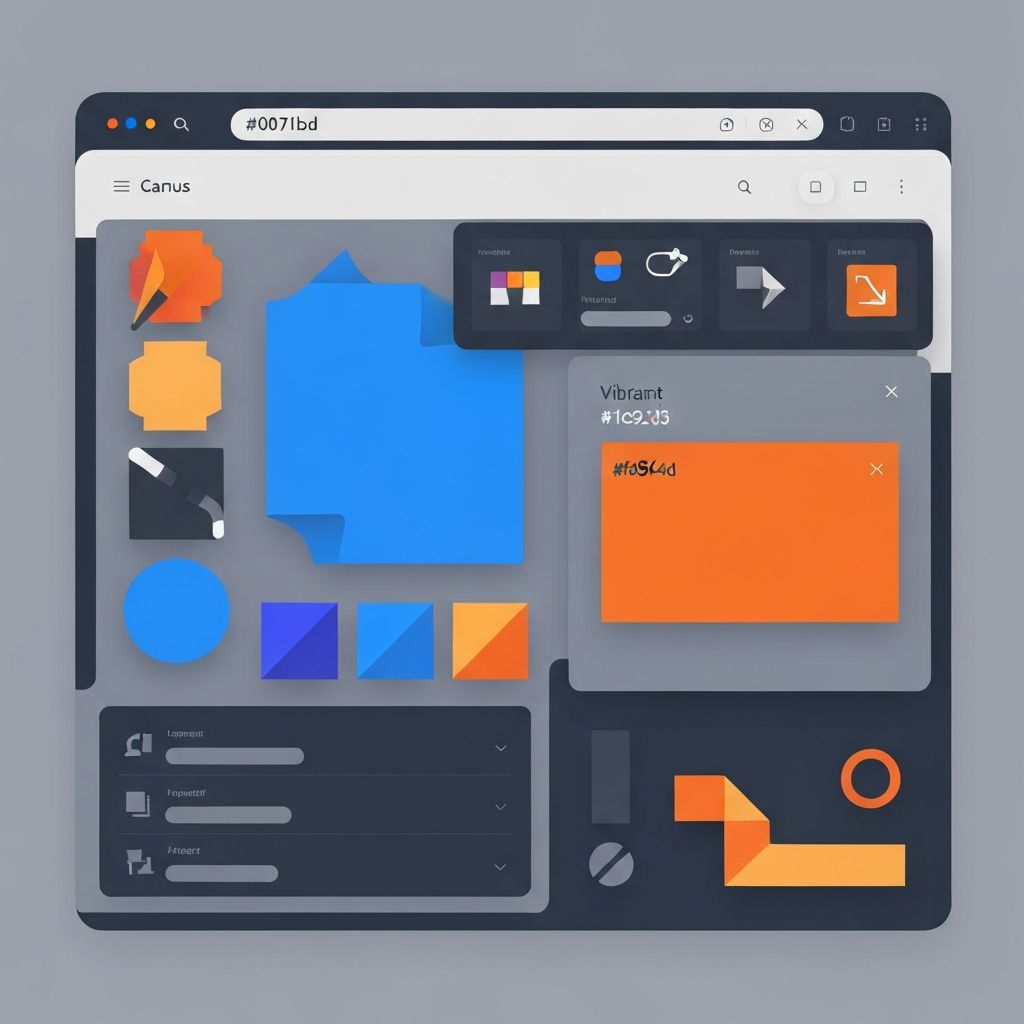
Effective web to print design tools comprise several essential components working together seamlessly. The canvas provides the working area where users create and modify designs. It must accurately represent print dimensions, including bleed areas and safe zones, while providing a responsive editing experience across different devices and screen sizes.
Element manipulation tools let users add, position, resize, rotate, and style various design elements. Intuitive controls for these operations are essential since many users lack formal design training. Snapping, alignment guides, and undo functionality help users create polished designs efficiently.
Asset panels provide access to available design elements. Image libraries, font collections, clipart, shapes, and backgrounds should be organized logically and searchable. User uploads expand available assets while maintaining quality standards for print output.
Property panels display and allow modification of selected element attributes. Context-sensitive panels show relevant options for the current selection, avoiding overwhelming users with inapplicable controls. Clear labeling and sensible defaults make property adjustments intuitive.
Template Systems and Customization
Templates form the foundation of most web to print design tools. Pre-designed layouts provide starting points that users can customize to meet their specific needs. Template design requires understanding both design principles and the customization capabilities of the tool.
Template zones define editable regions within designs. Some areas might allow only text changes, while others permit image replacement or full creative freedom. Zone definitions balance customization flexibility with design integrity and brand compliance.
Placeholder content shows users what type of content belongs in each zone. Sample text, stock images, and example layouts guide users toward successful customizations. Well-chosen placeholders inspire rather than constrain creativity.
Constraint systems enforce design rules within templates. Minimum and maximum font sizes, required elements, locked positions, and approved color palettes ensure that customizations stay within acceptable parameters. Constraints should prevent errors without frustrating legitimate customization attempts.
Typography Features
Typography capabilities significantly impact the quality of user-created designs. Font selection should offer enough variety for diverse needs while curating options to prevent poor choices. Web-safe alternatives must be available when custom fonts aren't supported.
Text editing must handle common requirements like multiple paragraphs, text alignment, line spacing, and character formatting. Support for special characters, different scripts, and right-to-left languages expands the tool's applicability.
Auto-sizing features adjust text to fit designated areas. Options might include scaling font size, adjusting line breaks, or alerting users when content doesn't fit. These features help non-designers create professional results.
Font pairing suggestions help users combine typefaces effectively. Recommending complementary fonts based on selected choices guides users toward harmonious typography without requiring design expertise.
Image Handling Capabilities
Image features enable users to incorporate visual content into their designs. Upload functionality must accept common image formats while checking resolution and quality for print suitability. Clear feedback about image quality helps users choose appropriate files.
Image editing within the design tool reduces the need for external applications. Cropping, scaling, rotation, and basic adjustments like brightness and contrast empower users to optimize images for their designs. Advanced features like background removal or filters add value for sophisticated users.
Image positioning tools let users place visuals precisely within their designs. Frame-based image handling allows users to define visible areas while maintaining access to the full image for repositioning. Aspect ratio constraints prevent unwanted distortion.
Stock image integration provides ready-to-use visual content. Whether included in the platform or accessed through third-party services, stock images enable users to create professional designs even without their own photography.
Color Management
Color handling is critical for web to print tools since designs must translate from screen to print accurately. Color pickers should offer intuitive selection while supporting the color models appropriate for print production.
CMYK color support is essential for traditional printing. Tools must help users understand the difference between screen colors and print colors, potentially showing soft proofs that simulate printed output.
Brand color management ensures consistency across materials. Saved color palettes, exact color matching, and restricted color options for brand-controlled templates maintain visual identity across user-created designs.
Spot color support becomes necessary for certain print applications. When designs require Pantone or other specialty colors, tools must handle specification and proofing appropriately.
Preview and Proofing
Preview capabilities let users see how their finished products will look before ordering. High-quality previews reduce errors and improve customer confidence. Multiple preview modes serve different purposes.
Two-dimensional previews show the flat design as it will appear when printed. Zoom functionality lets users check details while full-view modes show overall composition. Split views can compare before and after states during editing.
Three-dimensional previews visualize products in their final form. Seeing a business card as a physical object rather than a flat rectangle helps users understand proportions and visual impact. Product mockups contextualize designs in realistic settings.
Soft proofing simulates print output conditions. By approximating how colors and details will appear on specific substrates and printing processes, soft proofs help users make informed decisions about their designs.
Approval workflows route designs through review before production. Multi-step approvals ensure that authorized personnel verify designs meet requirements. Comments and markup features facilitate feedback during review cycles.
Performance and User Experience
Performance affects user satisfaction and completion rates. Design tools must respond quickly to user actions, even when handling complex designs or large images. Optimization techniques ensure smooth operation across different devices and connection speeds.
Loading strategies determine when and how content loads. Progressive loading prioritizes visible content while deferring off-screen elements. Lazy loading of assets reduces initial load times and bandwidth consumption.
Autosave functionality protects users from losing work. Frequent background saves capture changes without interrupting workflow. Session recovery restores work after accidental closure or connection issues.
Error handling should be graceful and informative. Clear messages explain problems and suggest solutions. Recovery options help users continue working despite issues. Avoiding complete failures maintains user trust.
Mobile Compatibility
Mobile device support extends web to print design tools to users on phones and tablets. Touch interfaces require different interaction patterns than mouse-based systems. Designing for touch doesn't mean simply making existing interfaces work on touchscreens.
Responsive layouts adapt to various screen sizes. While complex design work may remain most comfortable on larger screens, mobile-optimized views can enable quick edits and order placement from any device.
Touch-optimized controls accommodate finger-based interaction. Larger touch targets, gesture support, and simplified interfaces make design tasks achievable on smaller screens. Context menus and toolbar arrangements should suit touch navigation.
Offline capabilities allow work to continue despite connectivity issues. Local storage of designs in progress prevents data loss and enables productivity regardless of network availability.
Integration and Extensibility
Integration capabilities determine how design tools fit into larger workflows. APIs enable connection with e-commerce platforms, production systems, and enterprise applications. Well-documented interfaces facilitate custom integrations.
Embed options let businesses incorporate design tools into their own websites. White-label solutions remove vendor branding for seamless customer experiences. Customization options match tools to specific brand identities.
Extension mechanisms allow enhancement of base capabilities. Plugin systems, custom asset libraries, and workflow customizations adapt tools to specific business requirements beyond standard features.
Conclusion
Web to print design tools have empowered users to create professional print materials while transforming business models in the printing industry. Understanding core capabilities, technical requirements, and user experience considerations helps organizations select and implement tools that serve their specific needs effectively.
Our ReactJS web development team builds sophisticated design tools that combine powerful capabilities with intuitive interfaces. We create custom web to print solutions that help your business differentiate and succeed in competitive markets.
Want to publish a guest post on aamax.co?
Place an order for a guest post or link insertion today.
Place an Order