

Web Structure Design
Fundamentals of Web Structure Design
Web structure design, also known as information architecture, forms the foundation of every successful website. It determines how content is organized, how pages relate to each other, and how users navigate through your digital presence. A well-planned web structure improves user experience, enhances SEO performance, and supports your business goals. At AAMAX.CO, we approach every project with a thorough understanding of how proper structure contributes to overall success.
The importance of web structure cannot be overstated. When users visit your website, they bring expectations about how information should be organized and how they can find what they need. A logical, intuitive structure meets these expectations, making visitors feel comfortable and confident. Conversely, a confusing structure frustrates users and drives them away, regardless of how valuable your content might be.
Understanding Information Architecture
Information architecture encompasses the structural design of shared information environments. It involves organizing and labeling content in ways that make it findable, usable, and understandable. Good information architecture is invisible to users because it works so naturally that they don't need to think about it.
The practice of information architecture draws from multiple disciplines, including library science, cognitive psychology, and design thinking. It considers how people categorize information, how they search for what they need, and how they understand relationships between different pieces of content.
Key components of information architecture include organization systems, labeling systems, navigation systems, and search systems. Organization systems determine how content is grouped and structured. Labeling systems define how content is named and described. Navigation systems provide pathways through content. Search systems enable users to find specific information directly.
User research is essential for effective information architecture. Understanding your users' mental models, the language they use, and their tasks and goals helps you create structures that align with their expectations. Card sorting exercises and tree testing provide valuable insights into how users expect content to be organized.
Hierarchical Website Structures
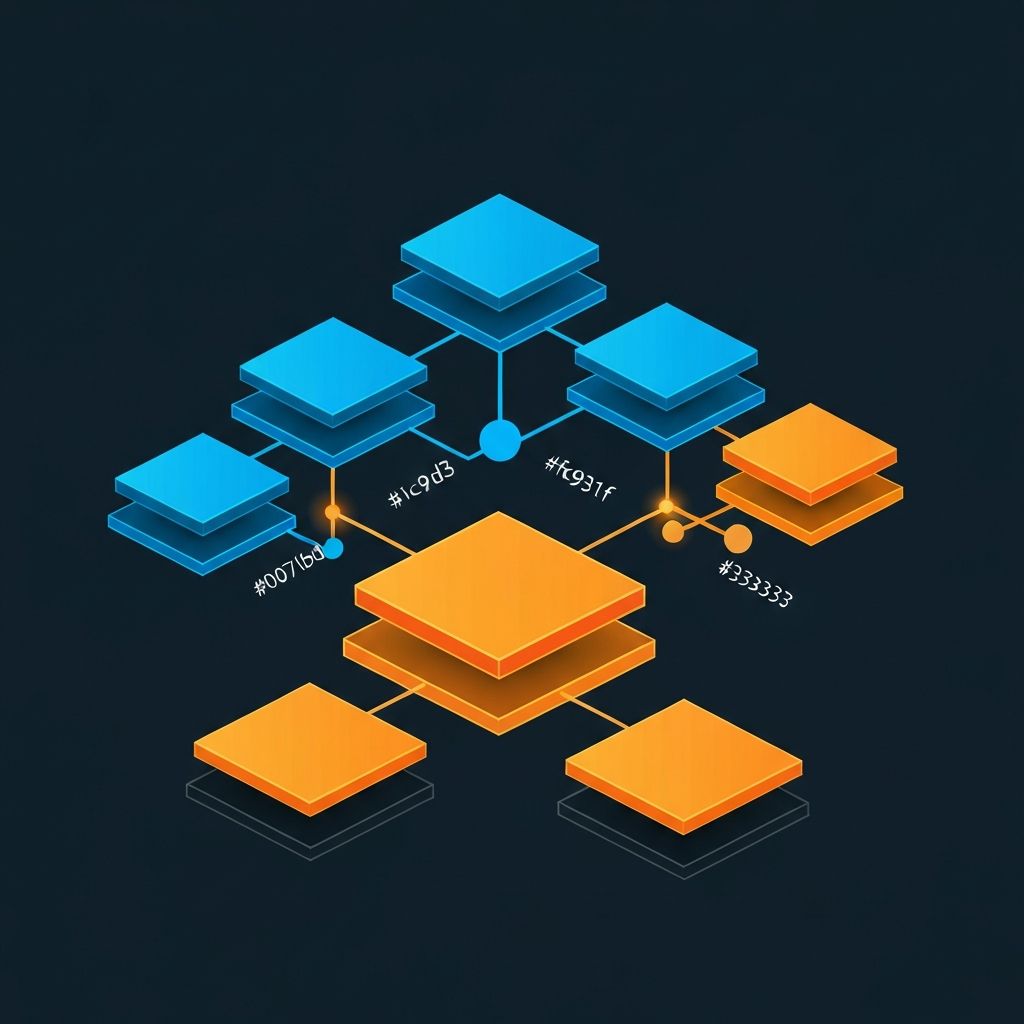
The hierarchical structure is the most common organizational model for websites. It arranges content in a tree-like pattern, with broader categories at the top and more specific content below. This mirrors how people naturally categorize information and is familiar to most users.
At the top of the hierarchy sits the homepage, which provides an overview and access to major sections. Below that are main category pages, which group related content and provide navigation to subcategories. Further down are individual content pages containing specific information.
The depth of your hierarchy affects usability. A shallow hierarchy with many items at each level can overwhelm users with choices. A deep hierarchy with few items but many levels requires excessive clicking to reach content. The ideal balance depends on the amount and nature of your content.
The rule of seven is a useful guideline, suggesting that most people can comfortably hold about seven items in working memory. Keeping navigation choices at or below seven options helps users process their choices without cognitive overload. However, this rule should be applied flexibly based on user testing results.
URL Structure and SEO
URL structure is an important aspect of web structure design with significant implications for both usability and search engine optimization. Clean, descriptive URLs help users understand where they are and what content to expect. They also help search engines understand your site structure and content relevance.
Best practices for URL structure include using descriptive words rather than cryptic IDs, separating words with hyphens, keeping URLs reasonably short, and reflecting your site hierarchy. A URL like /services/web-design/portfolio clearly communicates both location and content.
Avoid common URL mistakes like using underscores instead of hyphens, including unnecessary parameters, creating duplicate URLs for the same content, and changing URLs without proper redirects. These issues can confuse both users and search engines.
Canonical URLs help manage duplicate content issues that can arise from various URL parameters or access paths. Properly implementing canonical tags tells search engines which version of a page should be indexed, preventing dilution of your SEO efforts.
Navigation Design Principles
Navigation systems are the practical implementation of your web structure, providing users with the means to move through your content. Effective navigation makes the structure visible and accessible without overwhelming users with options.
Primary navigation typically appears prominently on every page, providing access to main sections of your site. It should include your most important pages and remain consistent throughout the user's journey. The items in primary navigation often reflect the top level of your site hierarchy.
Secondary navigation provides access to subcategories and related content within sections. It might appear in sidebars, submenus, or contextual links. Secondary navigation helps users explore within a topic area without returning to the main navigation.
Utility navigation handles functional pages like contact, login, search, and account settings. These pages don't fit neatly into content categories but are essential for site functionality. Utility navigation often appears in header or footer areas, separate from content navigation.
Breadcrumb navigation shows users their current location within the site hierarchy and provides links back up the chain. Breadcrumbs are particularly valuable for deep hierarchies and help users understand context and navigate efficiently.
Content Relationships and Linking
Beyond hierarchical organization, content relationships create a web of connections that enhance user experience and SEO. Related content links help users discover relevant information they might not have found through navigation alone.
Internal linking serves multiple purposes. It helps users find related content, distributes page authority throughout your site for SEO, and helps search engines discover and understand your content. A strategic internal linking approach considers both user needs and SEO objectives.
Content hubs or pillar pages organize related content around central topics. A pillar page provides comprehensive coverage of a topic and links to more detailed cluster content. This structure helps users explore topics deeply and signals topical authority to search engines.
Cross-linking between sections should feel natural and helpful rather than forced. Links should add value by connecting genuinely related content. Avoid excessive cross-linking that might confuse users or appear manipulative to search engines.
Planning for Scale and Change
Effective web structure design anticipates future growth and evolution. Starting with a rigid structure that doesn't accommodate new content can lead to structural problems as your site grows. Build flexibility into your information architecture from the beginning.
Consider how new content types, categories, or features might fit into your structure. Leave room for expansion without requiring complete reorganization. Modular approaches to structure can help, allowing new sections to be added without disrupting existing ones.
Content governance defines how content is created, organized, and maintained over time. Clear guidelines help maintain structural consistency as different people add content to your site. Without governance, structures tend to degrade and become less useful over time.
Regular audits help identify structural issues before they become major problems. Review your structure periodically, analyze user behavior data, and make adjustments as needed. User needs and content change over time, and your structure should evolve accordingly.
Mobile and Multi-Device Considerations
Web structure must work across all devices users might use to access your site. Mobile users face particular challenges due to smaller screens and touch interactions. Structure decisions that work well on desktop might need adaptation for mobile.
Navigation simplification is often necessary for mobile. While desktop users might handle larger navigation menus, mobile users benefit from more streamlined options. Consider prioritizing the most important navigation items for mobile presentation.
Content prioritization differs by device. Mobile users often have different goals and attention spans than desktop users. Ensure that your structure supports efficient mobile task completion even if users don't explore the full depth of your site.
Progressive disclosure works particularly well on mobile. Instead of presenting all structural levels at once, reveal options as users need them. This keeps interfaces manageable while still providing access to deep content.
Technical Implementation
Translating information architecture into actual website structure requires careful technical implementation. Semantic HTML provides the foundation, using appropriate elements to convey structural meaning. Headers create document outlines, nav elements identify navigation, and main designates primary content.
Sitemaps serve both users and search engines. HTML sitemaps provide users with an overview of site structure and an alternative navigation method. XML sitemaps help search engines discover and understand your content structure.
Schema markup and structured data help search engines understand content relationships and display rich results. Properly implemented schema can improve how your site appears in search results and provide additional context about your content.
Measuring Structural Effectiveness
Analytics provide insights into how well your structure serves users. Metrics like bounce rate, pages per session, and time on site indicate whether users are engaging with your content. Navigation path analysis reveals how users actually move through your site.
Search analytics from your internal search feature show what users are looking for but not finding through navigation. High search volumes for content that should be easily navigable suggest structural problems worth addressing.
User feedback through surveys, usability testing, and support requests provides qualitative insights into structural issues. Direct feedback often reveals problems that quantitative data alone might not identify.
Conclusion
Web structure design is a foundational discipline that affects every aspect of your website's success. A well-planned structure improves user experience, supports SEO objectives, and provides a framework for sustainable growth. By understanding and applying the principles outlined in this guide, you can create website structures that serve both users and business goals effectively.
Our web development consulting services include comprehensive information architecture planning and implementation. We help organizations of all sizes create website structures that support their objectives and scale with their growth. Contact us to discuss how we can help optimize your web structure.
Want to publish a guest post on aamax.co?
Place an order for a guest post or link insertion today.
Place an Order