

Web Report Designer
Introduction to Web Report Designers
Web report designers are specialized tools that enable the creation of data-driven reports accessible through web browsers. These solutions transform raw data from databases and business systems into formatted, visual reports that support decision-making across organizations. At AAMAX.CO, we develop custom reporting solutions that help businesses turn their data into actionable insights.
The shift from desktop to web-based reporting reflects broader digital transformation trends. Web reports offer advantages in accessibility, distribution, and real-time data access that traditional desktop reporting cannot match. Understanding these tools helps organizations make informed decisions about their reporting infrastructure.
Core Capabilities of Web Report Designers
Data connectivity allows report designers to pull information from various sources. This includes relational databases, cloud services, APIs, spreadsheets, and business applications. Modern report designers handle multiple data sources within single reports, combining information for comprehensive analysis.
Visual design tools provide interfaces for creating report layouts. Users arrange data elements, text, charts, and images to create clear, professional reports. Good design tools balance power with usability, enabling non-technical users to create effective reports.
Calculation and aggregation engines process data for reporting. This includes summations, averages, percentages, and more complex formulas. Built-in functions handle common calculations while supporting custom logic for specialized requirements.
Export and distribution capabilities deliver reports in various formats. PDF, Excel, and HTML outputs serve different consumption needs. Scheduled distribution automates regular report delivery to stakeholders.
Types of Web Reports
Operational reports support day-to-day business activities. These include sales summaries, inventory status, customer activity logs, and similar routine reports. Operational reports typically run frequently and follow consistent formats.
Analytical reports support deeper investigation of business performance. These reports often include comparisons, trends, and drill-down capabilities that help users understand not just what happened but why. Interactive features enable exploration without requiring new report designs.
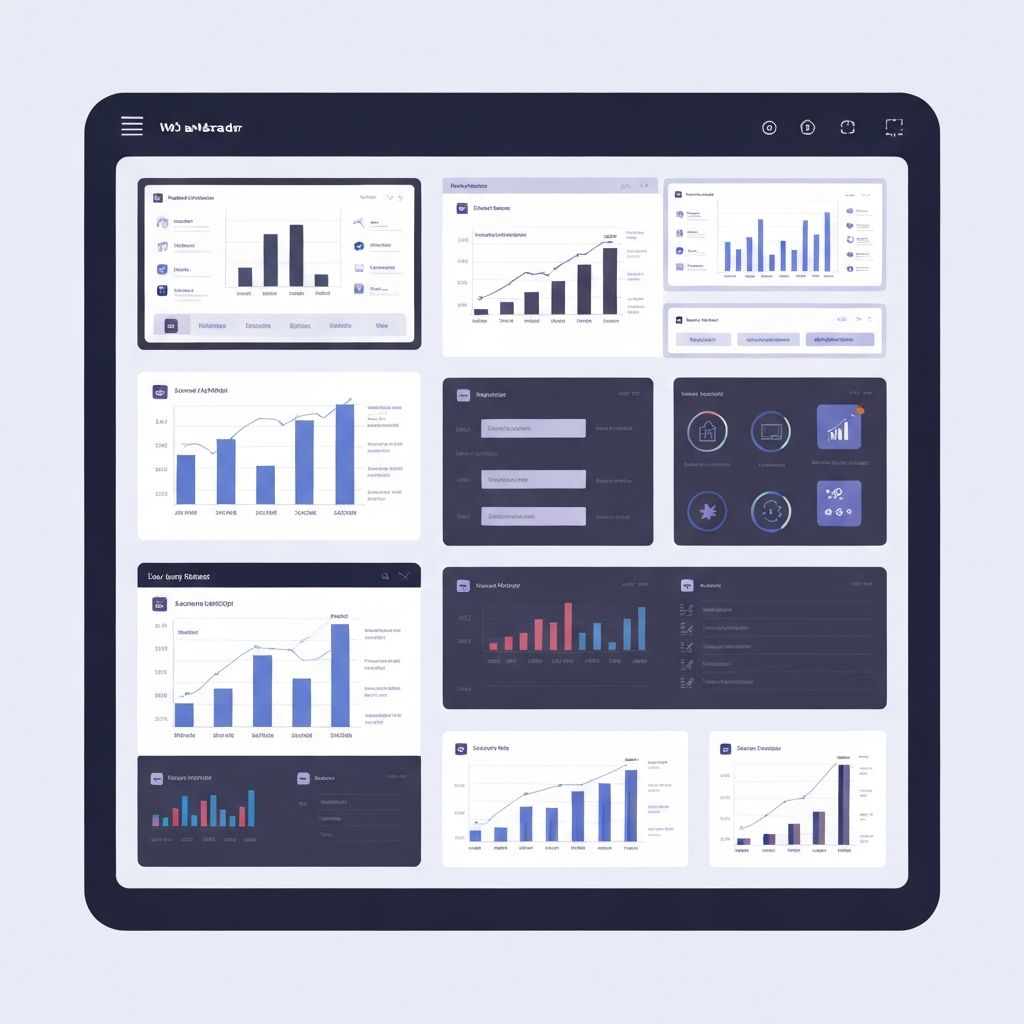
Dashboard reports provide at-a-glance status views. Multiple visualizations on single screens show key metrics and indicators. Dashboards often serve executive audiences who need quick situational awareness without detailed data exploration.
Ad-hoc reports address one-time or infrequent information needs. Self-service tools allow users to create reports without technical assistance, answering specific questions as they arise. This capability reduces dependence on IT while increasing organizational agility.
Design Principles for Effective Reports
Purpose clarity ensures reports deliver value. Every report should have a clear objective and target audience. Reports designed without specific purposes often fail to support decisions effectively despite containing accurate data.
Visual hierarchy guides readers through information. Important elements should stand out through size, position, color, or typography. Effective hierarchy helps readers quickly find the information they need.
Data visualization selection matches chart types to data characteristics. Bar charts, line graphs, pie charts, and other visualizations each communicate certain relationships better than others. Choosing appropriate visualizations improves comprehension and reduces misinterpretation.
Progressive disclosure presents summary information first with detail available on demand. This approach serves both executive audiences who need overviews and analysts who need to drill into specifics. Layered information architecture accommodates diverse reader needs.
Technical Architecture Considerations
Server-side rendering generates reports on servers before delivery to browsers. This approach handles complex calculations and large datasets efficiently while ensuring consistent formatting across devices. However, it limits interactivity after initial generation.
Client-side rendering generates reports in browsers using JavaScript. This approach enables rich interactivity and real-time updates but requires capable client devices and may expose data processing logic. Modern reporting often combines both approaches strategically.
Caching strategies balance freshness with performance. Frequently accessed reports benefit from caching that reduces database load and response times. Cache invalidation policies ensure users receive current data when freshness matters.
Security implementation protects sensitive data throughout the reporting pipeline. This includes authentication, authorization, encryption, and audit logging. Report security must align with organizational data governance policies.
Integration with Business Systems
Database integration connects reports to organizational data stores. Whether using traditional relational databases or modern data warehouses, efficient query design ensures reports load quickly without impacting operational systems.
API integration enables reporting on data from cloud applications. As businesses adopt more SaaS solutions, reporting systems must aggregate data from multiple cloud sources. Well-designed API integrations handle authentication, rate limiting, and data transformation.
Embedding capabilities place reports within other applications. Rather than requiring users to visit separate reporting portals, embedded reports appear within the applications users already work in. This integration improves adoption and reduces context switching.
Self-Service Reporting Capabilities
Report builders enable non-technical users to create their own reports. Drag-and-drop interfaces, guided wizards, and templates lower the barrier to report creation. Self-service reduces bottlenecks while improving responsiveness to information needs.
Data exploration tools allow users to investigate datasets interactively. Filtering, sorting, grouping, and drilling capabilities help users answer follow-up questions without creating new formal reports. This exploration supports analytical thinking.
Personalization lets users customize reports to their preferences. Saved filters, favorite reports, and personal dashboards create tailored experiences within shared reporting infrastructure. Personalization increases engagement and satisfaction.
Performance Optimization
Query optimization ensures reports load within acceptable timeframes. This involves efficient SQL, appropriate indexing, query analysis, and potentially pre-aggregation for complex calculations. Slow reports frustrate users and reduce adoption.
Rendering efficiency affects how quickly reports display once data is retrieved. Minimizing DOM elements, optimizing chart rendering, and progressive loading techniques improve perceived performance even before all data arrives.
Scalability planning ensures reporting systems handle growing data volumes and user counts. Architecture decisions about horizontal scaling, load balancing, and resource allocation affect long-term system viability.
Mobile Reporting Considerations
Responsive design adapts reports to various screen sizes. Reports designed for desktop monitors need thoughtful adaptation for tablet and phone screens. This may involve different layouts, simplified visualizations, or focused subsets of information.
Touch interaction differs from mouse-based interaction. Touch-friendly controls, appropriate tap targets, and gesture support improve mobile report usability. Reports designed only for desktop often frustrate mobile users.
Offline access may be necessary for field workers or areas with poor connectivity. Progressive web app techniques can enable offline report viewing while synchronizing data when connections are available.
Emerging Trends in Web Reporting
Natural language querying allows users to ask questions in plain English rather than building formal reports. AI interprets questions, generates appropriate queries, and presents results. This capability democratizes data access further.
Automated insights use machine learning to identify noteworthy patterns or anomalies in data. Rather than requiring users to discover insights manually, systems proactively surface important findings. This augments human analysis with computational power.
Real-time reporting moves beyond periodic snapshots to live data streams. As businesses operate faster, decision-makers need current information rather than yesterday's data. Streaming architectures and real-time visualizations meet this need.
Implementation Approaches
Platform selection evaluates commercial and open-source reporting tools against requirements. Factors include feature fit, total cost, integration capabilities, scalability, and vendor stability. No single platform suits all needs.
Custom development creates tailored reporting solutions when platforms fall short. Using technologies like ReactJS web development for interfaces and robust backend systems for data processing, custom solutions address unique requirements. This approach requires greater investment but delivers precise capability fit.
Hybrid approaches combine platform capabilities with custom development. Platforms handle common functionality while custom code addresses unique requirements. This balance optimizes cost and fit.
Conclusion
Web report designers transform organizational data into accessible, actionable intelligence. Whether using commercial platforms or custom solutions, effective reporting infrastructure empowers better decisions at all organizational levels.
We develop custom reporting solutions tailored to specific business needs. Our expertise in web application development enables us to create reporting tools that integrate seamlessly with your existing systems while delivering the exact capabilities you need. Contact us to discuss how improved reporting could benefit your organization.
Want to publish a guest post on aamax.co?
Place an order for a guest post or link insertion today.
Place an Order