

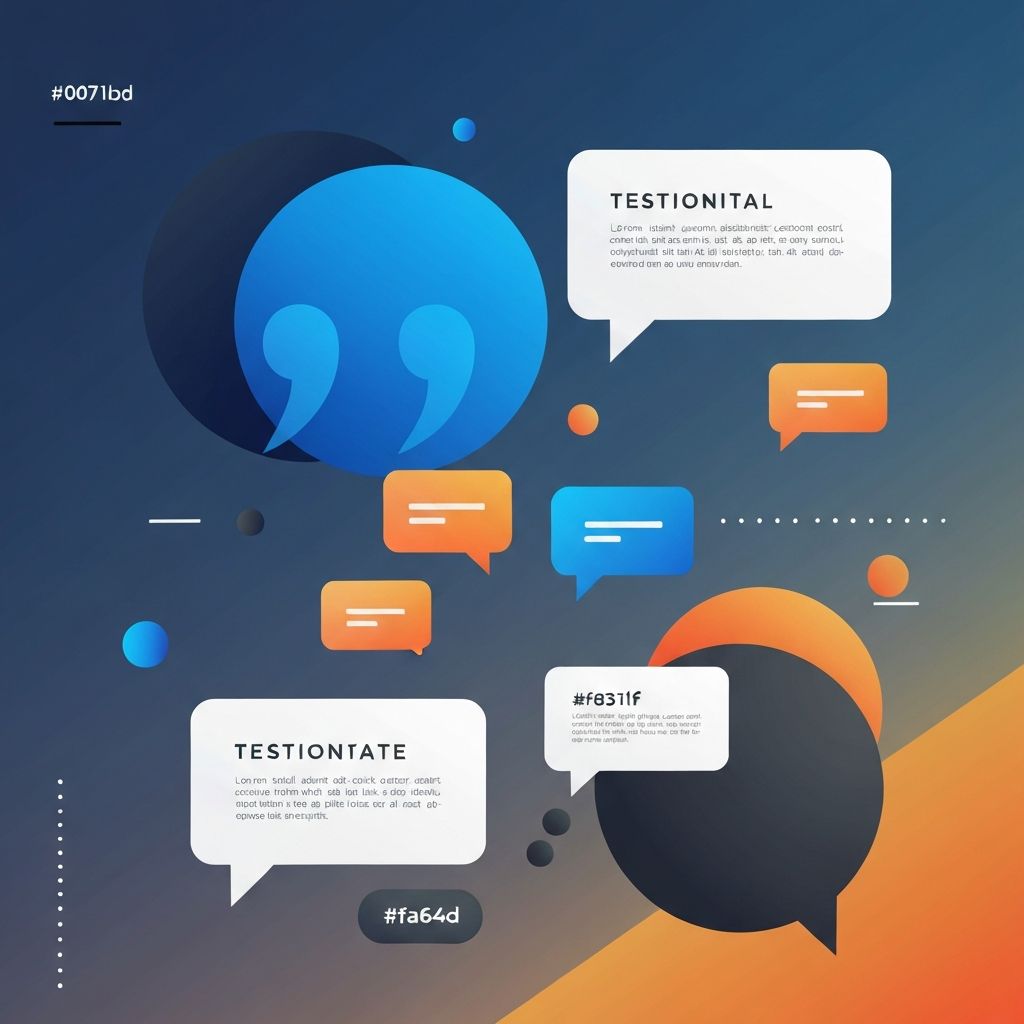
Web Quotes Design
The Power of Quotes in Web Design
Quotes are powerful design elements that can transform a website from ordinary to memorable. Whether showcasing customer testimonials, featuring inspirational messages, or highlighting expert opinions, well-designed quote sections add credibility, visual interest, and emotional connection to any website. At AAMAX.CO, we understand the impact that thoughtfully designed quote elements can have on user engagement and brand perception.
The strategic use of quotes in web design serves multiple purposes. Testimonials build trust by showing potential customers that others have had positive experiences with your products or services. Inspirational quotes can reinforce brand values and create emotional connections with visitors. Pull quotes break up long-form content and highlight key messages, improving readability and engagement.
Types of Quote Designs
Understanding the different types of quote designs helps you choose the right approach for your specific needs. Testimonial quotes are perhaps the most common, featuring customer or client feedback along with attribution. These typically include the quote text, the person's name, their role or company, and often a photograph. The design should convey authenticity and trustworthiness.
Pull quotes are excerpts from the main content that are styled prominently to draw attention. They're commonly used in editorial content, blog posts, and long-form articles. Pull quotes break up text walls and highlight key insights, making content more scannable and engaging.
Blockquotes present quoted material from external sources within your content. They should be visually distinct from the surrounding text while maintaining design consistency. Proper attribution is essential for credibility and copyright compliance.
Hero quotes make a bold statement at the top of a page or section. These large, prominent quotes set the tone and capture attention immediately. They work particularly well on landing pages, about pages, and campaign microsites where you want to make a strong first impression.
Carousel quotes allow you to showcase multiple testimonials or quotes in a compact space. Users can navigate through different quotes, providing social proof without overwhelming the page with content. The carousel interaction must be smooth and intuitive for a good user experience.
Typography for Quote Design
Typography plays a central role in quote design. The right font choices can elevate a simple quote into a striking visual element. Consider using a distinctive typeface for quote text that differs from your body copy, creating visual separation and drawing attention.
Serif fonts often work beautifully for quotes, lending a classic, authoritative feel. Script or handwritten fonts can add personality and warmth, though they should be used sparingly and only when legibility isn't compromised. Sans-serif fonts work well for modern, clean quote designs.
Font size significantly impacts quote presentation. Quotes should generally be larger than surrounding body text to stand out, but the exact size depends on the quote's role and context. Hero quotes might be several times larger than body text, while pull quotes might be only slightly larger.
Line height and letter spacing affect readability and aesthetic appeal. Quotes often benefit from increased line height compared to body text, giving the words room to breathe. Subtle adjustments to letter spacing can improve the visual rhythm of the text.
Quotation marks deserve special attention in typographic design. Large, decorative quotation marks have become a popular design element, framing the quote text and adding visual interest. These oversized marks can be positioned in various ways, from subtle background elements to prominent graphic features.
Layout and Composition
The layout of quote elements significantly affects their impact and integration with surrounding content. Centered layouts create a formal, balanced appearance that works well for standalone quotes and testimonials. This classic approach draws equal attention from all sides.
Left-aligned layouts feel more natural for Western readers and integrate more seamlessly with standard body text. They work particularly well for pull quotes within articles and blog posts. Right-aligned quotes can create interesting visual contrast but should be used judiciously.
Full-width quote sections create dramatic impact by spanning the entire viewport. These work well for important testimonials or brand statements, especially when paired with compelling background imagery or bold colors. The generous space commands attention and importance.
Card-based layouts present quotes within contained boxes, making them versatile for various page layouts. Cards can include additional elements like photos, ratings, or company logos. Multiple cards can be arranged in grids or carousels for showcasing several quotes.
Asymmetric layouts break from traditional alignment to create dynamic, engaging compositions. An offset quote with an accompanying image can create visual tension that captures attention. These layouts require careful balance to avoid appearing haphazard.
Visual Styling Techniques
Visual styling transforms plain text quotes into memorable design elements. Background treatments can dramatically change a quote's appearance. Solid color backgrounds in brand colors create bold, attention-grabbing sections. Subtle gradient backgrounds add depth and sophistication without overwhelming the text.
Image backgrounds create emotional connections when used thoughtfully. The image should complement the quote's message without making text difficult to read. Overlay techniques, such as semi-transparent color layers, help maintain text legibility over complex backgrounds.
Border and line treatments can elegantly frame quotes. A simple vertical line to the left of a blockquote is a classic approach that provides visual distinction. More elaborate border treatments can add personality, but shouldn't distract from the quote content itself.
Iconography and graphic elements enhance quote designs when used appropriately. Quotation mark graphics are the most common, but industry-specific icons or decorative elements can add context and visual interest. Keep graphics subtle enough to support rather than compete with the text.
Color usage in quote design should align with your brand palette while providing appropriate contrast for readability. Accent colors can highlight the quoted text, attribution, or decorative elements. Consistent color usage creates cohesion across multiple quote elements throughout your site.
Animation and Interactivity
Thoughtful animation can enhance quote presentations without becoming distracting. Entrance animations draw attention to quotes as users scroll, making them feel dynamic and engaging. Subtle fade-ins, slide-ins, or reveal effects work well when timed appropriately.
Carousel interactions should be smooth and intuitive. Users should be able to navigate through quotes easily using arrows, dots, or swipe gestures on touch devices. Auto-rotation can be helpful but should pause when users hover or interact with the carousel.
Hover effects on individual quotes or testimonial cards can provide visual feedback and encourage interaction. Subtle transformations, such as slight elevation or border changes, indicate interactivity without being jarring.
Performance considerations are essential when adding animation. Animations should run smoothly without causing layout shifts or performance issues. Use CSS animations and transforms where possible, and ensure animations don't prevent users from reading content or navigating the page.
Responsive Quote Design
Quote designs must adapt gracefully to different screen sizes and devices. Typography needs particular attention, as what looks perfect on desktop may be too large or too small on mobile. Use responsive typography techniques to ensure quotes remain readable and impactful across all devices.
Layout adjustments are often necessary for smaller screens. Multi-column quote layouts might stack into a single column on mobile. Carousel quotes might become scrollable cards. The key is maintaining the quote's impact while adapting to the available space.
Touch interactions replace hover states on mobile devices. Ensure that any interactive elements have adequately sized touch targets. If quotes link to more detailed testimonials or case studies, make the clickable area generous enough for easy tapping.
Image handling affects mobile performance and display. Background images might need different crops or positions for mobile viewing. Consider whether some decorative elements should be hidden on smaller screens to prioritize content.
Accessibility Considerations
Accessible quote design ensures all users can appreciate and understand your quotes. Proper semantic markup is essential. Use the blockquote element for actual quotations and cite elements for attribution. This helps screen readers convey the nature of the content correctly.
Color contrast must meet WCAG guidelines for all text within quotes. This includes the quote text, attribution, and any additional information. Test contrast ratios carefully, especially when using background images or colors.
Carousel accessibility requires keyboard navigation support and appropriate ARIA labels. Users should be able to navigate through quotes using keyboard controls, and screen readers should announce when new content becomes visible.
Animation should respect user preferences for reduced motion. Check for the prefers-reduced-motion media query and provide alternative presentations for users who have indicated they prefer less animation.
Integration with Overall Design
Quote designs should feel cohesive with your overall website aesthetic. Consistent styling with other design elements creates a unified experience. Use the same color palette, typography system, and spacing conventions that appear elsewhere on your site.
Strategic placement maximizes quote impact. Testimonials work well on landing pages near calls to action, reinforcing trust at decision points. Pull quotes should appear at natural breaks in content where readers might lose focus. Hero quotes set expectations at the top of pages.
Balance quote quantity with quality. Too many testimonials can feel overwhelming and paradoxically reduce credibility. Curate your quotes carefully and design prominent placements for your strongest testimonials.
Conclusion
Effective quote design combines typography, layout, visual styling, and technical implementation to create compelling presentations that enhance your website's message and credibility. By following the principles outlined in this guide, you can create quote designs that capture attention, build trust, and contribute to a memorable user experience.
Our front-end web development team excels at creating beautiful, functional quote designs that integrate seamlessly with your overall website. Whether you need testimonial carousels, pull quote systems, or hero quote sections, we can help you design and implement quote elements that elevate your digital presence.
Want to publish a guest post on aamax.co?
Place an order for a guest post or link insertion today.
Place an Order