

Web Page Design Frames
The History and Evolution of Web Page Frames
Frames represent a fascinating chapter in web design history, having evolved from literal HTML frames of the early web to the conceptual frames and component architectures of modern development. Understanding this evolution provides valuable context for contemporary design decisions. At AAMAX.CO, we appreciate web design history while embracing modern approaches that deliver superior user experiences.
Early web frames (using HTML framesets) allowed designers to divide browser windows into independent sections, each loading separate HTML documents. This approach solved real problems of the era—persistent navigation, fixed headers, and independent scrolling regions—before CSS provided better solutions. However, frames created significant usability, accessibility, and SEO challenges that led to their decline.
Traditional HTML Frames: What They Were
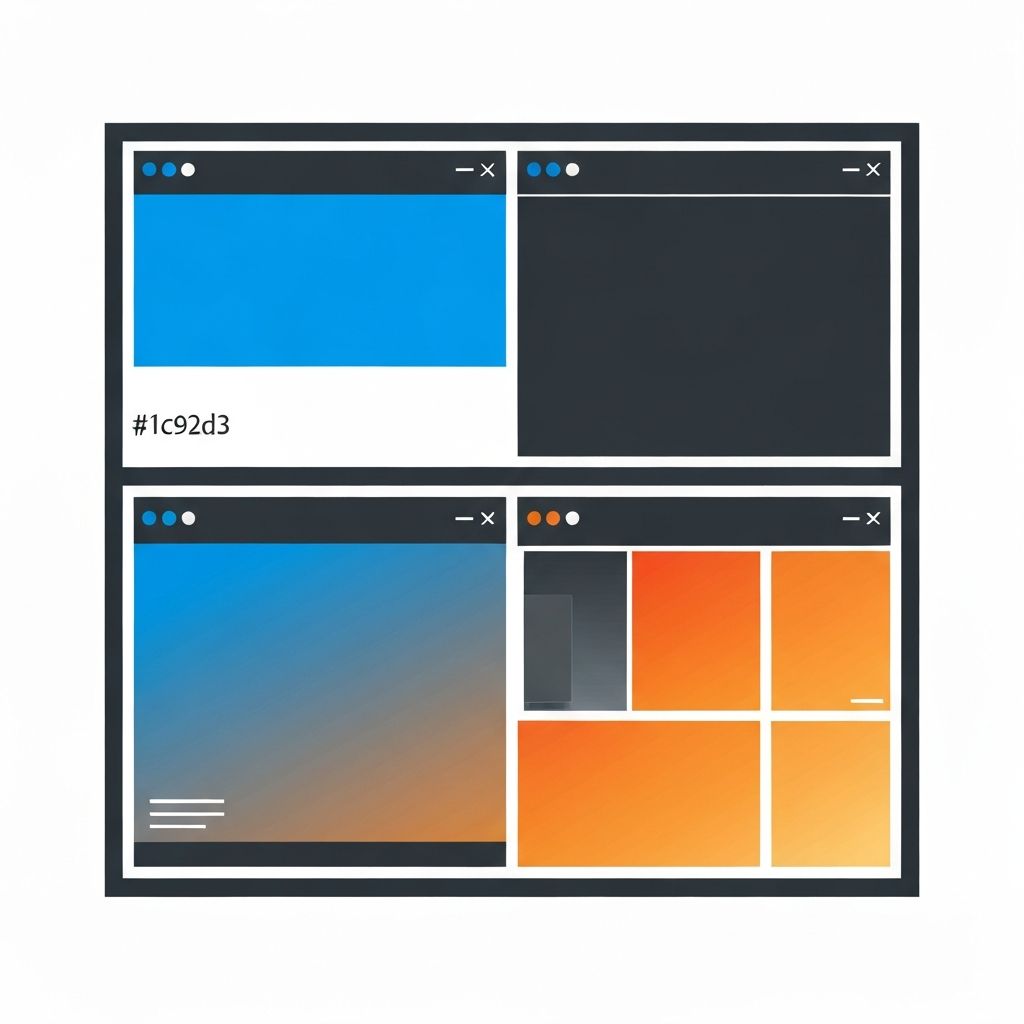
HTML framesets divided browser windows into rows and columns, with each cell loading independent HTML documents. A typical implementation might include a navigation frame on the left, a header frame on top, and a content frame filling the remaining space. Each frame maintained its own state, scroll position, and navigation history.
The appeal of frames was understandable given the limitations of early web technologies. Navigation could remain visible while content scrolled. Common elements loaded once rather than with each page. Users could interact with one region while others remained stable. These capabilities felt revolutionary in the mid-1990s.
However, frames created significant problems. URLs didn't reflect frame content, making pages impossible to bookmark or share accurately. Search engines struggled to index framed content properly. Accessibility was severely compromised as screen readers couldn't navigate frame structures effectively. Back button behavior became unpredictable and frustrating.
By the early 2000s, frames had largely fallen out of favor. CSS positioning enabled persistent headers and navigation without frames. AJAX allowed partial page updates. Semantic HTML improved structure. The web standards movement advocated against frames, and modern best practices explicitly discourage their use.
iFrames: The Frame That Survived
Inline frames (iFrames) embed external content within parent pages without requiring frameset structures. Unlike traditional frames that divided entire windows, iFrames create contained regions for specific content. This more limited scope made iFrames sustainable where full frames weren't.
Common iFrame uses include embedding videos from YouTube or Vimeo, integrating maps from Google Maps, displaying social media widgets, and incorporating third-party tools like payment forms or chat widgets. These embeds allow external services to maintain their functionality and security while appearing within your pages.
Security considerations around iFrames have driven technical evolution. Same-origin policies, sandbox attributes, and Content Security Policies manage what embedded content can do. Our website development team implements iFrame security appropriately for each use case.
Performance impacts of iFrames require attention. Each iFrame loads as an independent document with its own resources. Multiple iFrames can significantly impact page load times. Lazy loading iFrames that aren't immediately visible helps mitigate performance costs.
Modern Frame-Like Patterns
CSS Grid and Flexbox enable layouts that functionally resemble frame-based designs without their drawbacks. Fixed headers, sticky sidebars, and scrollable content regions create frame-like visual organization while maintaining single-document structures that work properly with URLs, search engines, and accessibility tools.
Single Page Applications (SPAs) recreate frame-like behavior through JavaScript routing and component rendering. Navigation components persist while content regions update dynamically. This approach provides frame-like user experiences with modern technical foundations. Our ReactJS web development creates these sophisticated single-page experiences.
Component-based architectures conceptually frame different parts of interfaces as independent, reusable units. While not frames in the HTML sense, thinking about pages as compositions of frame-like components influences modern design and development practices productively.
CSS regions and scroll-snap features create sophisticated scrolling behaviors that early frame users sought. Fixed positioning, sticky positioning, and overflow controls manage how different page regions interact during scrolling without requiring separate documents.
Dashboard and Application Layouts
Dashboard interfaces often benefit from frame-like thinking even when implemented without actual frames. Persistent navigation, fixed headers, scrollable content panels, and resizable regions create workspace-style interfaces familiar from desktop applications.
Sidebar navigation patterns maintain visible navigation while content areas scroll independently. This layout pattern directly descends from frame-based designs but implements through CSS positioning rather than HTML frames. The user experience mirrors frames without their technical problems.
Multi-panel layouts divide interfaces into functional regions that may resize or reorganize across viewports. Design tools, email clients, and data dashboards commonly employ these patterns. Each panel functions somewhat independently while comprising a unified application experience.
Our web application development frequently implements these dashboard patterns for complex interfaces where frame-like organization serves user needs effectively.
Frame-Based Design Thinking
Even without technical frames, thinking about pages as compositions of distinct regions helps organize complex interfaces. Identifying primary content areas, navigation zones, and supplementary regions provides structural clarity that improves both design and development processes.
Wireframing often begins with frame-like divisions before filling in component details. These initial structural decisions establish hierarchies and relationships that persist through design evolution. Frame-based thinking at this stage translates into organized, logical interfaces.
Responsive design requires reconsidering frame-like regions for different viewports. Desktop sidebars might become mobile slide-out menus. Multi-column layouts stack vertically. The frame concept persists but adapts to available space.
Component architecture in frameworks like React, Vue, and Angular encourages encapsulation that resembles frame independence. Components manage their own state and rendering while composing into larger interfaces. This structural approach inherits beneficial aspects of frame thinking.
Technical Implementation Without Frames
CSS Grid provides powerful layout capabilities that achieve frame-like results elegantly. Named grid areas, fractional units, and explicit positioning enable complex layouts with clean, maintainable code. Grid especially excels at the kind of application layouts where frames once dominated.
Flexbox complements Grid for component-level layouts and simpler structures. Navigation bars, card layouts, and content alignment benefit from Flexbox's distribution and alignment capabilities. Together, Grid and Flexbox cover virtually any layout need that frames once addressed.
Position fixed and sticky enable persistent elements without frames. Headers that remain visible during scroll, sidebars that stick when appropriate, and floating action buttons all use positioning properties rather than separate documents.
Overflow properties control scrolling behavior within contained regions. Creating scrollable panels within fixed-size containers provides the independent scrolling that frames offered, without requiring separate HTML documents.
Our front-end web development leverages these CSS capabilities to create sophisticated layouts that serve user needs without frame-related drawbacks.
When Frames (or Frame-Like Patterns) Make Sense
Administrative dashboards and internal tools often benefit from frame-like layouts where users spend extended time and need persistent access to navigation and tools. The organizational clarity of divided regions helps users manage complex tasks.
Data-intensive applications where users compare information across panels may warrant frame-like structures. Financial dashboards, analytics platforms, and monitoring tools often employ multi-panel layouts effectively.
Document-focused applications like email clients, note-taking apps, and content management systems traditionally use frame-like three-column layouts. The familiarity of these patterns helps users understand interface organization immediately.
However, marketing websites, content sites, and simpler web applications rarely benefit from frame-like complexity. These sites work better with flowing layouts that adapt fluidly to content and viewport rather than rigid regional divisions.
Accessibility Considerations
Traditional frames created severe accessibility barriers that modern approaches should avoid. Screen readers struggled with frame navigation. Keyboard users got trapped in frame regions. Frame-based designs often failed accessibility testing entirely.
Modern frame-like patterns must implement accessibility properly. ARIA landmarks identify page regions for assistive technologies. Skip links enable keyboard users to bypass repetitive navigation. Focus management ensures logical keyboard navigation through complex layouts.
Testing frame-like layouts with assistive technologies verifies accessibility in practice. Theoretical compliance doesn't guarantee usable experiences for people using screen readers, keyboard navigation, or other assistive tools.
The Future of Frame Concepts
Emerging standards continue evolving capabilities that frame-based thinking influences. CSS Container Queries enable components to adapt based on their container size rather than viewport size—a more sophisticated version of how frames could maintain independent layouts.
Web Components encapsulate HTML, CSS, and JavaScript into reusable elements with defined interfaces. This component model extends frame-like independence to fully custom elements that work across frameworks and contexts.
Multi-page application architectures are experiencing renewed interest as client-side JavaScript costs are better understood. Navigation patterns that balance server-rendered content with dynamic elements may evolve new frame-like concepts.
At AAMAX, we apply frame-based thinking appropriately to modern web design and development. Whether creating application dashboards with clear regional organization or flowing content sites without rigid structure, we match architectural approaches to project needs. Our website design services apply historical lessons to contemporary challenges, creating interfaces that serve users effectively. Contact us to discuss how thoughtful structural approaches can improve your next web project.
Want to publish a guest post on aamax.co?
Place an order for a guest post or link insertion today.
Place an Order