

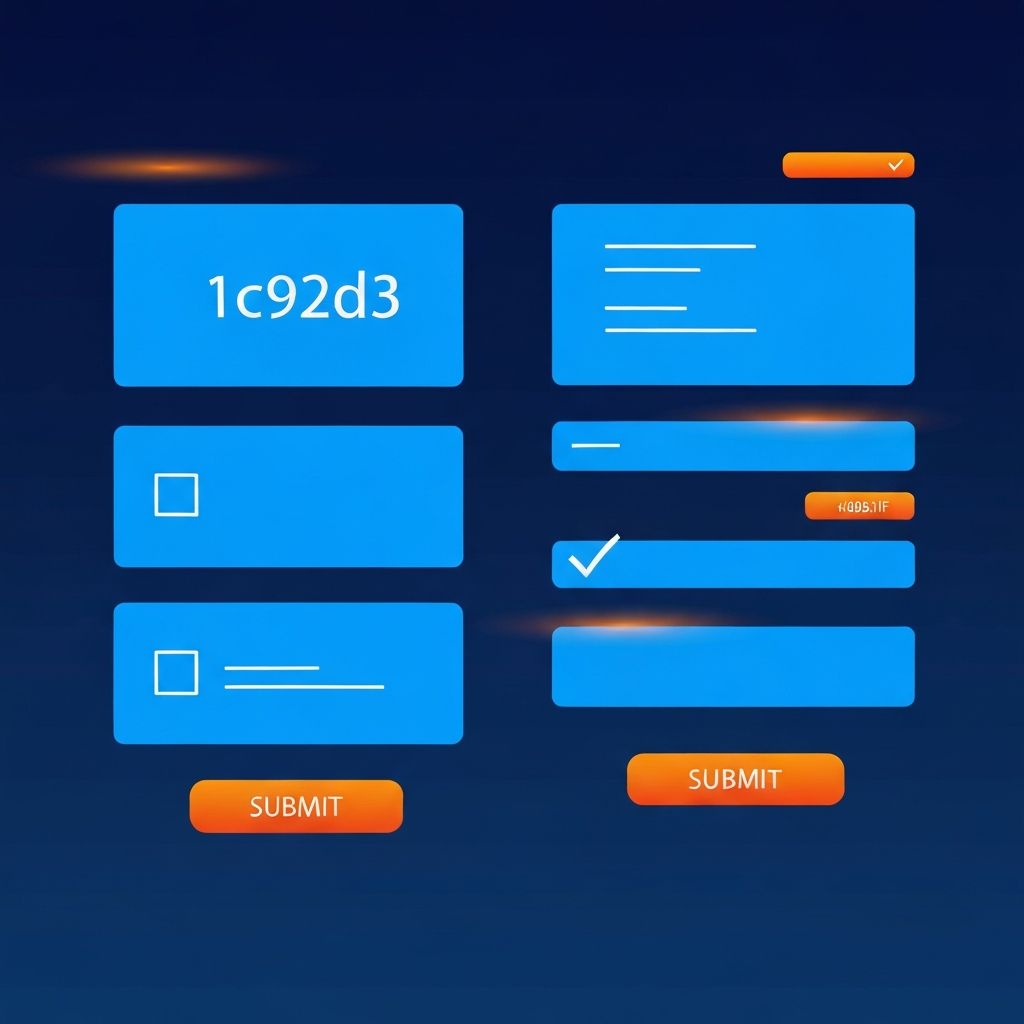
Web Form Design
The Critical Role of Form Design
Web forms are the primary interaction point between users and websites for collecting information, processing transactions, and enabling user actions. Despite their importance, forms are often overlooked in the design process, leading to frustrated users and abandoned submissions. Effective web form design directly impacts conversion rates, user satisfaction, and business success.
At AAMAX.CO, we understand that forms can make or break user experiences. As a full-service digital marketing company offering web development, digital marketing, and SEO services, we've designed countless forms that balance business requirements with user needs to maximize conversions.
Understanding Form Psychology
Users approach forms with inherent resistance. Every field represents effort and potential friction. Understanding this psychology is essential for designing forms that users actually complete. The principle of minimal input suggests asking only for information that's absolutely necessary.
Users evaluate the perceived effort against the perceived value of completion. If the form seems too long or complex relative to what they'll gain, abandonment becomes likely. Clear communication of purpose and progress reduces perceived effort and encourages completion.
Essential Form Design Principles
Effective form design follows established principles that improve usability. Single-column layouts generally outperform multi-column designs because they create a clear visual path. Logical field ordering matches user expectations and reduces cognitive load. Related fields should be grouped together with clear visual separation between groups.
Labels should be placed directly above their associated fields for optimal scanning. Placeholder text should supplement, not replace, labels. Input fields should be sized appropriately for expected content. Our website design services incorporate these principles into every form we create.
Reducing Form Length
Shorter forms consistently achieve higher completion rates. Critically evaluate every field to determine if it's truly necessary at this stage. Consider collecting optional information later in the user journey rather than upfront. Progressive disclosure can hide advanced options until users need them.
Smart defaults reduce user effort by pre-selecting likely options. Auto-detection of information like location or currency eliminates unnecessary fields. Social login options can bypass extensive registration forms entirely. Every field removed is potential friction eliminated.
Input Field Best Practices
Input fields should be designed for easy interaction and clear feedback. Appropriate input types (email, phone, number) enable mobile keyboards and browser validation. Field constraints should be clearly communicated before users make errors. Visible character limits help users understand requirements.
Touch-friendly sizing ensures mobile users can easily tap fields and buttons. Sufficient spacing between fields prevents accidental selections. Clear focus states indicate the currently active field. These details significantly impact form usability.
Effective Labeling Strategies
Labels guide users through forms and clarify what information is needed. Top-aligned labels provide the best performance for form completion speed. Labels should be concise but descriptive enough to eliminate confusion. Required field indicators should be consistent and immediately visible.
Microcopy and helper text provide additional context when needed without cluttering the interface. Tooltips can explain complex requirements without overwhelming the form visually. Our front-end web development team implements these labeling strategies for optimal user experience.
Validation and Error Handling
Form validation prevents invalid submissions while guiding users toward successful completion. Inline validation provides immediate feedback as users complete fields, allowing errors to be corrected before submission. However, validation shouldn't trigger before users have finished entering information.
Error messages should be specific, actionable, and human-readable. Instead of technical error codes, explain what went wrong and how to fix it. Errors should appear near the relevant field with clear visual indication. Success states confirm correct entries and build user confidence.
Mobile Form Optimization
Mobile form design requires additional considerations due to smaller screens and touch interaction. Large, tap-friendly buttons and inputs prevent frustrating miss-clicks. Appropriate keyboard types (numeric, email, phone) speed data entry on mobile devices.
Consider whether all fields are necessary on mobile or if some can be deferred to desktop completion. Minimize scrolling by keeping forms concise. Test forms thoroughly on actual mobile devices to identify usability issues.
Multi-Step Form Design
Complex forms benefit from breaking into multiple steps that feel more manageable. Progress indicators show users where they are in the process and how much remains. Each step should be logically grouped and feel accomplishable.
Allow users to navigate backward without losing entered data. Clearly communicate what happens at each stage. Consider saving progress automatically so users can complete forms across sessions. Our web application development services excel at creating sophisticated multi-step form experiences.
Call-to-Action Design
Submit buttons represent the final conversion point and deserve careful attention. Button text should clearly indicate what happens upon clicking. "Submit" is generic; "Create Account" or "Start Free Trial" communicate specific value.
Buttons should be visually prominent with sufficient size and color contrast. Position buttons where users naturally look after completing the form. Consider secondary actions like "Save for Later" when appropriate. Disabled states and loading indicators provide feedback during submission.
Accessibility Considerations
Accessible form design ensures all users can complete forms regardless of ability. Proper label associations enable screen reader users to understand field purposes. Sufficient color contrast ensures visibility for users with visual impairments.
Keyboard navigation should allow complete form operation without a mouse. Error messages should be announced to assistive technologies. ARIA attributes provide additional context when standard HTML isn't sufficient. Accessible forms benefit all users, not just those with disabilities.
Trust and Security Signals
Users share sensitive information through forms, making trust signals essential. Security badges and SSL indicators reassure users about data protection. Privacy policy links demonstrate transparency about data usage.
Professional visual design builds credibility. Spelling errors or broken elements undermine trust. Clear explanations of why information is needed reduce privacy concerns. Our website maintenance and support services ensure forms remain secure and trustworthy.
Testing and Optimization
Form performance should be continuously measured and improved. Analytics reveal where users abandon forms and which fields cause problems. A/B testing compares different form designs to identify improvements.
User testing provides qualitative insights into form usability issues. Heat maps and session recordings show how users interact with forms. Regular review and optimization ensure forms maintain high conversion rates as user expectations evolve.
Common Form Types and Considerations
Different form types have specific design considerations. Contact forms should be brief and prominently display confirmation of submission. Registration forms benefit from social login options and minimal initial requirements. Checkout forms require security emphasis and progress indication.
Survey forms need clear progress indicators and appropriate question types. Search forms should be simple with advanced options available when needed. Each form type has established patterns that users expect and respond to positively.
Future of Form Design
Form design continues evolving with technological advances. Conversational forms and chatbot interfaces offer alternative interaction models. Voice input and natural language processing may reduce typing requirements. Biometric authentication could eliminate password fields.
AI-powered forms might adapt dynamically based on user behavior. Predictive input could accelerate form completion. Despite these advances, fundamental principles of clarity, simplicity, and user respect will remain essential.
Conclusion
Web form design significantly impacts user experience and conversion rates. By applying proven principles of simplicity, clarity, and user-centered design, businesses can create forms that users complete willingly. Every detail from field layout to error messages contributes to overall form success.
At AAMAX.CO, we design forms that balance business data needs with exceptional user experience. Our approach ensures forms collect necessary information while maintaining high completion rates. Contact us to learn how we can help optimize your web forms for better conversions.
Want to publish a guest post on aamax.co?
Place an order for a guest post or link insertion today.
Place an Order