

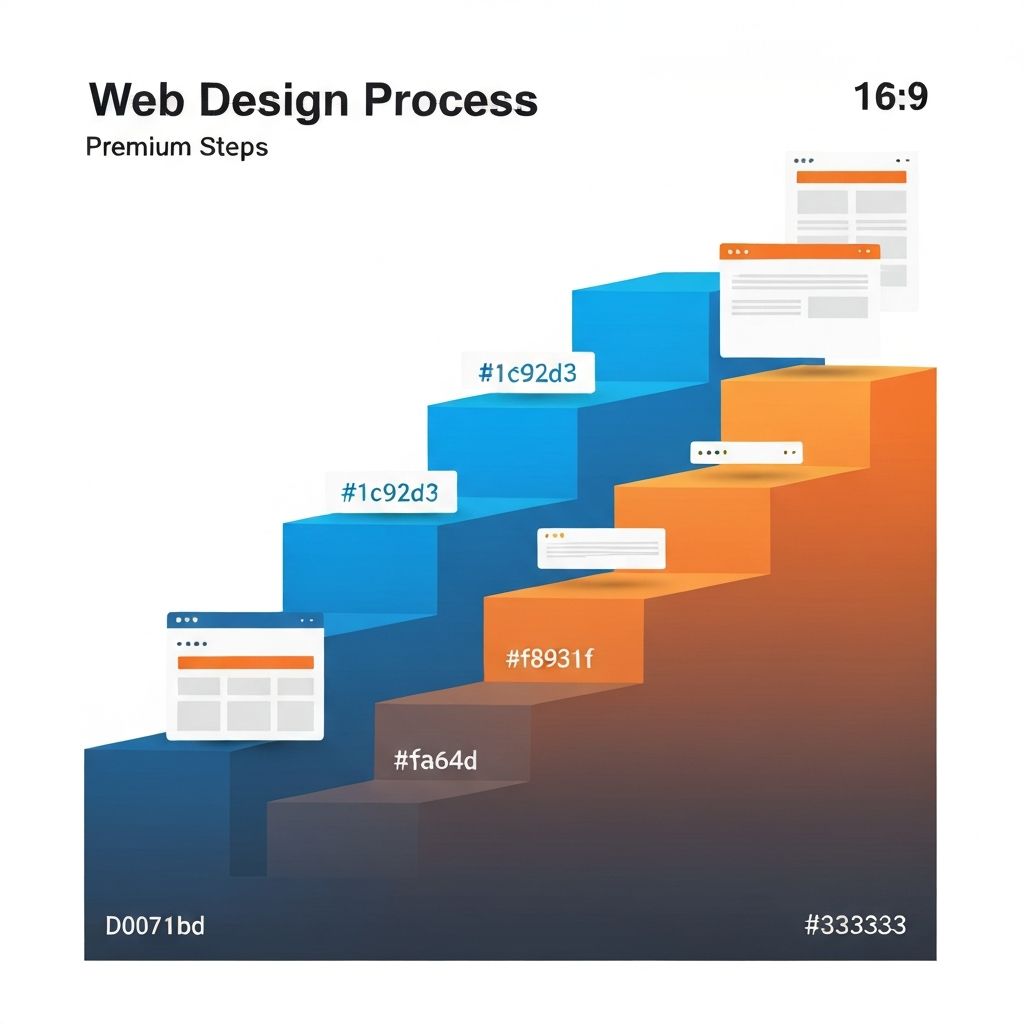
Web Design Steps
The Complete Web Design Process: Step by Step
Creating a successful website is a journey that involves multiple phases, each building upon the last to produce a final product that meets business goals and user needs. Understanding this process helps whether you're a business owner preparing to work with a web design agency, a designer refining your workflow, or a developer seeking context for your role in larger projects. At AAMAX.CO, we follow a proven methodology that consistently delivers exceptional results. This guide walks through each step of the web design process in detail.
The web design process can be broken into distinct phases: discovery and research, planning and strategy, design, development, testing, launch, and ongoing optimization. While the specific activities within each phase vary based on project scope and complexity, this framework applies to projects of all sizes. Let's explore each step in depth.
Step 1: Discovery and Research
Every successful web design project begins with thorough discovery and research. This foundational phase ensures all subsequent decisions are grounded in real understanding rather than assumptions.
Stakeholder interviews gather perspectives from everyone with a stake in the project's success. For business websites, this typically includes executives, marketing team members, sales representatives, and customer service staff. Each brings unique insights about business goals, customer needs, and operational requirements. Document these interviews carefully—they inform every subsequent decision.
Competitive analysis examines what competitors are doing well and where they fall short. Review competitor websites noting design approaches, content strategies, feature sets, and user experiences. Identify opportunities to differentiate while learning from what works in your market. This research prevents reinventing the wheel while ensuring your website stands out.
User research uncovers who will use the website and what they need. This might involve surveys, interviews, analytics review, or user persona development. Understanding user goals, pain points, preferences, and behaviors enables design decisions that truly serve your audience.
Technical requirements discovery identifies constraints and opportunities. What platforms or integrations are required? What are the hosting requirements? Are there accessibility standards to meet? Technical discovery prevents surprises later in the project.
Step 2: Planning and Strategy
With research complete, the planning phase translates insights into actionable strategy. This is where the project takes shape before any visual design begins.
Site architecture defines the structure and organization of the website. Create a sitemap showing all pages and their hierarchical relationships. Consider user journeys and ensure important content is easily accessible. Good architecture makes websites intuitive to navigate and supports SEO goals.
Content strategy determines what content the website needs and how it will be created. Inventory existing content, identify gaps, and plan content creation or migration. Define content types, templates, and guidelines. Content strategy should align with business goals and user needs identified during discovery.
Technical planning selects the technology stack and development approach. Will you use a content management system or custom development? What frameworks and tools make sense? Our web development consulting services help organizations make informed technology decisions that set projects up for success.
Project planning establishes timelines, milestones, and responsibilities. Create realistic schedules that account for reviews, revisions, and dependencies. Clear project plans keep everyone aligned and projects on track.
Step 3: Design
The design phase brings the website to life visually. This is often the most visible part of the process, but it builds on all the strategic work that came before.
Wireframing creates low-fidelity layouts that establish page structures without visual design. Wireframes show where content and functionality will appear, how users will navigate, and how pages relate to each other. This skeletal view enables feedback on structure before investing in detailed design.
Visual design applies the brand identity to wireframes, creating high-fidelity mockups that show exactly how the finished website will look. Designers establish color schemes, typography, imagery styles, and component designs. Through our website design services, we create visuals that are both beautiful and strategically effective.
Design systems document reusable components and style guidelines. Button styles, form elements, card designs, and other recurring elements are defined once and applied consistently throughout the site. Design systems speed up both design and development while ensuring visual consistency.
Prototyping creates interactive versions of designs that simulate the user experience. Clickable prototypes enable testing navigation flows and gathering feedback before development begins. This catches usability issues early when they're cheap to fix.
Step 4: Development
Development transforms approved designs into functional websites. This technical phase requires close collaboration between designers, developers, and project managers.
Front-end development builds what users see and interact with. Using HTML, CSS, and JavaScript, front-end developers implement designs in the browser. They ensure responsive behavior across devices, accessible experiences for all users, and smooth interactions. Our front-end web development team brings designs to life with precision and performance.
Back-end development creates server-side functionality that powers dynamic features. This includes database integration, content management systems, user authentication, form processing, and API connections. Our back-end web development services build the robust foundations websites need.
CMS implementation configures content management systems for easy updates. Whether using WordPress or modern platforms like Strapi, CMS setup includes template creation, custom field configuration, and user permission settings. Good CMS implementation empowers clients to maintain their websites independently.
Third-party integrations connect the website with external services. This might include payment processors, email marketing platforms, CRM systems, analytics tools, or social media APIs. Each integration requires careful implementation and testing.
Step 5: Content Population
With the website structure built, content population fills in the actual information users will see. This phase often runs parallel to development.
Content creation produces the text, images, videos, and other media the website needs. Copywriters craft compelling messages while photographers and videographers create visual assets. Content should align with the strategy established earlier and be optimized for both users and search engines.
Content entry places content into the website using the CMS or directly into templates. This includes formatting text, uploading media, setting up navigation, and configuring meta data. Careful attention to detail ensures content displays correctly and consistently.
SEO optimization applies search engine best practices throughout the content. This includes keyword-optimized page titles and descriptions, properly structured headings, internal linking, image alt text, and structured data markup. SEO work during content population sets the foundation for organic visibility.
Step 6: Testing
Thorough testing ensures the website works correctly before launch. This quality assurance phase catches issues that could hurt user experience or business results.
Functional testing verifies all features work as intended. Test every form, button, link, and interactive element. Verify integrations function correctly. Check that the CMS enables content updates without issues. Document and fix any problems discovered.
Browser and device testing ensures consistent experiences across platforms. Test on major browsers (Chrome, Firefox, Safari, Edge) and various devices (desktop, tablet, phone). Use both real devices and emulators to cover the range of how visitors might access the site.
Performance testing measures speed and identifies bottlenecks. Use tools like Google PageSpeed Insights to assess load times and identify optimization opportunities. Address performance issues before launch to ensure fast experiences for all visitors.
Accessibility testing verifies the site works for users with disabilities. Test keyboard navigation, screen reader compatibility, color contrast, and other accessibility factors. Ensure compliance with relevant standards like WCAG 2.1.
Step 7: Launch
Launch day is exciting but requires careful execution. Proper launch procedures ensure smooth transitions and minimize risks.
Pre-launch checklist confirms everything is ready. Verify all content is final, integrations are configured for production, analytics tracking is installed, forms submit to correct destinations, and any necessary redirects are in place. Don't rush this checklist—missed items cause problems later.
DNS and hosting configuration points the domain to the new website. Coordinate timing carefully, especially if replacing an existing site. SSL certificates must be configured for secure HTTPS connections. Allow time for DNS propagation across the internet.
Post-launch verification confirms everything works in the production environment. Walk through the entire site, test all functionality, and verify analytics are tracking. Some issues only appear in production, so thorough post-launch testing is essential.
Team notification and training ensures everyone knows the new site is live. Provide documentation and training for team members who will maintain the site. Establish processes for reporting issues and requesting changes.
Step 8: Optimization and Maintenance
Launch is not the end—it's the beginning of ongoing optimization and maintenance that keeps the website effective over time.
Performance monitoring tracks how well the website achieves its goals. Review analytics regularly to understand traffic patterns, user behavior, and conversion rates. Identify pages that underperform and prioritize improvements.
Regular updates keep the website secure and functional. Software updates, security patches, and compatibility fixes require ongoing attention. Our website maintenance and support services ensure websites stay healthy without burdening your team.
Continuous improvement applies learnings to make the website better over time. Test variations, implement improvements, and measure results. The best websites evolve based on data and feedback rather than remaining static after launch.
Understanding the complete web design process empowers better decisions whether you're leading a project or participating in one. Each step builds on what came before, and skipping steps creates problems later. Follow this process, and you'll create websites that truly serve their intended purposes.
Want to publish a guest post on aamax.co?
Place an order for a guest post or link insertion today.
Place an Order