

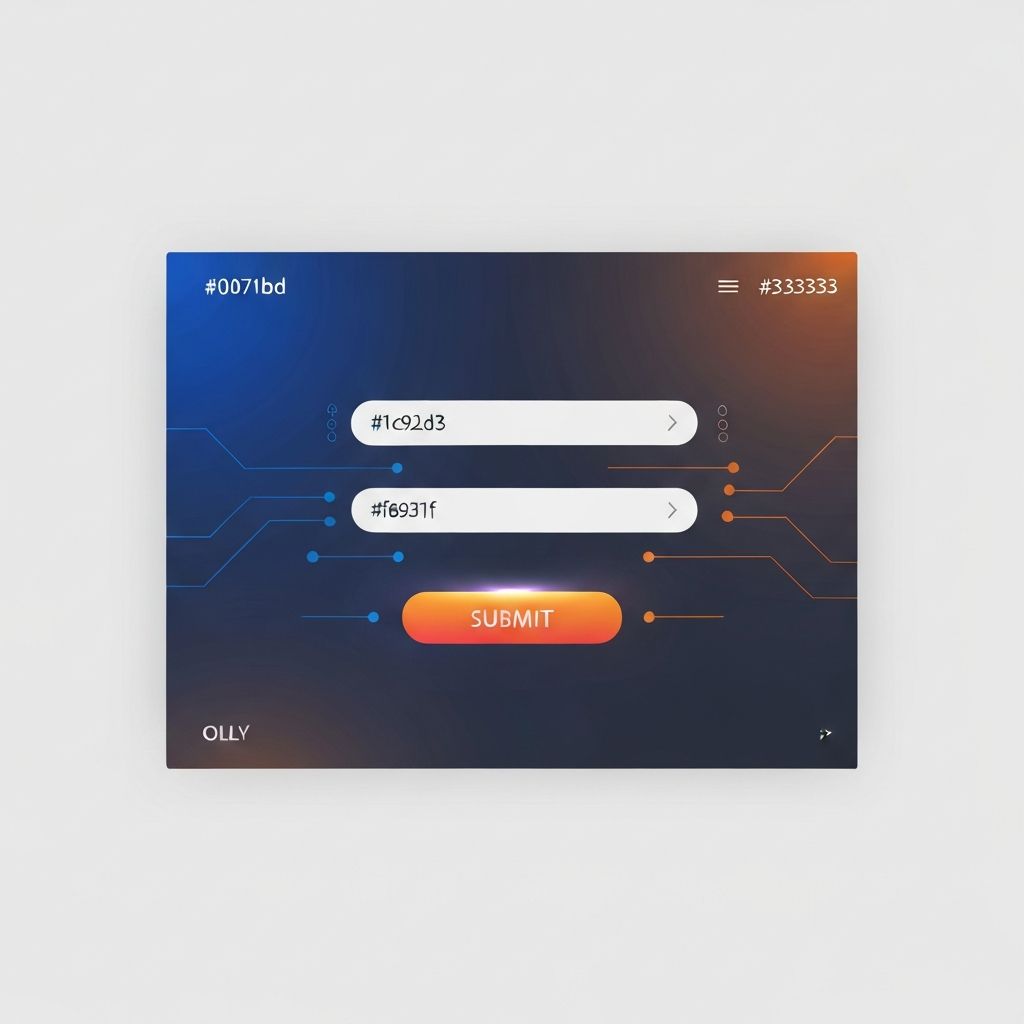
Web Design Form
Why Web Design Forms Are the Heart of Every Successful Website
Forms are the silent salespeople of your website. Whether it's a simple newsletter signup, a multi-step checkout, or a detailed contact form, every form on your site represents a critical moment of decision for your visitors. A well-designed web form can be the difference between a bounced visitor and a loyal customer. At AAMAX.CO, we have built hundreds of high-performing forms across industries, and we know that great form design is equal parts art, science, and psychology.
In this comprehensive guide, we'll walk you through everything you need to know about web design forms, from the fundamental principles of usability to advanced conversion optimization techniques. By the end of this article, you'll understand why we obsess over every input field and how proper form design can dramatically increase your business results.
The Core Principles of Effective Form Design
Great form design starts with empathy for the user. Every additional field, every confusing label, and every unclear error message creates friction that pushes visitors away. The most successful forms follow a few timeless principles: clarity, brevity, hierarchy, and feedback. Clarity ensures users always know what is being asked of them. Brevity reduces cognitive load by eliminating unnecessary fields. Hierarchy guides the eye naturally from start to submission. Feedback reassures users that their input is valid and their submission was received.
Our team at AAMAX.CO applies these principles rigorously in every project. When we plan a form, we ask three core questions: What is the absolute minimum information we need? What is the user's mental model when filling this out? And how can we make the experience feel effortless? These questions guide layout, label placement, field order, and even the choice of input components. Our website design service includes a full UX audit of your existing forms to identify high-impact improvements.
Single-Column vs. Multi-Column Form Layouts
One of the most common mistakes we see is multi-column form layouts. Eye-tracking studies and conversion data overwhelmingly favor single-column layouts because they create a clean, predictable scanning path. The user's eye flows naturally from top to bottom, and there's no ambiguity about which field comes next. Multi-column layouts may save vertical space, but they often increase completion time and error rates.
That said, there are exceptions. For closely related pairs of fields like first name and last name, or city and ZIP code, side-by-side placement can feel natural. The key is to pair fields only when they belong together logically and never to break a single thought across two columns.
Smart Field Types and Input Validation
Modern web design forms take advantage of HTML5 input types to provide instant value. Using type="email", type="tel", and type="date" triggers the correct on-screen keyboard for mobile users and adds built-in validation. We pair these with custom validation logic that runs as users type, surfacing helpful messages instead of generic errors after submission.
Inline validation, when implemented correctly, can reduce form abandonment significantly. The trick is timing. Validating too early, before the user finishes typing, feels nagging. Validating too late, only after submission, creates frustration. Our developers fine-tune the timing for each field, validating after the user moves to the next field while showing positive confirmation when input is correct.
Mobile-First Form Design
Over half of web traffic now comes from mobile devices, and forms are often where mobile experiences fall apart. Tiny tap targets, awkward keyboards, and aggressive zoom behavior frustrate users into giving up. We design every form mobile-first, ensuring tap targets are at least 44 pixels tall, labels remain visible while typing, and autofill works seamlessly with browsers and password managers.
We also pay attention to small details that compound into a great experience: capitalizing names automatically, disabling autocorrect for fields like usernames, and using appropriate input modes for numeric fields. These details are part of our front-end web development craftsmanship.
Accessibility and Inclusive Form Design
Accessible forms are not optional. They are essential for legal compliance and ethical design. Every form we build at AAMAX.CO meets WCAG 2.1 AA standards. This means proper label associations, sufficient color contrast, keyboard navigation, screen reader compatibility, and clear focus indicators. We use ARIA attributes thoughtfully to enhance assistive technology support without overwhelming the markup.
Inclusive forms also consider users with cognitive disabilities. We avoid jargon, provide clear instructions, and break long forms into manageable steps. Progress indicators help users understand where they are and how much remains.
Reducing Abandonment with Progressive Disclosure
Long forms intimidate users. Progressive disclosure is the practice of revealing fields gradually as they become relevant. For example, only show shipping address fields after the user selects "deliver to address." Only ask for billing details after payment method is chosen. This technique keeps the form looking simple while still collecting all needed information.
Multi-step forms are another excellent solution for complex data collection. By breaking a long form into logical sections, each step feels short and achievable. Always include a clear progress indicator and allow users to navigate back to previous steps without losing their data.
Form Security and Spam Prevention
Every public form is a target for bots and malicious actors. We implement multiple layers of protection without compromising the user experience. This includes invisible reCAPTCHA, honeypot fields, server-side validation, rate limiting, and CSRF tokens. We also encrypt sensitive data in transit and at rest, ensuring your users' information is always safe.
Why Choose Us for Your Web Form Design
Building a high-converting web form is not just about aesthetics. It requires a deep understanding of user behavior, technical implementation, and continuous optimization. Our team at AAMAX.CO has helped clients increase form conversion rates by 30 to 200 percent through thoughtful redesigns and rigorous A/B testing.
If you're ready to transform your forms from leaky funnels into reliable conversion engines, hire AAMAX.CO for professional web design and development services. We'll audit your existing forms, identify opportunities, and build solutions that drive measurable business results.
Want to publish a guest post on aamax.co?
Place an order for a guest post or link insertion today.
Place an Order