

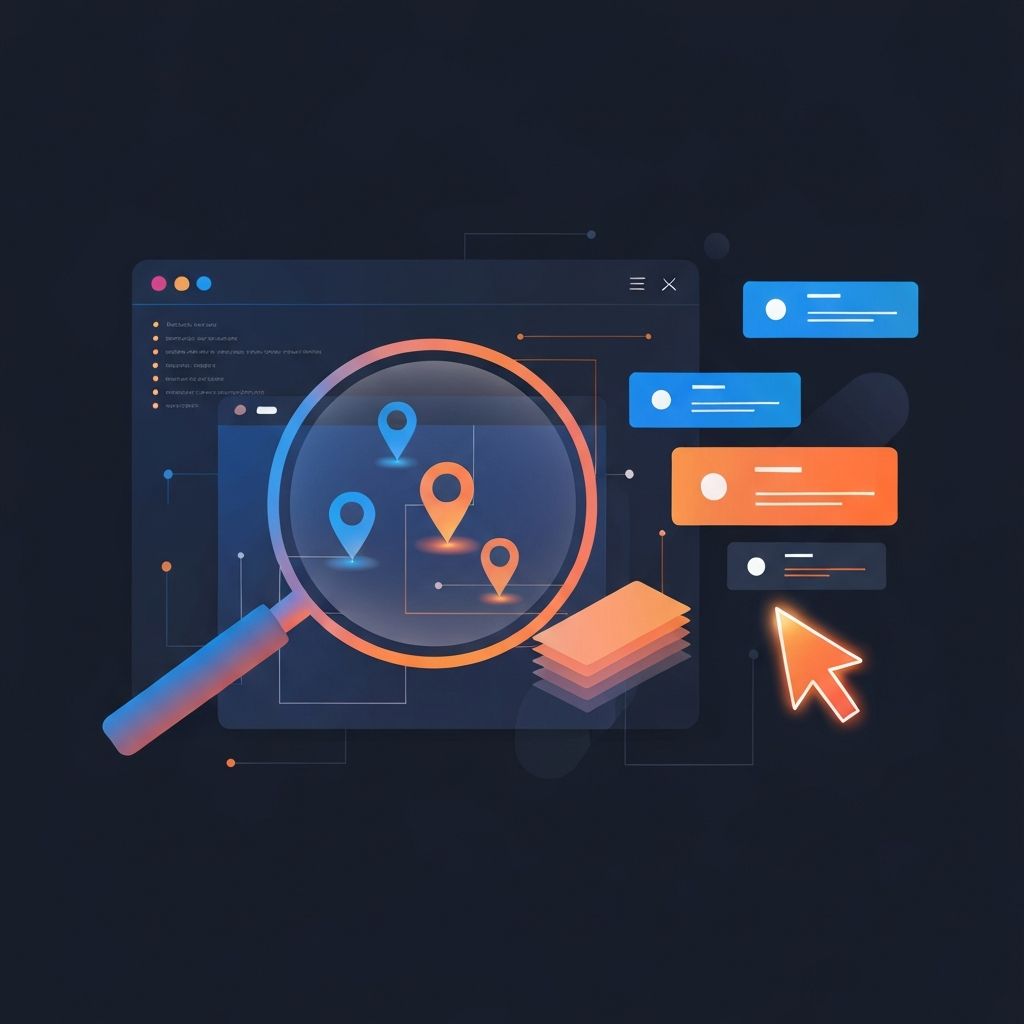
Visual Bug Tracking Tools for Web Developers
Why Visual Bug Tracking Matters
Traditional bug reports are notoriously ambiguous. A stakeholder writes "the button is broken on the pricing page," the developer cannot reproduce it, and a week disappears in clarifying messages. Visual bug tracking tools eliminate this friction by letting reporters annotate screenshots directly, capturing the page state, the browser, and the exact element in question. The result is faster fixes, fewer misunderstandings, and a healthier relationship between teams. At AAMAX.CO, we integrate visual bug tracking into every client engagement to keep feedback loops tight and transparent.
Modern web applications are complex. They run across operating systems, browsers, viewport sizes, and accessibility settings. A bug that appears on iOS Safari at 375 pixels may not exist on a desktop Chrome window at 1440. Without visual context, reproducing such issues becomes a guessing game. Visual tools provide that context automatically.
What to Look for in a Visual Bug Tracker
The category has matured significantly, but not all tools are equal. The best visual bug tracking platforms share a few qualities. They install with a single line of code or a browser extension. They capture not only the screenshot but also the URL, viewport size, browser version, console logs, and network activity. They allow non-technical reviewers to annotate screenshots intuitively. And they integrate with the issue trackers your engineering team already uses, such as Jira, Linear, GitHub, or Asana.
For client-facing work, ease of use matters most. Stakeholders should be able to leave feedback without learning a new tool. For engineering-heavy workflows, depth matters more — session replay, DOM inspection, and error tracking become valuable.
Top Tools in the Visual Bug Tracking Space
Several tools stand out in 2026. Marker.io and BugHerd remain leaders for client review workflows, offering simple annotation overlays and clean ticket creation. Sentry has expanded its visual feedback capabilities, pairing screenshots with rich error context. LogRocket and FullStory pioneered session replay and now offer deep integrations with bug tracking platforms. PostHog has emerged as a strong all-in-one option for product teams.
The right choice depends on the project. For agency-style client review, lightweight overlay tools win. For engineering-led debugging, deeper observability platforms shine. Many of our projects use a combination — a lightweight tool for stakeholder feedback during QA and a heavier observability stack in production.
Integrating Visual Tools Into the Development Workflow
Tooling alone does not guarantee better outcomes. Workflow design matters. We integrate visual bug tracking into specific phases of every project: design QA, staging review, pre-launch acceptance, and post-launch monitoring. Each phase has different reviewers, different acceptance criteria, and different urgency levels. Mapping the tool to the phase keeps the noise low and the signal high.
For our web application development engagements, we set up dashboards that surface unresolved bugs by severity and assign owners automatically. This eliminates the "who is doing what" confusion that plagues many teams.
Reducing Friction for Stakeholders
One of the biggest wins of visual bug tracking is empowering non-technical reviewers. Marketing managers, product owners, and external clients can leave precise feedback without writing technical descriptions. They highlight an element, type a note, and submit. The tool handles the rest. This reduces the time developers spend deciphering reports and the time stakeholders spend explaining themselves.
We coach client teams on how to leave great feedback: focus on the outcome, not the assumed cause; include device and browser if known; describe steps to reproduce when possible. Even with great tools, well-written feedback accelerates resolution.
Combining Visual Tracking With Session Replay
For complex bugs that depend on user behavior, session replay is invaluable. Tools like LogRocket and FullStory record DOM state, network requests, and user interactions, then play them back like a video. When a screenshot is not enough to understand a bug, replay provides the missing context. We frequently combine both approaches in back-end web development projects where the front-end issue may have a server-side root cause.
Privacy and Compliance Considerations
Recording user sessions and capturing screenshots raises legitimate privacy concerns. We configure tools to mask sensitive fields by default — passwords, payment details, personal identifiers — and ensure compliance with regional regulations like GDPR and CCPA. Data retention policies should be reviewed and aligned with the organization’s broader privacy posture.
For applications handling regulated data, we sometimes recommend self-hosted alternatives so data never leaves the organization’s infrastructure. Trade-offs in maintenance overhead are worth it for the right use cases.
Visual Bug Tracking for Design QA
Designers benefit from visual bug tracking just as much as developers do. During design QA, designers can compare staging implementations against Figma references and leave precise notes about spacing, color, typography, and motion. We pair visual tools with browser-based design comparison plugins to streamline this phase, dramatically reducing the back-and-forth between design and engineering teams.
Building a Culture of Quality
Tools support culture, but they do not replace it. Teams that embrace visual bug tracking treat quality as a shared responsibility, not as a phase at the end of the project. We bake quality reviews into every sprint, schedule cross-functional bug bashes, and celebrate the catching of issues as much as the shipping of features. Over time, this culture shift produces fewer regressions and faster releases.
Visual Tools Beyond Bugs
Many of these tools double as feedback platforms for new features and design experiments. We use them to gather stakeholder input on prototypes, conduct internal usability sessions, and capture insights during early adopter testing. The line between bug tracking and product feedback has blurred, and that is a good thing.
How AAMAX.CO Implements Visual Bug Tracking
For every project we deliver, we set up visual bug tracking infrastructure tuned to the client’s technical comfort and team size. Smaller clients get lightweight overlay tools and clear playbooks. Larger clients get integrated stacks with custom dashboards and analytics. Our website maintenance and support service often includes ongoing tool administration, ensuring that the team gets the most out of these platforms.
Hire Us for Modern Web Development
If your team is wrestling with vague bug reports, slow feedback loops, or quality gaps, we can help. AAMAX.CO brings disciplined engineering practices, modern tooling, and a relentless focus on quality to every engagement. Reach out and let us show you how visual bug tracking — paired with a thoughtful workflow — can transform your team’s shipping speed and product quality.
Want to publish a guest post on aamax.co?
Place an order for a guest post or link insertion today.
Place an Order