

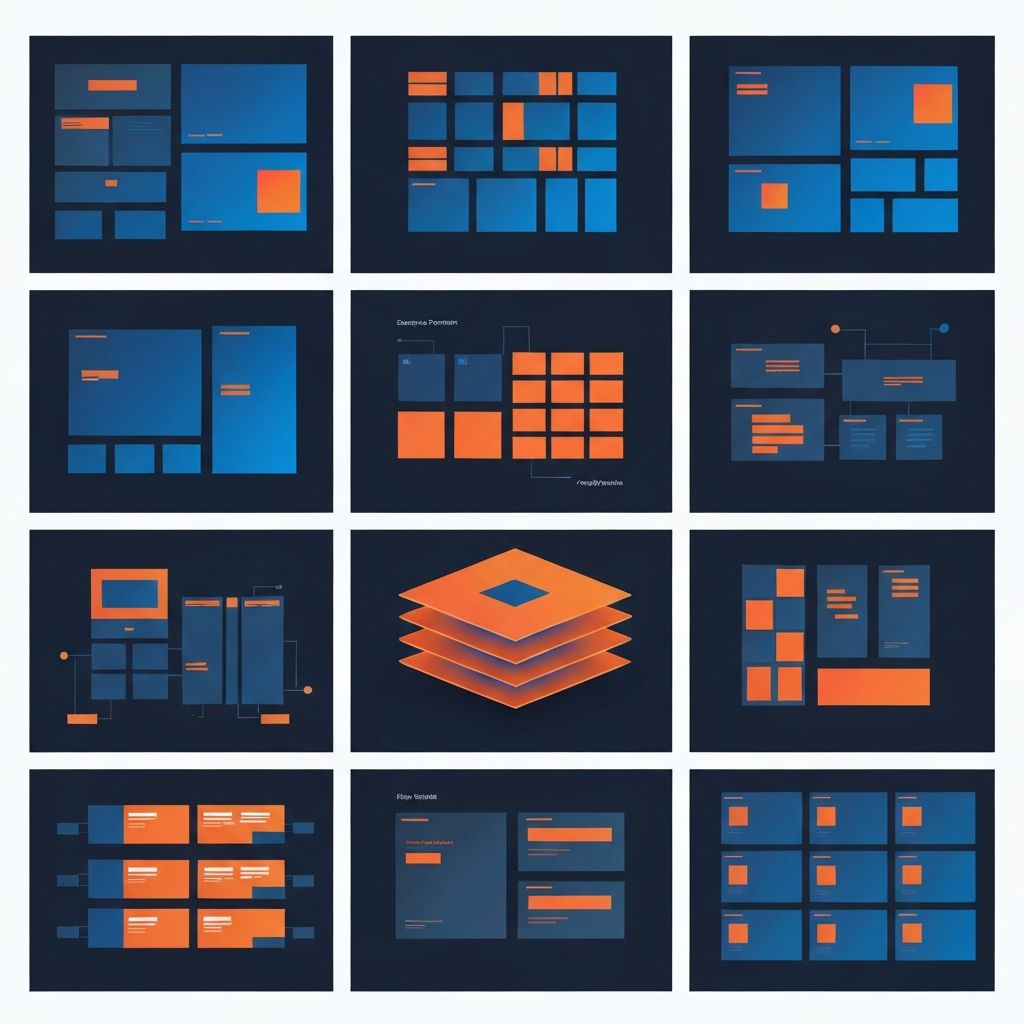
Sketch Web Design Template
Why Sketch Web Design Templates Are Worth Using
Designing a website from a blank artboard is satisfying, but it is also slow. For many projects, especially when timelines are tight or the brief is well understood, starting from a quality Sketch web design template can save days of work without sacrificing the final result. Templates provide a strong foundation of grids, components, typography, and layouts that you can customize to match your brand. At AAMAX.CO, we maintain a library of internal Sketch templates that we adapt for client projects, and we frequently recommend high-quality public templates as starting points for specific industries and use cases.
This article walks through how to choose, customize, and extend Sketch web design templates so you can deliver professional results without reinventing the wheel on every project.
What a Good Sketch Template Includes
A high-quality Sketch web design template includes more than just attractive layouts. It includes a complete design system foundation: defined text styles, color palettes, spacing tokens, and reusable symbols. It includes responsive breakpoints, with desktop, tablet, and mobile variants for each major page type. It includes well-organized layers, named clearly and grouped logically, so customization is straightforward.
It also includes thoughtful page coverage. A template should typically cover the homepage, an about page, a services or features page, individual service or feature detail pages, a blog index and post template, a contact page, and standard utility pages like 404 and thank-you screens. Templates that only cover the homepage leave too much work for the designer.
Choosing the Right Template
The right template depends on the industry, the audience, and the brand personality. Templates designed for SaaS products often emphasize feature explanations, pricing tables, and conversion-focused CTAs. Templates designed for agencies emphasize portfolio showcases, case studies, and team profiles. Templates designed for ecommerce focus on product grids, category pages, and checkout flows.
Beyond fit for purpose, evaluate the quality of the template itself. Look at how cleanly the layers are organized, whether symbols are properly used, whether text and color styles are defined, and whether the responsive layouts hold up. A pretty template that is poorly built will cost more time than it saves once you start customizing it. Our team applies the same quality standards to templates that we apply to our own custom Website Design work.
Customizing the Template to Your Brand
The first customization step is replacing the template's brand identity with your own. Update colors, fonts, logo, and imagery to match the brand. Because a well-built template uses shared styles, these updates can often be made in just a few places and propagate across the entire file.
The second step is adapting layouts to your specific content needs. Templates are generic by nature. They need to be adapted to your actual services, products, or messages. Resist the temptation to fit your content into the template's preset blocks. Instead, modify the blocks to fit your content. The result will feel more authentic and convert better.
Extending Templates With New Components
Most templates do not cover every component you will eventually need. As the project progresses, you will likely add new sections, special features, or unique interactive elements. When you do, build them as new symbols and styles within the existing system rather than as one-off layers. This preserves the consistency that the template gave you in the first place.
Documenting these new components in a shared style guide page within the Sketch file helps keep the design system organized as it grows. It also makes handoff to developers cleaner. Our Back-end Web Development team works with designers to ensure that visual components map cleanly to functional implementations.
Free Versus Paid Templates
There are excellent free Sketch web design templates and excellent paid ones. Free templates can be a great way to learn, prototype, or start small projects. Paid templates often offer deeper page coverage, better organization, and more thorough design systems. For client work, paid templates from reputable designers are usually worth the investment, especially if your time has any commercial value.
Always check the license carefully. Some templates are free for personal use only and require a commercial license for client projects. Some allow modification and resale, others do not. Respecting these terms protects your business and the designers who create the templates.
Templates and Design Systems
Templates can be a starting point for your own design system. As you complete projects using a template, you will start to refine the components, add new ones, and remove the ones you do not use. Over time, this evolved template becomes your studio's house style or your client's design system, ready to be reused on the next project.
This iterative approach means that no project is starting completely from scratch. Every template-driven project compounds into better future projects. We use this exact approach in-house, evolving our internal templates with every engagement.
Speed Versus Originality
One concern with templates is that they can lead to designs that feel generic. The solution is intentional customization. A template should be the skeleton of your design, not the final product. With thoughtful brand application, custom imagery, and unique layout adjustments, a template-based design can feel as polished and original as a from-scratch design.
Speed and originality are not opposites. Templates handle the structural decisions that have already been figured out across thousands of projects, freeing you to focus on the creative decisions that make a website unique to its brand and audience.
Templates and Development Handoff
Well-organized templates also speed up development. Because the design uses consistent components, developers can build a matching set of front-end components once and reuse them across the site. This is especially powerful when paired with modern frameworks. Our MERN Stack Development projects often follow this pattern, with designers and developers maintaining tightly aligned component libraries.
Even on platforms like WordPress, working from a clean Sketch template makes it easier to build matching theme components or block editor patterns. The discipline carries through every layer of the build.
Common Template Pitfalls
The most common mistake we see is over-reliance on the template's stock content. Default headlines, placeholder text, and generic imagery must all be replaced before launch. Another common pitfall is forgetting to test responsive layouts thoroughly after customization. Customizing one breakpoint without checking the others often breaks the design system in unexpected ways.
A final pitfall is ignoring the template's design system entirely once customization starts. If you stop using the defined styles and symbols and start drawing one-off elements, you lose the maintainability that made the template valuable in the first place.
Hire Us to Take Your Project Beyond Templates
Templates are a powerful starting point, but turning them into a polished, production-ready website still takes design judgment, development expertise, and SEO strategy. As a full service digital agency, we deliver all of these in a single engagement. We can take your existing Sketch template and turn it into a high-performance website, or design something completely custom for you. Explore our WordPress Development services or contact us today to start your project.
Want to publish a guest post on aamax.co?
Place an order for a guest post or link insertion today.
Place an Order