
Sketching a product-page video in seedance 3.0 before filming the real lamp
A prospective customer lands on the homepage of a small lamp maker and pauses over a picture of a desk lamp. The photograph shows the shape clearly. It is less good at explaining what happens when the lamp swings away from a notebook and lights the shelf beside it. I am planning a short website video around that action. A view of the arm in motion can give the customer a better sense of where it fits in a room, and the web designer can see whether the footage still works after it is cropped to a narrow screen.
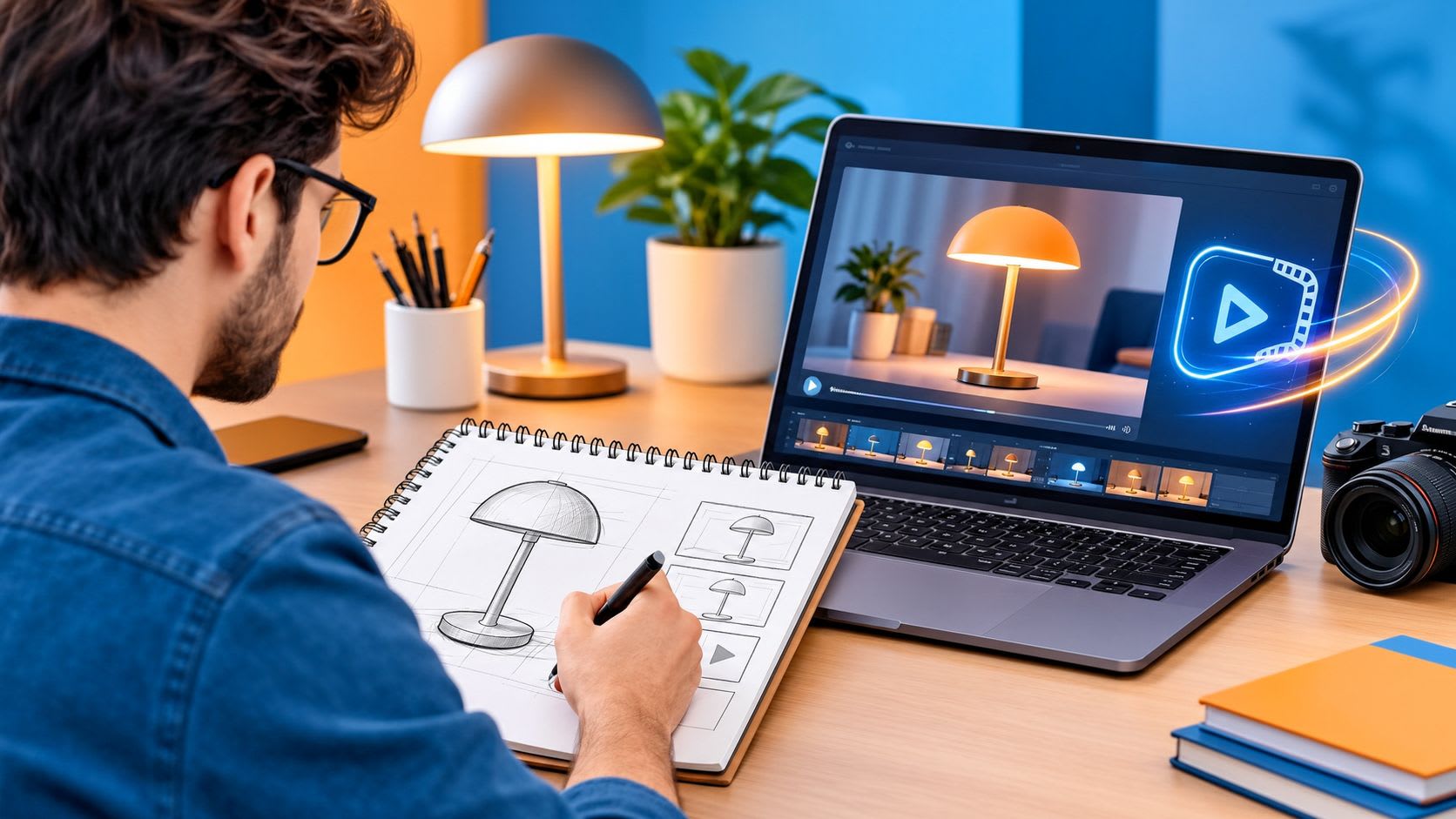
The maker's existing materials give me a sensible place to start. I imagine a front photograph from the catalogue, a phone clip taken from beside the desk, and a little recording of the switch. The two images have different jobs. The photograph fixes the proportions and finish. The clip shows which joint moves and the length of time it takes to settle. I want to work with those details before choosing where to put any words on the page. A caption over the lamp head might look good in a still and become unreadable as the light moves.
Put the light where the reader needs it
I can make a single image-to-video test in seedance 3.0 starting from the catalogue photo. In the prompt I set the lamp toward one side of a dark desk and ask for the light to shift slowly from an open notebook to a short stack of books. The visible pool of light should move once so that the reader has time to see its position change. The camera stays nearly still. The placement of the lamp head and the direction of the arm matter more than a sweeping move through the room.
The shot has another purpose for a web designer. The first frame needs to stand on its own if the page uses it as a poster image. Before trying the animation I plan to make a simple layout with the poster and the headline in place. If the headline crosses the brightest patch of the picture at the end of the action, I can shift the composition earlier in the process. On a small screen a separate text area may give the lamp more room. I want the clip to show the motion in either view without relying on a viewer having seen the wider crop.
The hinge has to move the way the lamp moves
For a second study I plan to bring the phone clip into seedance 3.0 as a motion reference. The still keeps the shade and base visible, the clip shows the turn, and a written note tells the model to keep the small upper joint in the same place as the arm moves. I will also try the switch recording as an audio reference, even though the web version is likely to open muted. The click gives me a useful decision about timing: the movement starts just after the light is on so the viewer has a beat to see the notebook clearly.
A first test could be visually convincing while getting a physical detail wrong. If the base moves along with the arm, the viewer may come away with a mistaken impression of how the actual lamp works. My next brief for seedance 3.0 can keep the whole base visible against the edge of the desk and use a shorter movement, just from the notebook's left page to the book nearest it. Then I can review the start and end frames side by side. I plan to build the public product demonstration from footage of the real lamp. The generated version is a study that helps me frame the real shot and know which mistakes make it misleading.
Compose the website and the video together
A little web prototype can answer questions the editor alone cannot. I plan to test the video in a wide space at desktop size and in a tall crop on mobile. At the more narrow size, the arm or the place where the light ends might be cut out. If both are important, I can arrange a second view with the two objects closer together. Before filming that view, I can try a text-to-video layout with seedance 3.0 that has the notebook near the edge of the books and room above both for the top of the lamp. That gives me a way to check the direction of the action without rearranging a real desk for every trial.
The rest of the page should make sense when the clip has never played. I can use a poster that shows the lamp's position and place the basic product information beside it. Under the video I can include a button the customer can use to play or pause and a plain description of the motion. The important picture content is brief enough to describe in one sentence. The audio makes a version for social feel a little more immediate. The website has room to let visitors choose whether they want to hear it.
Deliver a short trial and a real demonstration
At the end I plan to hand over two exports, one for the main layout and one framed for a small screen, along with the still chosen as the poster. I will watch both from the page a customer actually sees. Does the light start to shift before I can tell where the notebook is? Does the final frame leave enough time to see the books illuminated? If either detail is hard to follow, I can slow the edit a little or keep the shot on the desk for a moment longer.
The sketches made with seedance 3.0 can stay with the production notes, where they show why the final camera angle changed. The finished site gets the clear movement and an accurate look at the actual lamp. A short clip can accomplish more than a long camera tour of a room when its subject is this specific. The customer only needs to see the lamp make the turn that the still photograph leaves to their imagination.
Want to publish a guest post on aamax.co?
Place an order for a guest post or link insertion today.
Place an Order