

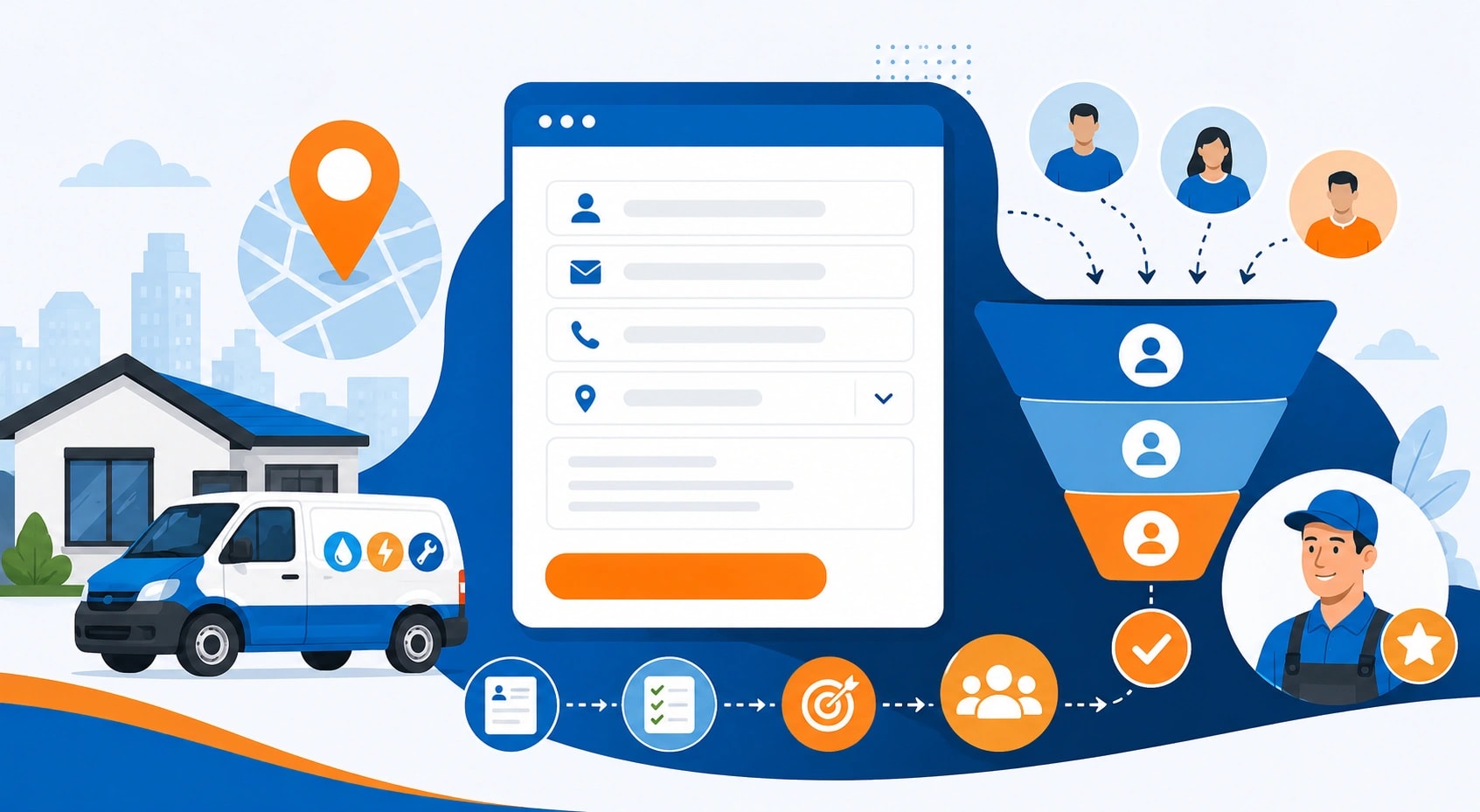
How Website Forms Can Improve Lead Quality for Local Service Brands
A website form should do more than collect a name, email address, and phone number. That's the bare minimum. For a local service brand, the form is often the first real filter between casual browsing and a serious inquiry. A weak form lets every visitor through in the same way, which sounds generous until the inbox fills with vague, low-fit leads that take time to sort.
A better form asks the right questions early. Not too many. Just enough.
For example, a home services company may ask for the property type, preferred service date, suburb, and the issue the customer needs help with. A professional services brand might ask about budget range, timeline, and whether the visitor has worked with a provider before. These small details help the team understand intent before anyone picks up the phone.
The goal isn't to make people jump through hoops. It's to reduce guesswork. A form that asks clear, useful questions gives both sides a better start.
Separate Urgent Leads From Casual Browsers
Not every lead has the same level of urgency. Some people need help today. Others are researching for next month, or next year. A smart form helps separate those groups without making the visitor feel interrogated.
This matters for local service brands because timing often shapes the sale. Someone dealing with a leaking pipe, a broken lock, or an urgent repair doesn't want a slow back-and-forth. They want a fast response. On the other hand, someone planning a renovation or comparing long-term service providers may need more information before committing.
A simple field like "When do you need this service?" can change the entire sales process. Add options such as "today," "this week," "this month," or "just researching," and the team instantly knows how to prioritize. No drama. Just clarity.
It also helps reduce awkward follow-up calls. Nobody enjoys calling a lead only to discover they were "just looking." That's not a bad lead, necessarily, but it belongs in a different follow-up path.
Use Location Fields to Improve Local Relevance
Local service brands live and die by geography. A lead from the wrong area may still look promising at first glance, but it can waste time if the business doesn't serve that location. Website forms can fix that with one simple move: ask where the customer is based.
This is especially helpful for businesses that work across multiple suburbs, regions, or service zones. A real estate brand, for instance, may use its form to identify whether a lead is searching in a competitive metro market, a coastal area, or a growing outer suburb. That context can help buyers agents understand the type of support the customer needs before arranging a consultation.
Location fields also support better routing. Leads from one area can go to the right team member. Requests outside the service zone can receive a polite automated response or be directed to a better-fit resource. That's useful for the customer and kinder to the sales team's calendar.
Good forms don't just gather leads. They sort them.
Make Forms Short Enough to Finish
There's a fine line between a useful form and a digital obstacle course. Ask too little, and the lead quality suffers. Ask too much, and people leave. The sweet spot usually sits somewhere in the middle.
A strong local service form should feel quick. It should use plain language, avoid unnecessary fields, and remove anything that doesn't help qualify or serve the lead. If a question won't change the next step, it probably doesn't belong there.
Dropdowns can help. So can checkboxes. Open text boxes are useful, but too many of them make the visitor feel like they're doing homework. Nobody came to a website hoping to write an essay about their blocked drain or legal inquiry. Keep it simple.
The best forms feel almost invisible. The visitor moves through them without friction, and the business still receives the details it needs.
Let Form Choices Shape Follow-Up
A form becomes more powerful when its answers influence what happens next. This is where many local brands miss an easy win. They collect information, then treat every lead the same anyway.
That's a waste.
If someone selects "urgent," the business can trigger a faster internal alert. If someone chooses "quote request," the confirmation message can explain what details will be needed next. If a visitor chooses a specific service, the follow-up email can reference that service directly instead of sounding generic.
For plumbing services, this could mean separating emergency repair requests from maintenance bookings or renovation-related inquiries. A customer with water damage needs a different response than someone asking about fixture installation for a bathroom upgrade. One form can guide both people to the right next step.
This makes the customer experience feel sharper. It also helps the team avoid sending the same bland reply to every inquiry. People notice when a response matches what they asked for. It feels less automated, even when automation helped behind the scenes.
Build Trust With Clear Microcopy
Small bits of text around a form can make a big difference. These short instructions, labels, and reassurance lines are called microcopy, but the idea is simple: tell people what will happen after they submit.
Will someone call within one business day? Will they receive a quote? Should they expect a confirmation email? Say so.
People hesitate when they don't know what comes next. A form that says "Tell us what you need, and the team will review your request before contacting you" feels calmer than a lonely submit button. It sets expectations. It also reduces low-quality submissions from people who aren't ready to be contacted.
Privacy reassurance helps too. A short line explaining that details won't be shared can reduce friction, especially for service categories involving property, finances, or personal matters. It doesn't need to sound like a legal document. In fact, it shouldn't.
Clear beats clever here.
Track Which Fields Improve Lead Quality
A form should not stay the same forever. Once leads start coming in, the business should look at which fields actually help qualify inquiries. Some fields will prove useful. Others will just sit there, adding friction without much value.
This is where a small review can uncover big wins. Are leads with a budget range easier to convert? Do suburb fields help with faster routing? Are people abandoning the form at one specific question? These answers can guide small changes that improve performance over time.
Even modest gains matter. A local service brand doesn't always need more leads. Sometimes it needs fewer bad ones and more of the right ones. That shift can improve response times, reduce admin work, and help sales teams focus on conversations that have a real chance of becoming revenue.
Good forms are not decorations on a contact page. They are quiet sales tools. Built well, they help local service brands understand who is serious, what they need, where they are, and how quickly the team should respond.
Want to publish a guest post on aamax.co?
Place an order for a guest post or link insertion today.
Place an Order