

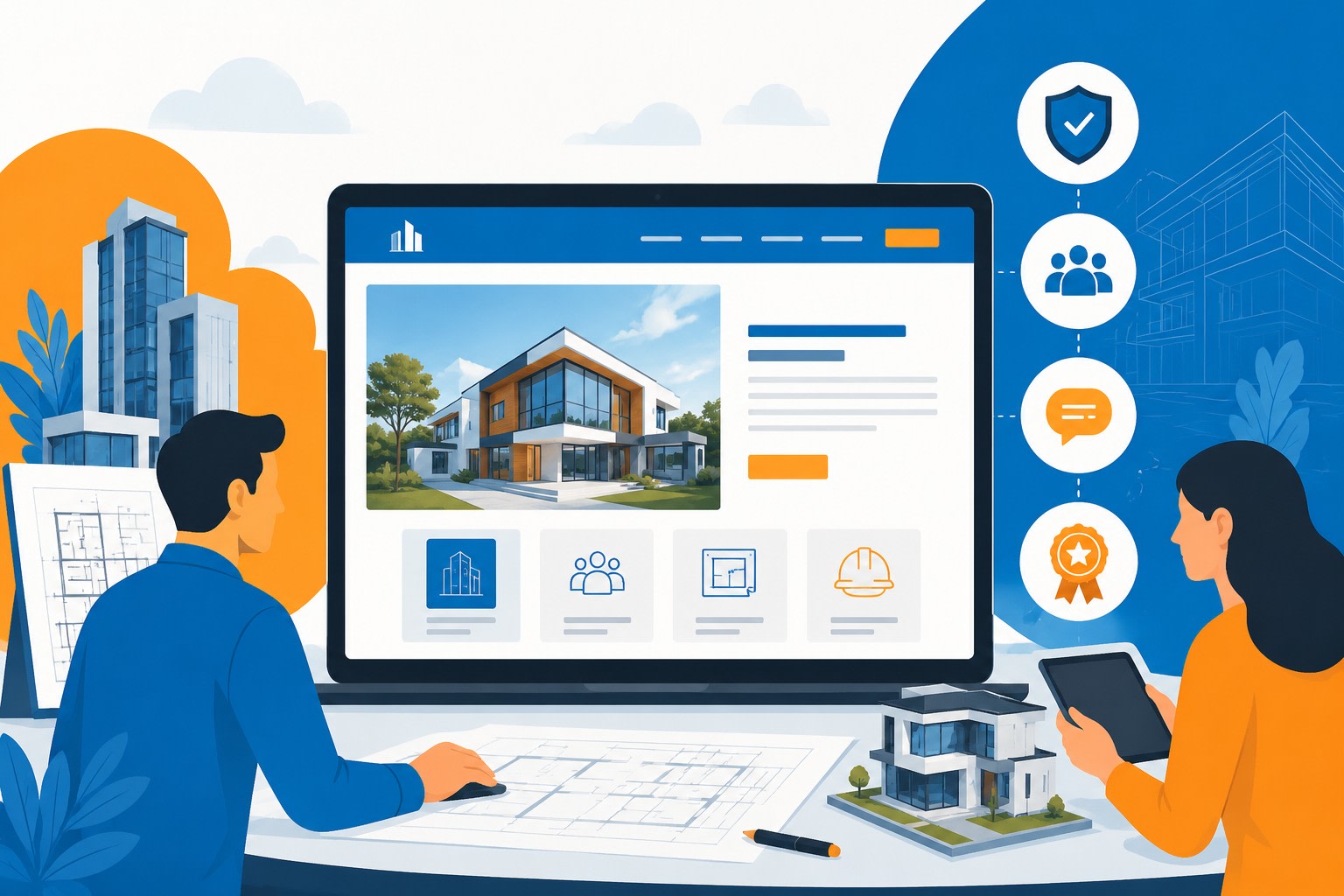
How Architecture Firms Can Turn Their Website Into a Client-Trust Tool
Most architecture firm websites have the same problem. They look impressive and communicate almost nothing.
Beautiful full-screen photograph. A project gallery with no context. An About page with headshots and a brief history. A contact page. That's it. A visitor who arrives with a genuine project in mind — who needs to find an architect they can trust with a significant investment — leaves having learned almost nothing useful about whether this particular firm is the right one.
The firms that get consistent, qualified inquiries from their websites have built something different. Not necessarily more visually spectacular. Just more useful.
The Homepage Has to Do Real Work
A hero image answers zero questions. It establishes atmosphere, which matters, but a visitor who doesn't know within ten seconds what kind of projects the firm takes on, who it works with, and where it operates is a visitor who's already forming doubts.
Residential architecture for high-end single-family homes is a completely different proposition from multifamily housing design or commercial fit-out work. A developer evaluating a 60-unit project needs to know immediately whether the firm has done this before. A homeowner planning a sensitive renovation needs to know the firm understands that specific kind of work. If the homepage is just a photograph and a tagline, they can't tell.
The positioning statement — what the firm does, who for, where — doesn't need to be long. It needs to be present and clear. The visuals support it. They don't replace it.
The Portfolio Needs Context, Not Just Images
An image gallery is where most architecture websites stop. It's also where most of the value gets left on the table.
A strong portfolio page combines project photography, concise case-study copy, drawings, floor plans, diagrams, and architectural visualization to help visitors understand both completed work and concepts that have not yet been built. The visitor who spends five minutes on a project page should come away understanding how the firm thinks, not just what one finished building looks like.
That means including the project type, the client's objective, the design challenge, the key decisions made during the process, and why those decisions worked. Floor plans and section drawings explain spatial thinking in a way that exterior photographs can't. For projects in planning, competition entries, or concept-stage work, additional visual material fills the gap that completed photography can't cover.
Context is what separates a gallery from a portfolio that actually demonstrates expertise.
Project Pages as Case Studies
The architecture firms that convert website visitors most reliably treat their project pages as answers to the questions a prospective client would actually be asking.
What was the client trying to achieve and what were the constraints? What made the site or programme difficult? How did the firm approach the problem, and what makes the outcome work? What can someone with a similar brief take away from reading this?
These questions don't require long answers. But they do require actual answers. A project page that leads with a hero image, lists the project name and location, and then shows fifteen photographs has communicated essentially nothing about the firm's thinking. A project page that takes the same photographs and wraps them in three paragraphs addressing the client objective, the design response, and the outcome has become a credibility-building document.
Service Pages Capture Clients Who Know What They Want
Architecture websites that rely entirely on a homepage and portfolio miss the visitors who are searching for something specific.
Someone looking for an architect for a commercial renovation isn't searching the same way as someone looking for a residential architect in a particular city. Someone at the planning permission stage is using different language from someone at concept design stage. These different searches need different pages to capture them.
Useful service pages cover the project types the firm actually wants: residential architecture, commercial design, hospitality, renovation and refurbishment, multifamily housing. Location-specific pages help for firms with a defined regional focus. Each page should explain what the firm does, what kinds of problems it solves, and what the process looks like for that type of work. This content is also what local SEO depends on — a firm without service pages is invisible to a significant proportion of its potential clients.
Trust Signals Belong Where Decisions Happen
Testimonials, awards, press mentions, and credentials build trust — but only when they appear in the right place at the right moment.
A client testimonial buried at the bottom of an About page is doing almost nothing. The same testimonial placed next to a relevant project case study or adjacent to a contact form is doing active work. An award citation that appears near the portfolio section it relates to is more convincing than a single awards page that visitors have to go looking for.
The principle is straightforward: place proof near the points where a visitor is making a decision. Near the portfolio, near service descriptions, near the contact path. Trust signals that require hunting don't convert.
Explain What Actually Happens in a Project
Many architecture clients — especially first-time clients — have a rough sense that there's a design phase and a construction phase, and limited understanding of how they connect or what their own involvement looks like.
A clear process explanation on the website does two things. It reduces uncertainty for visitors who would otherwise hesitate to make contact because they're not sure what they're signing up for. And it improves lead quality by filtering for clients who have read a clear description of how the firm works and still want to proceed.
It doesn't need to be exhaustive. Initial consultation, brief development, concept design, planning, design development, construction documentation, delivery. A brief paragraph on each. That's enough to shift a visitor from uncertain to informed.
Performance Is Part of the User Experience
Architecture websites carry large image files. A lot of them. Without attention to performance, the visual ambition of the site creates friction — slow-loading project pages, galleries that take time to appear on a phone, heavy video files that stall on slower connections.
Image compression and modern file formats reduce file sizes without visible quality degradation. Lazy loading means images below the fold don't slow the initial page load. Properly sized images for mobile viewports avoid the situation where a phone is downloading a full-resolution desktop image. Simple navigation with clear hierarchy means finding a project type, a service page, or the contact form doesn't require working through complex menus.
Core Web Vitals scores affect search ranking and user experience simultaneously. A slow website that looks impressive in full-screen is still a slow website.
The Contact Path
The contact page should work for the visitor and for the firm.
For the visitor: easy to find, simple to use, with clear indication of what happens after they submit. For the firm: enough project information to qualify the inquiry before committing time to a response.
Project type, location, approximate timeline, project stage, budget range — these are the same questions the firm would ask in a first conversation. Asking them in the inquiry form moves that conversation forward rather than backward. Calls to action should appear throughout the website at natural decision points, not only on the contact page. A visitor who decides to reach out while reading a project case study shouldn't have to navigate somewhere else to do it.
What Makes the Difference
The architecture websites that work — that generate qualified inquiries from the right clients at the right stage — are the ones that communicate clearly at every point a visitor might be making a decision.
Clear positioning on the homepage. Portfolio content that demonstrates thinking, not just outcomes. Service pages that capture specific search intent. Trust signals at decision points. A process explanation that reduces uncertainty. Performance that keeps the experience from becoming friction. A contact path that's easy to find and useful when found.
Exceptional photography matters. It's not sufficient on its own.
Want to publish a guest post on aamax.co?
Place an order for a guest post or link insertion today.
Place an Order