

Does the Website Block Cart Pages SEO
Should Cart Pages Be Blocked From Search Engines?
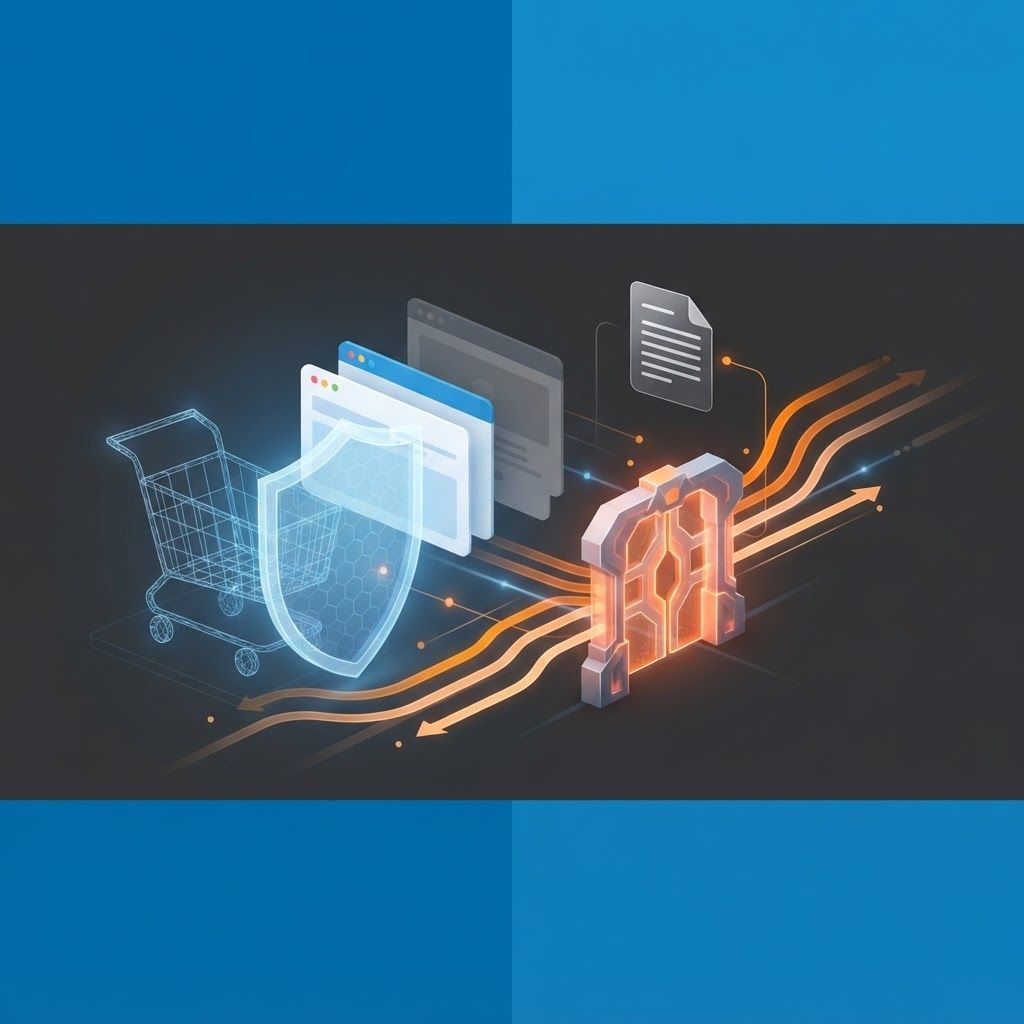
For almost every ecommerce site, the answer is yes. Cart, checkout, thank you, wishlist and account pages have no business appearing in search results. They contain no unique indexable content, they are session dependent so they render differently or empty for every visitor, they can generate effectively infinite URL variations through parameters, and they consume crawl budget that should be spent on product and category pages. Blocking them is standard, recommended practice rather than a risky optimisation. What matters is doing it correctly, because the difference between blocking with robots.txt, noindex and canonical tags is significant, and getting it wrong can either fail to solve the problem or accidentally deindex pages you need.
How AAMAX.CO Gets Ecommerce Crawl Control Right
Crawl and index management is one of the highest leverage technical wins available to online stores, and it is also where we see the most costly mistakes. At AAMAX.CO we audit crawl paths, parameter handling, faceted navigation and index coverage so search engines spend their budget on the pages that actually earn revenue. Our SEO services include full technical implementation, not just recommendations, because directives like these need to be validated in production rather than assumed. Find out more at AAMAX.CO, a full service digital marketing company providing web development, digital marketing and SEO services worldwide.
Why These Pages Hurt If Left Open
Crawl budget waste is the primary cost. Cart URLs frequently carry parameters for products, quantities, variants, coupons and session identifiers. Left crawlable, a single cart path can spawn thousands of unique URLs. Crawlers will discover and request them, spending capacity that should have gone to new products and updated category pages. On large catalogues this measurably slows indexing of content that matters.
Thin and duplicate content is the second issue. To a crawler, an empty cart page looks identical across every visit. Multiple near identical low value pages in the index add nothing and dilute the overall quality picture of the site.
Poor user experience is the third. A searcher who lands on an empty cart or a stale checkout page from search results has a broken first experience and bounces immediately. Nobody is looking for your cart page in Google.
There are also privacy considerations. Order confirmation and account pages can expose order references or personal details if they are ever cached or indexed. Keeping them out of the index is basic hygiene.
Choosing The Right Method
This is where most implementations go wrong, because robots.txt and noindex solve different problems and are frequently confused.
Robots.txt disallow prevents crawling. The crawler never requests the page, so it never sees any meta tags on it. This saves crawl budget effectively. However, a disallowed URL can still appear in search results as a bare listing if other pages link to it, because Google knows the URL exists even though it cannot see the content.
A noindex meta robots tag prevents indexing. The crawler must fetch the page to see the tag, so it does not save crawl budget, but it reliably keeps the URL out of results.
These two are mutually exclusive in effect. If you disallow a URL in robots.txt, the crawler cannot read its noindex tag, so the noindex is never processed. This is the single most common mistake in cart page blocking.
Canonical tags are a third option, suggesting a preferred version among duplicates. They are the right tool for parameter variations of a legitimate page, not for excluding functional pages entirely.
A Recommended Configuration
For cart, checkout, order confirmation and account pages, apply a noindex, follow meta robots tag and leave the URLs crawlable. This guarantees removal from the index and lets any links on those pages still be followed. Once the pages have been recrawled and dropped from the index, you can optionally add a robots.txt disallow to save crawl budget, accepting that the pages are already deindexed.
For parameter heavy cart and search URLs generating large numbers of variants, robots.txt disallow on the parameter pattern is appropriate because the priority is preventing crawl waste, and these URLs are unlikely to be linked externally.
Also ensure internal links to cart and account pages are ordinary anchors rather than being blocked or obfuscated, keep them out of your XML sitemap, and never include them in structured data as if they were content pages.
Most major platforms handle much of this by default. Shopify, WooCommerce and Magento all ship with sensible robots defaults for cart and checkout paths. Verify rather than assume, especially after theme changes or custom development, because custom cart implementations and headless builds frequently miss these directives.
Mistakes That Cause Real Damage
Over broad robots.txt rules are the most dangerous. A disallow pattern intended to catch cart parameters can accidentally match product or category URLs. Always test patterns against a sample of real URLs before deploying.
Blocking assets is another. Disallowing script or stylesheet directories prevents proper rendering, which can affect how search engines evaluate your pages. Keep CSS and JavaScript crawlable.
Noindexing too much is a related failure. Some teams noindex faceted category pages wholesale, removing valuable long tail landing pages that were ranking well. Faceted navigation needs a nuanced strategy where genuinely useful filter combinations remain indexable and the rest are controlled.
Forgetting to remove blocks after testing happens more often than you would expect. A staging noindex rule pushed to production can deindex an entire site. Always check production directives after a deployment.
How To Verify It Is Working
Use the URL Inspection tool in Search Console on a representative cart URL to confirm the crawl and index status matches your intent. Review the Pages report for excluded reasons and check the counts trend in the right direction. Run a site crawl with a technical tool and filter for indexability status to catch pages that are blocked or noindexed unintentionally. Check crawl stats to see whether request volume shifts toward the URL groups you care about after making changes. Recheck all of this after any platform update or theme change.
Directing Crawl Budget Where It Earns
Blocking low value pages is only half the job. The other half is making sure the pages you want indexed are easy to reach, fast, internally well linked and genuinely useful. Freed crawl capacity only helps if there is worthwhile content waiting for it. Coordinating that with your wider acquisition mix through integrated digital marketing ensures the traffic you earn converts. And as AI assistants increasingly answer product questions directly, structuring your indexable content so machines can interpret it accurately through GEO services is becoming a genuine differentiator for stores.
Conclusion
Blocking cart, checkout and account pages does not hurt SEO. It helps, by preserving crawl budget, keeping thin session dependent pages out of the index and protecting user privacy. The critical detail is method: use noindex to remove pages from the index, use robots.txt to prevent crawling, and never combine them in a way where the crawler cannot read your noindex tag. Test your patterns, verify in Search Console and recheck after every deployment. If you want this handled properly across a large catalogue, our team can audit and implement it for you.
Want to publish a guest post on aamax.co?
Place an order for a guest post or link insertion today.
Place an Order