

Card Design Web Design
Why Card Design Has Become the Default of Modern Web Design
From Pinterest boards to Spotify playlists, Airbnb listings to e-commerce grids, the humble card has quietly become the most important unit of modern web design. Cards break dense information into scannable, self-contained containers that work beautifully across screen sizes. When designed and engineered well, they guide the eye, communicate hierarchy, and dramatically improve conversion rates. In this guide, we unpack everything you need to know about card design in web design, from foundational principles to advanced implementation patterns. At AAMAX.CO, we build card-driven interfaces for clients across SaaS, e-commerce, media, and marketplaces.
What Makes a Card a Card?
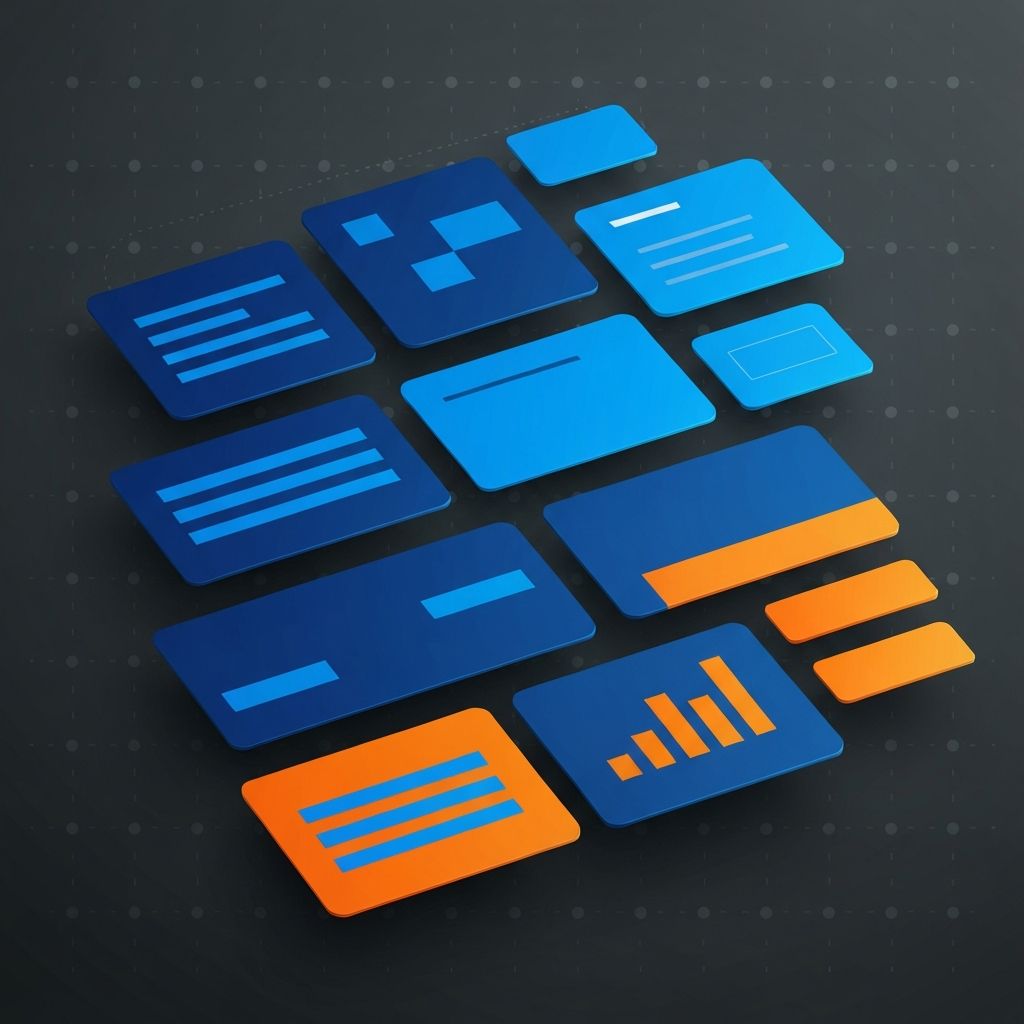
A card is a rectangular container that groups related content and actions into a single focal unit. At minimum, a card contains a visual or icon, a title, supporting text, and at least one interactive element. The power of the pattern lies in its modularity — cards can be arranged in grids, carousels, lists, or masonry layouts and still feel cohesive.
Great cards share a handful of traits: a clear primary action, a consistent aspect ratio across a set, generous internal padding, and a visual hierarchy that reads top-to-bottom without friction.
Anatomy of a Well-Designed Card
Breaking down the anatomy helps teams design systematically:
- Media zone — image, illustration, video, or icon at the top.
- Title — short, scannable, usually 1 to 2 lines max.
- Metadata — category, date, author, price, or tags.
- Body — 2 to 3 lines of description or excerpt.
- Actions — primary CTA plus optional secondary actions.
- Affordances — hover states, focus rings, and subtle elevation changes.
Consistency across these zones is what makes a card feel like part of a system instead of a one-off component.
Card Design Principles That Actually Work
After years of building card-heavy interfaces, a handful of principles consistently separate good from great:
- One primary action per card. Ambiguity kills conversions.
- Respect the aspect ratio. Mixed aspect ratios fragment the grid.
- Elevate sparingly. Heavy shadows feel dated; soft, layered elevation reads modern.
- Make the whole card clickable when there is a clear primary destination.
- Design for loading states. Skeleton cards preserve layout and reduce perceived wait.
- Plan for empty and error states. Never leave users staring at a blank grid.
Grids, Masonry, and Responsive Behavior
How you arrange cards matters as much as how you design them. CSS Grid and Flexbox make responsive card layouts straightforward. A typical approach is a 4-column grid on desktop, 2 columns on tablet, and 1 column on mobile, with consistent gutter spacing throughout. Masonry layouts work well for mixed-height content like Pinterest-style feeds but require more careful engineering to preserve reading order for accessibility.
Our website design team prototypes card systems in Figma with auto-layout so responsive behavior is baked in from the start. Designers and developers work from the same source of truth, which eliminates the translation gap that breaks so many card systems.
Typography Inside Cards
Cards are small. Every character counts. Use a clear type scale: a prominent title (16 to 20 pixels), readable body (14 to 16 pixels), and smaller metadata (12 to 13 pixels). Limit titles to 1 or 2 lines and descriptions to 2 or 3. Line-clamp utilities make this trivial in modern CSS. Always test with real content — lorem ipsum hides the worst overflow bugs.
Color, Contrast, and Visual Weight
Cards usually live on neutral backgrounds. Keep the card surface slightly lighter or darker than the page to create gentle separation. Avoid heavy borders; soft shadows or subtle background contrast read more modern. For accessibility, ensure a minimum 4.5:1 contrast ratio between text and card background, and make sure focus rings remain visible against every variant.
Interactive States and Motion
Hover, focus, active, disabled, loading, selected — every card needs thoughtful state design. Motion should be subtle: a 150 to 200 millisecond scale or elevation change communicates interactivity without feeling gimmicky. Respect the user's prefers-reduced-motion setting to accommodate vestibular sensitivities.
Building Cards With Modern Front-End Frameworks
React, Next.js, and Vue have made card components delightful to build. A well-designed Card component exposes slots for media, header, body, and footer, accepts variant props for different layouts, and forwards refs for accessibility. Our ReactJS web development team builds card libraries that ship as reusable design-system primitives, powered by Tailwind CSS, Radix UI, and shadcn/ui patterns. This approach means teams ship new features faster and with fewer visual inconsistencies.
Performance Considerations for Card-Heavy Pages
Grids of 40, 80, or 200 cards can easily bog down a page. Key strategies include:
- Lazy-loading images below the fold.
- Using responsive images with srcset and sizes.
- Virtualizing long lists with libraries like react-window or TanStack Virtual.
- Paginating or infinite-scrolling long feeds.
- Pre-computing aspect ratios to prevent cumulative layout shift.
Accessibility in Card Design
Cards often contain multiple interactive elements, which creates accessibility complexity. Best practice: the entire card is wrapped in a single anchor or button when it leads to one destination. When cards have multiple actions (like a product card with an "Add to cart" and a "Quick view"), nest individual buttons inside and ensure keyboard users can reach each action logically. Use aria-labelledby and aria-describedby to associate titles and descriptions.
Card Design in E-commerce, SaaS, and Content
Different industries stretch the card pattern in different directions. E-commerce product cards prioritize price, rating, and the add-to-cart action. SaaS dashboard cards emphasize data visualizations and drill-through interactions. Media and content cards lean heavily on imagery and metadata like author and read time. Understanding the job each card performs is the starting point of any design decision.
Hire AAMAX.CO to Build Card-Driven Interfaces
Card systems look simple but reward depth. From design tokens to component APIs to performance budgets, every detail compounds into an experience that feels effortless. We design and build card-based interfaces for product, marketing, and content teams around the world. Let us help you ship a cohesive, accessible, conversion-optimized card system that scales with your business.
Want to publish a guest post on aamax.co?
Place an order for a guest post or link insertion today.
Place an Order