

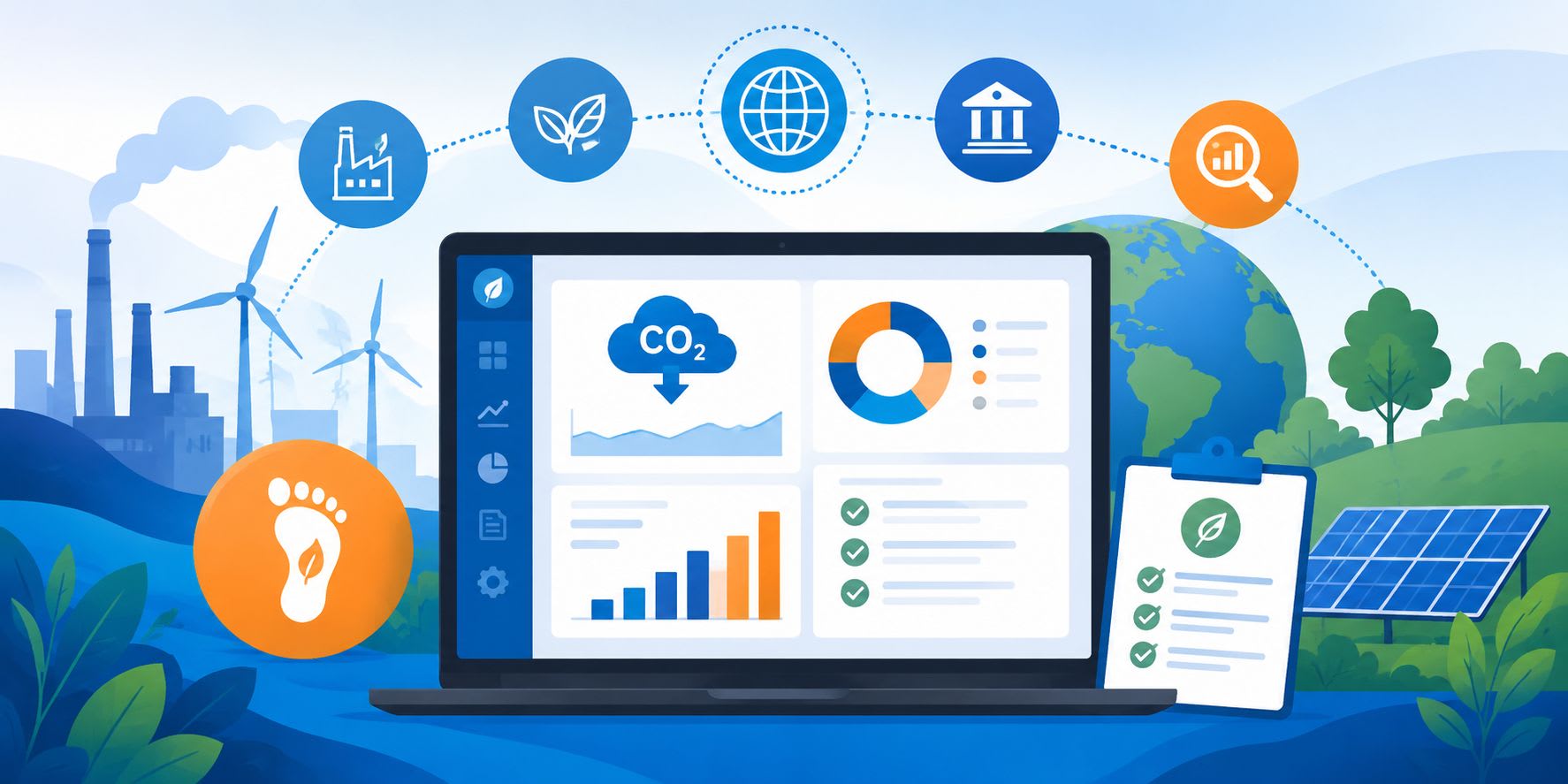
Carbon Footprint Software: A Practical Guide for ESG Tracking
More companies are being asked to report on their carbon emissions. Requests often come from customers, investors, lenders, and internal leadership. Spreadsheets that once handled the job can start to buckle under multi-site data, supplier questionnaires, and tighter reporting deadlines.
Carbon management software helps centralize that work. These platforms collect activity data, calculate emissions, and produce reports that are easier to review and share.
This guide is for the person who has been asked to choose one of these tools. Whether you work in operations, finance, procurement, or sustainability, the goal is the same: understand what the software does, know what to look for, build a practical shortlist, run a low-risk pilot, and make a confident decision.
Key Takeaways
Start with your data map. Before you evaluate any platform, list the data sources you already have, such as utility bills, fuel receipts, travel bookings, purchasing records, and supplier files, then note the gaps.
Look for Scope 1, 2, and 3 coverage. Many stakeholder requests now extend beyond direct operations into the supply chain, so the tool should be able to handle all three scopes.
Prioritize auditability over dashboards. Look for calculation transparency, versioning, approval workflows, and clean exports. A useful chart still needs traceable data behind it.
Test with a 90-day pilot. Import a sample dataset, reconcile it against a known baseline, and test exports before signing a long contract.
Evaluate total cost of ownership. Factor in onboarding, data cleaning, staff time, integrations, and the cost of switching tools later.
What Is Carbon Management Software?
Carbon management software is a centralized system that helps an organization measure, track, and report its greenhouse gas emissions. It replaces the mix of spreadsheets, email threads, and manual calculations that many teams start with.
A typical platform does five things:
Collects activity data from operations, such as energy use, fuel purchases, business travel, freight, and procurement spend.
Applies emissions factors, which are standardized conversion ratios that translate activity data into carbon dioxide equivalent, or CO2e.
Organizes results by scope, business unit, location, or reporting period.
Supports review and approval workflows so numbers can be checked before they are shared.
Produces exports, such as CSV, PDF, or API feeds, for internal dashboards, board materials, data rooms, or external reporting.
How It Works, End to End
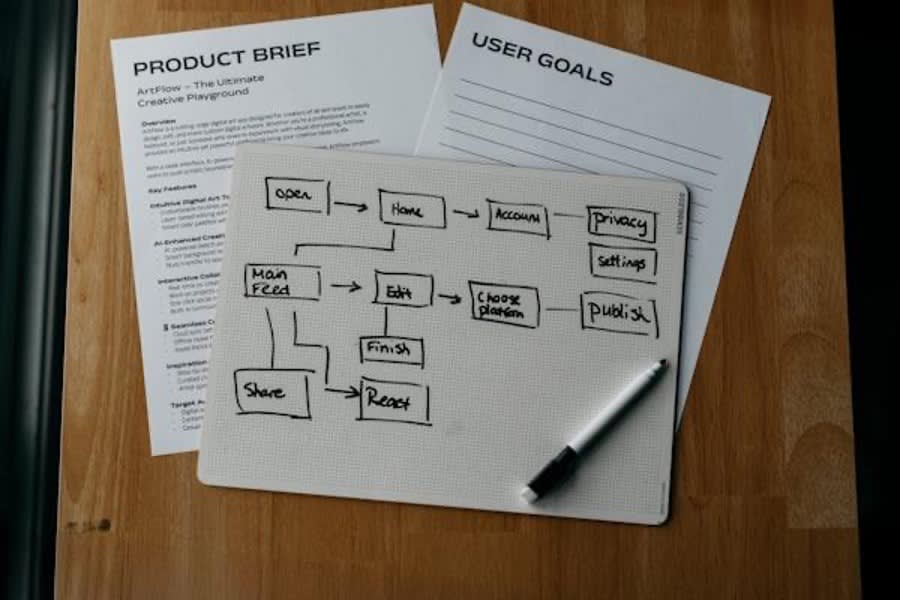
Most platforms follow a seven-step cycle:
Define organizational and reporting boundaries. Decide which entities, facilities, and operations are in scope.
Map data sources. Identify where the raw numbers live, such as utility portals, ERP systems, travel management tools, accounts payable files, fleet telematics, and supplier questionnaires.
Ingest and clean data. Import records through integrations, file uploads, or manual entry. The platform should flag unit mismatches, duplicates, and missing periods.
Calculate emissions. The system applies the appropriate emissions factors and methods, usually activity-based or spend-based, and produces results in CO2e.
Review and approve. Designated reviewers check the numbers. An audit trail records who changed what and when.
Analyze and plan. Dashboards and scenario tools help teams spot hotspots, set reduction targets, and model the effect of proposed changes.
Export and share. Generate the outputs stakeholders need, whether that is an internal slide deck, a data room file, or a structured export for a reporting framework.
Understanding Scopes 1, 2, and 3
If you are new to carbon accounting, the scope framework is the first concept to learn. It defines what the software needs to measure.
Scope 1, direct emissions: Emissions from sources your organization owns or controls, such as company vehicles, on-site boilers, or manufacturing processes.
Scope 2, indirect energy emissions: Emissions from the generation of purchased electricity, steam, heating, or cooling that your organization consumes.
Scope 3, value chain emissions: Everything else, both upstream and downstream. This includes business travel, employee commuting, purchased goods and services, freight, waste, and the use and disposal of products. Scope 3 is often the largest category and the hardest to measure.
This matters for tool selection because stakeholder expectations tend to expand. If you are only asked for Scope 1 and 2 today, you may be asked for Scope 3 later. Choosing a platform that can handle all three scopes from the start can reduce the risk of a difficult migration.
Data Readiness Checklist
Before you demo any software, review your available data:
Utilities: Electricity, gas, water, and steam invoices or meter reads.
Fuel: Diesel, gasoline, propane, or natural gas purchase records for owned equipment and vehicles.
Fleet: Mileage logs, fuel card statements, or telematics exports.
Travel: Airline, rail, and hotel booking data from your travel management company or expense system.
Freight: Shipping records from logistics providers, including weight, distance, and mode where available.
Purchasing and spend: Accounts payable data that can support spend-based Scope 3 estimates when activity data is unavailable.
Supplier data: Product-level emissions data or questionnaire responses from key vendors.
Common gaps include missing meter reads for leased facilities, incomplete freight records, and suppliers who have never been asked to share emissions information. A practical first step is to start with utilities and fleet data, which are often the most accessible and reliable.
Must-Have Capabilities

When you evaluate platforms, treat the following as non-negotiable:
Scope 1, 2, and 3 coverage in a single workspace.
Integrations and imports that connect to your ERP, utility providers, travel systems, and spreadsheets.
Emissions-factor management with clear sourcing, including the database, version, and year.
Calculation transparency. You should be able to see the formula, factor, and source data behind each number.
Versioning and audit trail. Every material change should be logged with a timestamp and user identity.
Approval workflows. The platform should route data through reviewers before it is finalized.
Role-based permissions. Users should have access levels that match their responsibilities for data entry, review, and administration.
Data quality flags. Automated warnings should identify outliers, missing periods, or unit mismatches.
Robust exports. CSV, PDF, and API options help you move data into other systems or share it with reviewers.
Nice-to-Have Differentiators
These features may not be essential on day one, but they can add value as your program matures:
Supplier engagement portals for collecting primary data from your value chain.
Scenario modeling, or what-if analysis, for testing reduction options before committing resources.
Support for both activity-based and spend-based calculation methods, so you can improve data quality over time without switching platforms.
Prebuilt dashboards and task workflows with automated reminders.
Integrations and Data Quality
The value of any carbon management platform depends on the data flowing into it. Pay close attention to how a tool handles:
ERP and accounts payable connections. Can you pull purchase order data automatically, or do you need to export and re-upload files?
Utility APIs. Some platforms connect directly to utility providers to pull consumption data.
Travel provider feeds. Integration with corporate travel management companies can reduce manual entry.
De-duplication. The system should detect and flag duplicate records.
Unit handling. Automatic conversion between kWh, therms, gallons, liters, and other units helps prevent basic errors.
Evidence attachments. Teams should be able to attach invoices, meter photos, or supplier certificates to each data point.
Change logs and reviewer sign-offs. These are important for internal controls and external audits.
Reporting Outputs by Stakeholder
Different audiences need different outputs. When you evaluate a platform, check that it can produce:
Operational dashboards for sustainability or facilities teams, showing monthly trends, hotspots, and data gaps.
Board-level snapshots that summarize progress against targets in a format executives can read quickly.
External-disclosure-ready exports that are traceable and auditable. Focus on exportability and evidence trails rather than assuming the software guarantees compliance with a specific framework.
Security and Governance
Before you sign a contract, verify these fundamentals:
Single sign-on support.
Permissions scoped by entity, location, or business unit.
Clear data retention and deletion policies.
Secure evidence storage with access controls.
Audit logs that record logins, data changes, and exports.
Vendor Landscape and How to Build Your Shortlist
The market for carbon and ESG tracking tools broadly breaks into three categories:
Specialist carbon platforms. These are built for emissions measurement and often include deeper Scope 3 tools and emissions-factor libraries.
Broad ESG suites. These cover carbon alongside other environmental, social, and governance metrics. They can be useful if your reporting requirements go well beyond emissions.
Spreadsheets plus consulting services. This route may have the lowest upfront cost, but it can be harder to scale, audit, and maintain over time.
While surveying the market, you might compare carbon footprint software such as Sweep with specialist platforms, broad ESG suites, and lighter spreadsheet-based services.
The useful question is not which vendor has the longest feature list, but which one fits your data sources, review process, and reporting deadlines. A shortlist of three to five vendors and structured demos will usually reveal differences that marketing pages do not.
A profile of a climate tech provider can also give buyers a relevant example of how vendors describe carbon-footprint and ESG strategy, which is useful context before comparing product workflows.
RFP and Demo Guide
Create a weighted scoring sheet before your first demo. Typical criteria include data ingestion flexibility, calculation transparency, factor sourcing and update cadence, audit trail depth, export options, and implementation timeline.
Here are sample questions to ask during a demo:
Can I see the emissions factor, its source database, and the version date behind a sample calculation?
How do you handle unit conversions and currency-to-activity translations for spend-based estimates?
What does the approval and sign-off workflow look like?
How are evidence documents attached and stored?
Can I export raw data, not just summary charts?
How do you collect data from suppliers who do not use your platform?
What happens to my data if I decide to leave?
Red Flags to Watch For
Calculations that cannot be inspected, also known as black-box math.
Limited or proprietary export formats.
No audit trail or version history.
Vague answers about data portability and contract exit terms.
Running a 30/60/90-Day Pilot

A short pilot helps you avoid committing to a tool that looks good in a demo but struggles with real data.
Days 1 to 30: Define the pilot scope, such as one site or business unit. Map the data sources you will use. Import a sample dataset and check that the platform ingests it correctly.
Days 31 to 60: Reconcile the platform's calculated emissions against a baseline you have already verified manually. Test the review and approval workflow with at least two users. Train your core team.
Days 61 to 90: Run a complete reporting cycle. Export the results in every format you expect to need. Document any gaps, workarounds, or missing features. Decide whether to proceed.
Budgeting and Total Cost of Ownership
Software license fees are only part of the cost. When comparing options, account for:
Onboarding and setup costs, including vendor fees or internal project time.
Data cleaning before the first import.
Internal staff time for data entry, review, training, and troubleshooting.
Ongoing subscription costs over a multi-year period.
Exit and migration costs if you need to switch platforms later.
Ask vendors for a multi-year estimate and compare total cost of ownership rather than year-one price alone.
Change Management and Rollout
Technology alone will not solve the reporting challenge. A successful rollout also needs:
Clear ownership. Assign a project lead who coordinates across departments.
Cross-functional training. Finance, operations, procurement, and facilities teams all touch the data.
Documentation. Write down data collection procedures, review cadence, and escalation paths so the process can survive staff turnover.
A regular rhythm. Set a monthly or quarterly cadence for data refresh, review, and reporting so the platform does not become another neglected tool.
FAQ
These common questions can help teams plan implementation and avoid early data problems.
How long does implementation typically take?
It depends on the number of sites, data sources, integrations, and reviewers involved. A single-site pilot can often be set up in a few weeks. A full multi-site rollout with integrations and training may take three to six months.
What data do I need to get started?
Start with 12 months of utility bills and fuel purchase records for your largest facilities. This gives you a practical Scope 1 and 2 baseline. Scope 3 data, such as travel, procurement, and freight, can be layered in over time.
How should I handle missing data?
Most platforms allow estimation methods, such as spend-based calculations or industry averages, as placeholders. The key is to document gaps clearly and replace estimates with primary data when it becomes available.
What is the difference between activity-based and spend-based methods?
Activity-based methods use physical data, such as kilowatt-hours, liters of fuel, or kilometers traveled, to calculate emissions. Spend-based methods use financial data and apply average emissions factors per dollar spent in a category. Activity-based data is usually more accurate, but it can be harder to collect for Scope 3. Many teams start with spend-based estimates and improve the data over time.
When should I involve suppliers?
Engage key suppliers once you understand your own Scope 1 and 2 emissions and have identified the Scope 3 categories that matter most. Starting supplier outreach too early can create confusion if your own data process is not yet clear.
How can I compare platforms without sharing sensitive company data?
Use anonymized or sample datasets during demos and pilots. Most vendors are used to working with test data. You can also ask for a sandbox environment where you can explore the platform without uploading real records.
Want to publish a guest post on aamax.co?
Place an order for a guest post or link insertion today.
Place an Order