


Best Time Tracking & Monitoring Software for Agencies (2026)
Ranking The Best Remote Employee Monitoring Software for Agencies in 2026
Running an agency means managing multiple clients, tight deadlines, and a team scattered across time zones — sometimes even continents. Whether you're overseeing a handful of freelancers or a full in-house remote team, you need clear visibility into time, productivity, and performance across projects and clients.
That's where employee monitoring software comes in — showing which projects run over budget, flagging bottlenecks before they threaten a deadline, and backing up invoices with accurate data.
But not every tool fits agency work. Many are built for large corporate teams with rigid hierarchies, not the fast-moving, multi-project pace agencies run on.
To make the decision easier, we've ranked the best remote employee monitoring software for agencies in 2026 — evaluated on ease of use, project-level tracking, and how well each fits real agency workflows.
Quick Overview
The best remote employee monitoring software for agencies in 2026 is Apploye. It tracks work hours, takes screenshots, manages project budgets, and turns tracked time directly into client invoices and payroll — all from one dashboard, with no manual spreadsheet work.
It's already used by teams as large as 1,500 people and starts at just $4.50 per user per month, making it one of the most affordable full-featured options available.
This guide also compares four other tools — Insightful, Paymo, Harvest, and Toggl Track — so you can see how pricing, features, and fit stack up before choosing what works best for your agency.
What Agencies Should Actually Look For
Before we get to the ranking, let's talk about what makes a tool a good fit for agency work specifically:
Client and project-level billing:
You need to know exactly how many hours went into each client project, not just how many hours your team worked in total. Look for tools that let you tie time directly to clients and turn that into invoices without extra spreadsheet work.
Utilization and profitability, not just activity:
Agencies live and die by billable hours. A tool that shows activity scores but can't tell you your margin on a project isn't giving you the full picture.
Screenshots and monitoring, used the right way:
Some agencies need proof of work for outsourced or contract staff. Others just need accurate timesheets. Pick a tool that lets you turn monitoring on or off depending on the team or client, instead of forcing one setting on everyone.
Fair pricing as you grow:
Agencies scale up and down with client work all the time. You don't want a tool where the price jumps once you cross a certain headcount, or where basic billing features are locked behind a pricier plan.
Easy onboarding:
Your team already has enough tools to learn. The best options here take an afternoon to set up, not a week.
The Ranking: 5 Best Remote Employee Monitoring Software for Agencies in 2026
Agencies don't run like a typical office.
Every hour tracked has to tie back to a client, a project, and eventually an invoice, which means the monitoring tool you pick needs to do more than just watch activity. It needs to turn that activity into billable, trackable work.
That's exactly what we ranked in this guide: the 5 best remote employee monitoring software for agencies in 2026, based on real pricing and real agency needs.
1. Apploye
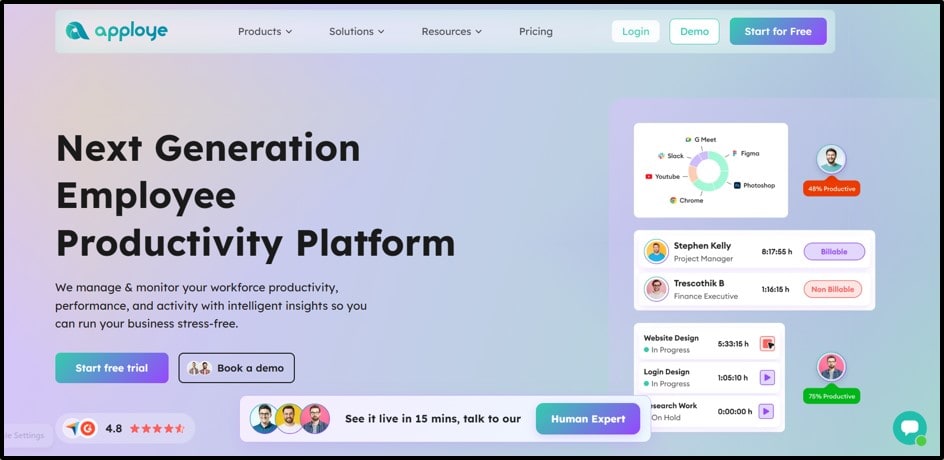
Apploye tops this list because it was basically built with agencies in mind.
Usually, it combines time tracking, screenshots, and activity monitoring with project budgeting, client invoicing, and payroll, all in the same dashboard. That means you don't need to bolt on a separate billing tool just to turn tracked hours into a client invoice.
Plus, it works well for marketing agencies, dev shops, and outsourcing firms that manage several clients at once and need to keep every project's budget and billable hours in check.
It also holds up at real scale, having been used for teams as large as 1,500 people, so it grows with you instead of forcing a switch later.
Even what really makes Apploye stand out for agencies is how it handles the day-to-day chaos of managing multiple clients at once.
Every project can have its own budget, and Apploye flags it automatically once a team starts creeping close to going over, which helps account managers catch problems before a client ever notices.
Time tracked against a project rolls straight into an invoice, so there's no need to manually pull numbers from a spreadsheet before billing a client at the end of the month.
However, for agencies that rely on freelancers or outsourced staff, Apploye also gives managers the option to turn screenshots and activity monitoring on or off depending on the team or client, instead of forcing one setting across the whole company.
This flexibility matters a lot in agency work, where trust levels and monitoring needs often look different from one client account to the next.
On top of all that, with a free plan to start and paid plans beginning at just $4.50 per user per month, it's also one of the most affordable ways for a growing agency to get all of this in one place.
Best features for agencies:
- Random screenshots and activity monitoring you can turn on or off per team or client
- Client and project-level reports, so you always know where hours are going
- Time tracking that works online and offline, tracked down to the project and task
- Built-in invoicing, so tracked hours turn into a client bill in a few clicks
- Project budgeting tools that flag when a project is going over budget
- Payroll support for hourly, salaried, or one-time payments
- A Live Feed showing who's working right now, useful for agencies managing remote contractors
Apploye Pricing
Starter (Free)
- $0 per user per month, free forever for up to 10 users
- Includes time tracking, attendance with 1 month history, basic screenshots (1/hour), limited app and URL tracking, up to 3 projects and 3 clients
Elite
- $4.50 per user per month billed annually
- $6 per user per month billed quarterly
- $7 per user per month billed monthly
- Full-time tracking, 18 screenshots/hour, full app and URL tracking, unlimited tasks, client invoices, payroll, custom reports, and integrations
Power
- $8 per user per month billed annually
- $10.50 per user per month billed quarterly
- $12 per user per month billed monthly
- Everything in Elite plus 60 screenshots/hour, real-time instant screenshots, API access, and more screenshots included
Enterprise
- Custom pricing, contact sales for a quote
- Everything in Power plus SSO, HIPAA and GDPR compliance, account provisioning, ACH payments, guided onboarding, dedicated account rep, and on-premises deployment
Optional add-ons
- Stealth Mode: $2/user/month
- More Screenshots: $2/user/month
- API Access: $1/user/month
- White Labelling: $3/user/month, minimum 100 users
- On Premise Hosting: $3/user/month, minimum 100 users
- Screen Recording: $4/user/month
- BigQuery Data Export: $1,000/organization/month
Other details
- 10-day free trial, no credit card required
- 30%+ discount for annual billing
- 30-day money-back guarantee
Pros:
- Ties time tracking directly to client billing, which most monitoring-only tools don't do well
- Works for both office-based and remote or hybrid teams
- Simple enough that a small agency can set it up in a day
- Handles payroll too, so you're not juggling a separate system
- Proven at larger scale for agencies that outsource or manage BPO-style teams
- Good customer support, good reviews on independent software sites
Cons:
- Some integrations are still being developed.
- GPS tracking for field teams is missing
Ideal for:
Agencies of any size that want time tracking, monitoring, invoicing, and payroll in one affordable tool, especially ones juggling multiple clients and budgets at once.
This is also especially an efficient fit for agencies or teams running on Apple hardware, since not every monitoring tool offers solid native macOS support. Apploye's Mac employee monitoring software tracks time, activity, and screenshots directly on Mac, so agencies with a mixed Windows/Mac team don't have to compromise on visibility just because part of the staff is on Apple devices.
2. Insightful
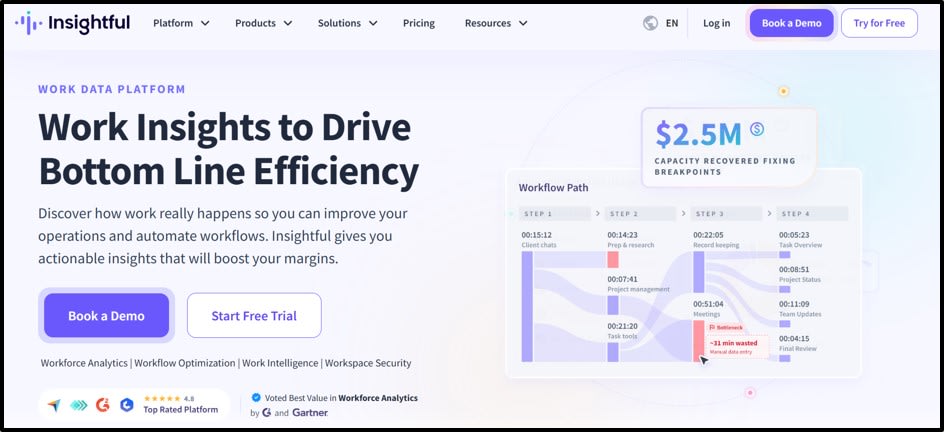
Insightful (formerly called Workpuls) is built for agencies and back office teams that want a detailed, passive view of where work is actually going, without employees having to fill out manual timesheets.
It automatically tags time to clients, projects, and tasks in the background, which is useful for agencies that lose billable hours simply because people forget to log them.
Pricing runs from around $8 to $16 per user per month across its tiers, with common add-ons like screen recording and on demand screenshots costing extra on top of that.
One thing worth knowing is that Insightful doesn't have its own payroll tool, so if you want payroll built in, you'll need to pair it with something else or look at a tool like Apploye instead.
It's a strong choice if your main problem is inaccurate timesheets and missing billable hours, but less of a fit if you want one tool that also handles invoicing and payroll.
3. Paymo
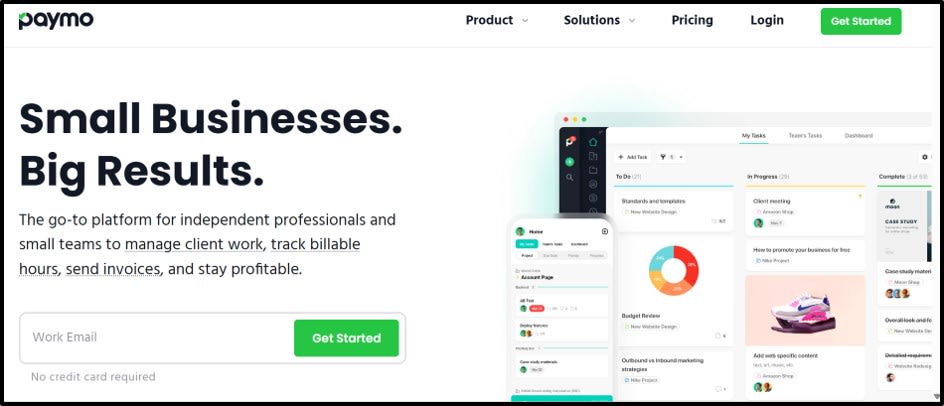
Paymo blends project management with time tracking and invoicing, which makes it a natural fit for small and mid sized agencies juggling several client projects at once.
Beyond just tracking hours, it gives you Kanban boards, Gantt charts, and task level profitability, so you can see not just how much time a project took, but whether it was actually worth it.
Here, paid plans start at around $5.90 per user per month, with a free plan available for solo users. Time tracked in Paymo turns directly into client invoices, and you can set different billing rates per project or per person.
However, the tradeoff is that Paymo doesn't offer employee monitoring features like screenshots or activity scoring.
So it's better suited to agencies that trust their team and mainly need strong project and billing tools rather than oversight.
4. Harvest
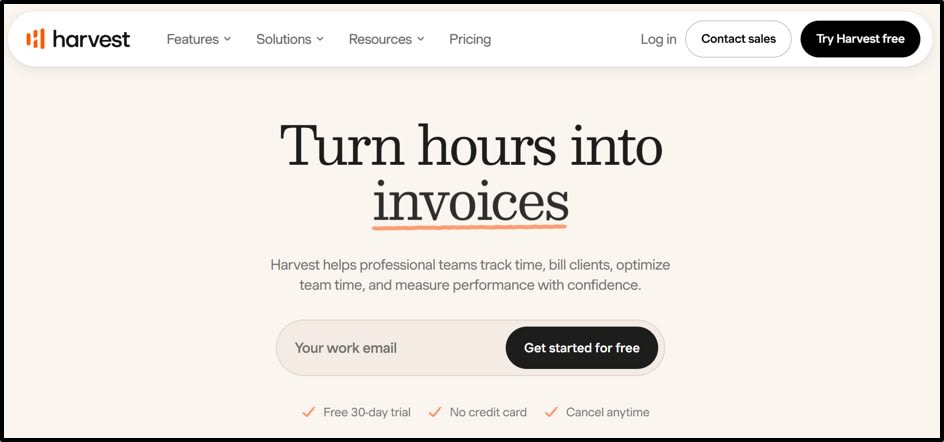
Harvest takes a lighter approach. It skips screenshots and activity scoring entirely and focuses on clean time tracking that turns straight into invoices.
If your agency doesn't need proof of work through screenshots, and you just want your team's hours to flow smoothly into client bills, Harvest does that really well.
Also, it's popular with smaller agencies and consultants who want billing to be simple and fast.
The tradeoff is that it doesn't give you any visibility into whether your team is actually active during tracked hours, and it doesn't offer payroll or GPS features either. So it's a great fit if trust isn't an issue on your team, but not the right choice if you need any kind of monitoring alongside your billing.
5. Toggl Track
Toggl Track is one of the simplest options on this list.
It's a one click timer with strong reporting that lets you filter by client, project, task, and billable hours, which makes it genuinely useful for agencies juggling several accounts.
Paid plans start around $10 per user per month, and there's a free plan for teams up to 5 users.
Like Harvest, it doesn't track activity, idle time, or take screenshots, so there's no monitoring layer at all. That makes it a favorite with teams that value autonomy and don't want anything that feels like surveillance.
But if you manage outsourced staff or need any kind of accountability beyond the honor system, Toggl Track won't give you that on its own.
So, Which One Is the Best?
For most agencies, Apploye takes the top spot. It ties time tracking directly to client billing, bundles in payroll and invoicing, and stays affordable even as you add more clients and more people, all without forcing you to stitch together separate tools just to get through invoicing day.
It's also proven at real scale, already used by teams as large as 1,500 people, so it grows with your agency instead of holding it back.
Insightful is a solid pick if missed billable hours from manual timesheets is your biggest headache.
Paymo suits agencies that want stronger project management alongside billing. Harvest and Toggl Track work well for teams that trust their people and just want simple, fast invoicing without any monitoring layer.
But if you want one tool that handles billing, monitoring, and payroll well, Apploye is the easiest place to start.
Frequently Asked Questions
Is Apploye a good fit for small agencies just starting out?
Yes. Apploye's free plan supports up to 10 users, and it already includes time tracking, basic screenshots, and client and project tracking. It's a solid way to test the tool before your agency grows into a paid plan.
Do I need to turn on screenshots for every client account?
No. Apploye lets you turn screenshot and activity monitoring on or off per team or client, so you can match the level of oversight to what each client or contract actually needs, rather than forcing one setting across your whole agency.
Can these tools bill multiple clients accurately?
Yes. All five tools on this list support tracking time by client or project. Apploye and Insightful add monitoring on top of that, while Paymo, Harvest, and Toggl Track focus purely on tracking and invoicing without any activity tracking.
What happens if my agency scales past a few hundred seats?
Apploye is built to hold up at that scale, already used by teams as large as 1,500 people, and its pricing doesn't spike sharply as you add more seats. Some other tools on this list get noticeably more expensive once you cross into enterprise level headcounts.
Is it worth paying for a tool with payroll built in, like Apploye, instead of a separate payroll app?
For most agencies, yes. Having payroll built into the same platform as time tracking and invoicing means less manual work and fewer chances for numbers to not match up between tools, which saves time every pay cycle.
Last Note
Picking the right monitoring tool comes down to two things: how much oversight your agency needs, and how well the tool connects to client billing.
Apploye stands out as the best all around choice. It brings time tracking, monitoring, invoicing, and payroll into one affordable tool. It works well whether you have five people or hundreds across many clients.
Insightful, Paymo, Harvest, and Toggl Track are good options too, but each one does less. Some focus on passive tracking, some on project management, and some skip monitoring completely and just handle billing.
No matter which tool you pick, the goal stays the same: turn tracked hours into accurate client bills without extra manual work. And always check the real cost at your team's size before you commit.
Want to publish a guest post on aamax.co?
Place an order for a guest post or link insertion today.
Place an Order